A small utility to record Android device screen to an optimized GIF so you can paste it to GitHub or a simillar service.
- Python 2.7 or 3.x
adbin pathffmpegin path (has to be decently new to supportpalettegenandpaletteusefilters and havelibx264if you want video output)
gifsiclefor further gif optimization
brew install ffmpeg
On Ubuntu 15.04 or equivalent, you can just use apt:
apt-get install ffmpeg
On Ubuntu 14.04 you can use Ubuntu Multimedia for Trusty PPA to get new ffmpeg.
Windows support was not tested as of yet. Zeranoe's static builds should work fine as long as they're named ffmpeg.exe in path.
pip install robogif
To record a gif:
robogif demo.gif

RoboGif Recorder v1.1.2
Starting recording on <serial>...
Press Ctrl+C to stop recording.
Recording done, downloading file....
5679 KB/s (7036946 bytes in 1.209s)
Converting video to GIF...
Done!
Created demo.gif
Example of a recorded GIF:
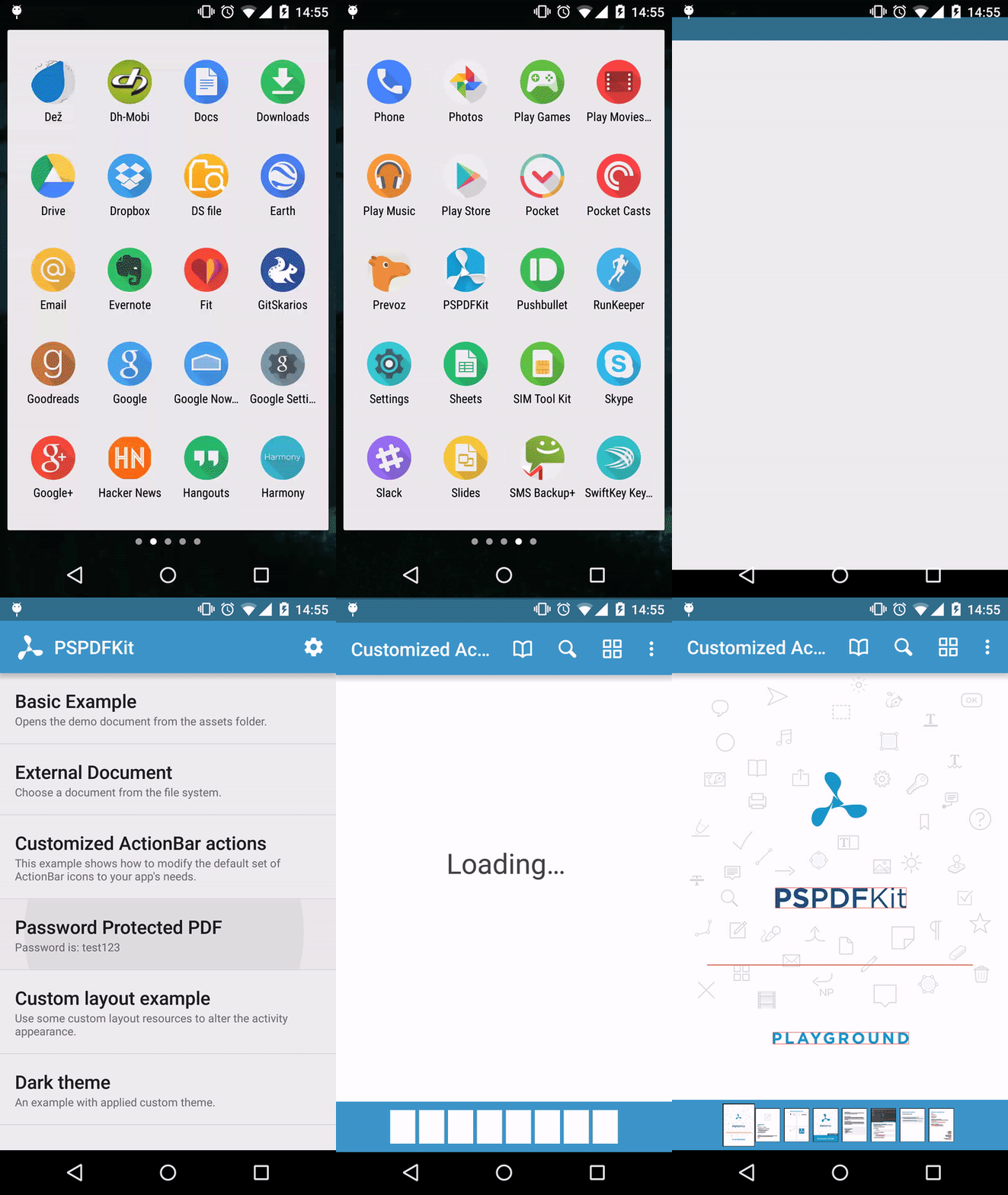
or to record a video:
robogif demo.mp4

RoboGif Recorder v1.1.2
Starting recording on 061ffcff0b107aef...
Press Ctrl+C to stop recording.
Recording done, downloading file....
7121 KB/s (1048401 bytes in 0.143s)
Optimizing video...
Done!
Created demo.mp4