

Example boilerplate for you next GraphQL NodeJs server. Part of the project setup is from petrhanak/backend-typescript-boilerplate.
Demo
You can try the application here (it might take a while before the free server wakes up)
With Multiple Languages 🌍
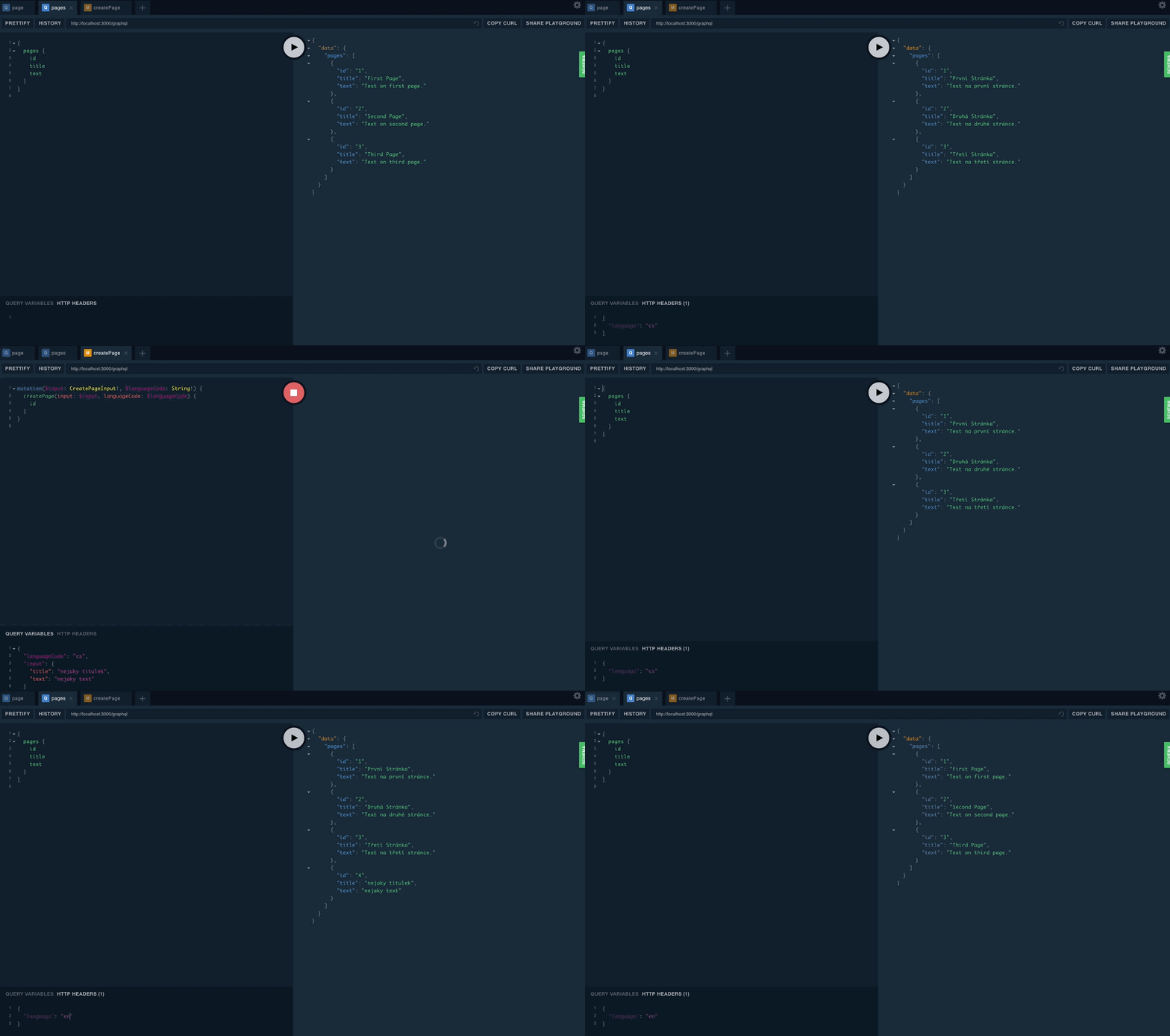
By default all queries return data in english. If you want to request different translation then you have to send language code in http header:
{
  "language": "cs"
}
If you are not familiar with docker, I highly recommend using it. You can download Docker.dmg here.
All you have to do to run the application in development mode is:
docker-compose up -dmake db-migratemake db-seed- Open http://localhost:3000/playground in your browser
You don't have to install node or postgres or any other library. Development environment is inside docker containers. Makefile is middleman between docker containers and our virtualized application.
NOTE: make sure that CONTAINER_NAME in Makefile has a correct value.
Development:
make enterenter container terminalmake node_modulesreinstall node modulesmake db-migrateapply database migrationmake db-rollbackrollback database migrationmake db-resetrollback and migratemake db-seedseed databasemake devstart development server
Test
make testrun testsmake test-coveragerun tests and report coverage
Production:
make buildbuild static javascript files
If for some reason you can't or don't want to use docker then following instruction will guide you through the whole installation process:
System Dependencies
- Install node environment:
brew install node - Install yarn package manager:
brew install yarn - Install database
brew install PostgreSQL
Development:
yarn installinstall node modulesyarn db:migrateapply database migrationyarn db:rollbackrollback database migrationyarn db:resetrollback and migrateyarn db:seedseed databaseyarn devstart development server
Test
yarn testrun testsyarn test:coveragerun tests and report coverage
Production:
yarn buildbuild static javascript files
Use these commands to control PostgreSQL service:
$ brew services start PostgreSQL$ brew services stop PostgreSQL$ brew services restart PostgreSQL
Troubleshooting
Error: connect ECONNREFUSED 127.0.0.1:5432
If PostgreSQL stops working for no particular reason, run: rm /usr/local/var/postgres/postmaster.pid you can find more information here