The following settings can be applied to most models, but support may vary. Please check the documentation for each specific model to confirm which settings are supported.
| Setting | Description | Default |
|---|---|---|
envKey |
Custom environment variable name for the API key | - |
systemPrompt |
System Prompt text | - |
systemPromptPath |
Path to system prompt file | - |
exclude |
Files to exclude from AI analysis | - |
type |
Type of commit message to generate | conventional |
locale |
Locale for the generated commit messages | en |
generate |
Number of commit messages to generate | 1 |
logging |
Enable logging | true |
includeBody |
Whether the commit message includes body | false |
maxLength |
Maximum character length of the Subject of generated commit message | 50 |
disableLowerCase |
Disable automatic lowercase conversion of commit messages | false |
timeout |
Request timeout (milliseconds) | 10000 |
temperature |
Model's creativity (0.0 - 2.0) | 0.7 |
maxTokens |
Maximum number of tokens to generate | 1024 |
topP |
Nucleus sampling | 0.9 |
codeReview |
Whether to include an automated code review in the process | false |
codeReviewPromptPath |
Path to code review prompt file | - |
autoCopy |
Auto-copy commit message to clipboard (commits normally) | false |
useStats |
Enable usage statistics tracking | true |
statsDays |
Days to retain statistics data (auto-cleanup) | 30 |
modelNameDisplay |
Model name display in CLI labels (none / short / full) |
short |
disabled |
Whether a specific model is enabled or disabled | false |
stream |
Experimental. Enable streaming for real-time commit message generation | false |
diffCompression |
Diff compression mode (none / compact) |
none |
maxHunkLines |
Max lines per hunk in compressed diff (0 = unlimited) | 0 |
maxDiffLines |
Max total lines in compressed diff (0 = unlimited) | 0 |
diffContext |
Number of context lines in git diff (0-10) | 3 |
Tip: To set the General Settings for each model, use the following command.
aicommit2 config set OPENAI.locale="jp"
aicommit2 config set CODESTRAL.type="gitmoji"
aicommit2 config set GEMINI.includeBody=true
- Allows users to specify a custom environment variable name for their API key.
- If
envKeyis not explicitly set, the system defaults to using an environment variable named after the service, followed by_API_KEY(e.g.,OPENAI_API_KEYfor OpenAI,GEMINI_API_KEYfor Gemini). - This setting provides flexibility for managing API keys, especially when multiple services are used or when specific naming conventions are required.
aicommit2 config set OPENAI.envKey="MY_CUSTOM_OPENAI_KEY"
envKeyis used to retrieve the API key from your system's environment variables. Ensure the specified environment variable is set with your API key.
- Allow users to specify a custom system prompt
aicommit2 config set systemPrompt="Generate git commit message."
systemPrompttakes precedence oversystemPromptPathand does not apply at the same time.
- Allow users to specify a custom file path for their own system prompt template
- Please see Custom Prompt Template
- Note: Paths can be absolute or relative to the configuration file location.
aicommit2 config set systemPromptPath="/path/to/user/prompt.txt"- Files to exclude from AI analysis
- It is applied with the
--excludeoption of the CLI option. All files excluded through--excludein CLI andexcludegeneral setting.
aicommit2 config set exclude="*.ts"
aicommit2 config set exclude="*.ts,*.json"
NOTE:
excludeoption does not support per model. It is only supported by General Settings.
Default: false
Force Git detection even in Jujutsu repositories (useful when you have both .jj and .git directories):
aicommit2 config set forceGit=trueThis is equivalent to using the FORCE_GIT=true environment variable, but persistent across sessions.
Default: conventional
Supported: conventional, gitmoji
The type of commit message to generate:
Conventional Commits: Follow the Conventional Commits specification:
aicommit2 config set type="conventional"Gitmoji: Use Gitmoji emojis in commit messages:
aicommit2 config set type="gitmoji"Default: en
The locale to use for the generated commit messages. Consult the list of codes in: https://wikipedia.org/wiki/List_of_ISO_639_language_codes.
aicommit2 config set locale="jp"Default: 1
The number of commit messages to generate to pick from.
Note, this will use more tokens as it generates more results.
aicommit2 config set generate=2Default: true
This boolean option controls whether the application generates log files. When enabled, both the general application logs and the AI request/response logs are written to their respective paths. For a detailed explanation of all logging settings, including how to enable/disable logging and manage log files, please refer to the main Logging section.
- Log File Example:


Default: false
This option determines whether the commit message includes body. If you want to include body in message, you can set it to true.
aicommit2 config set includeBody="true"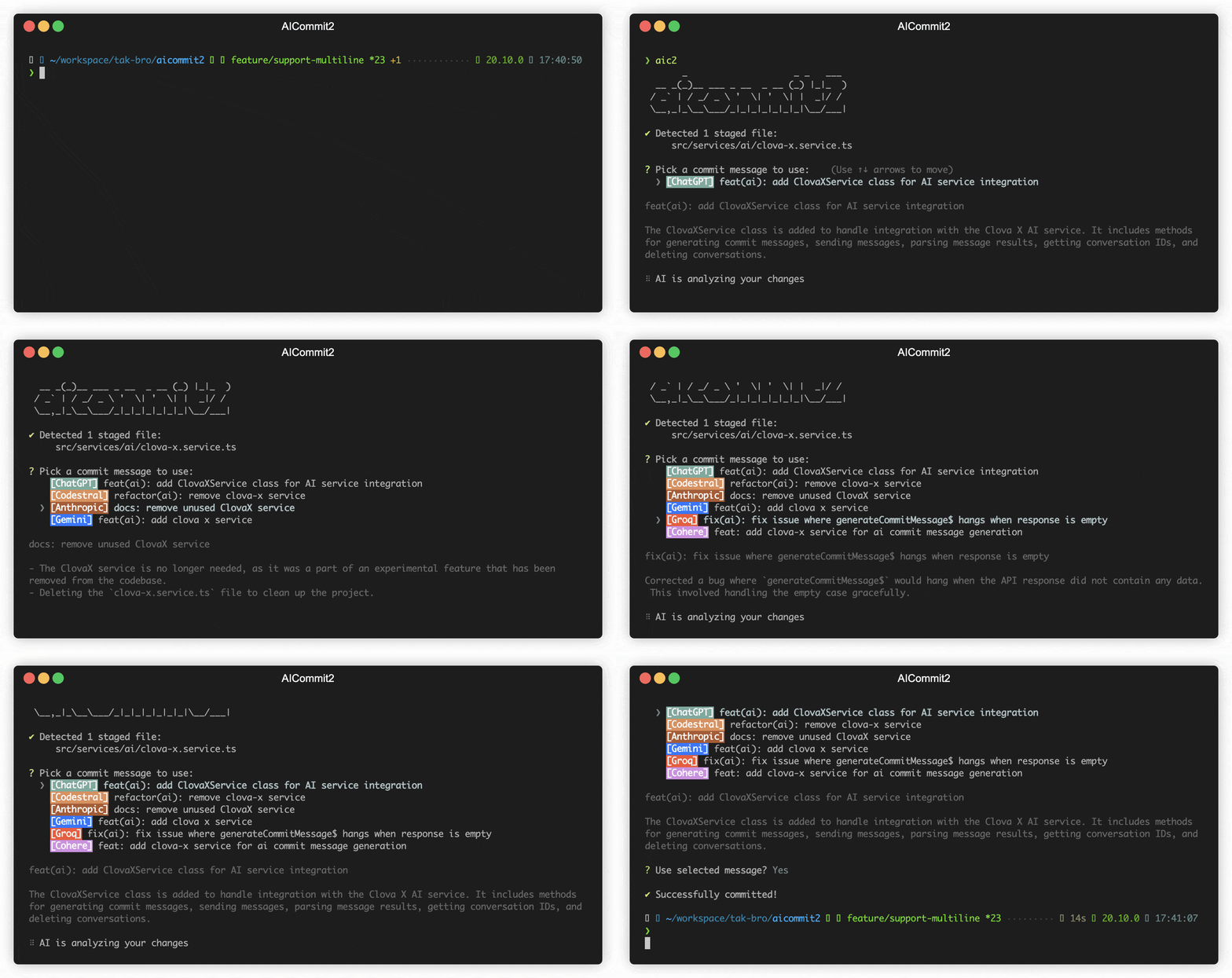
aicommit2 config set includeBody="false"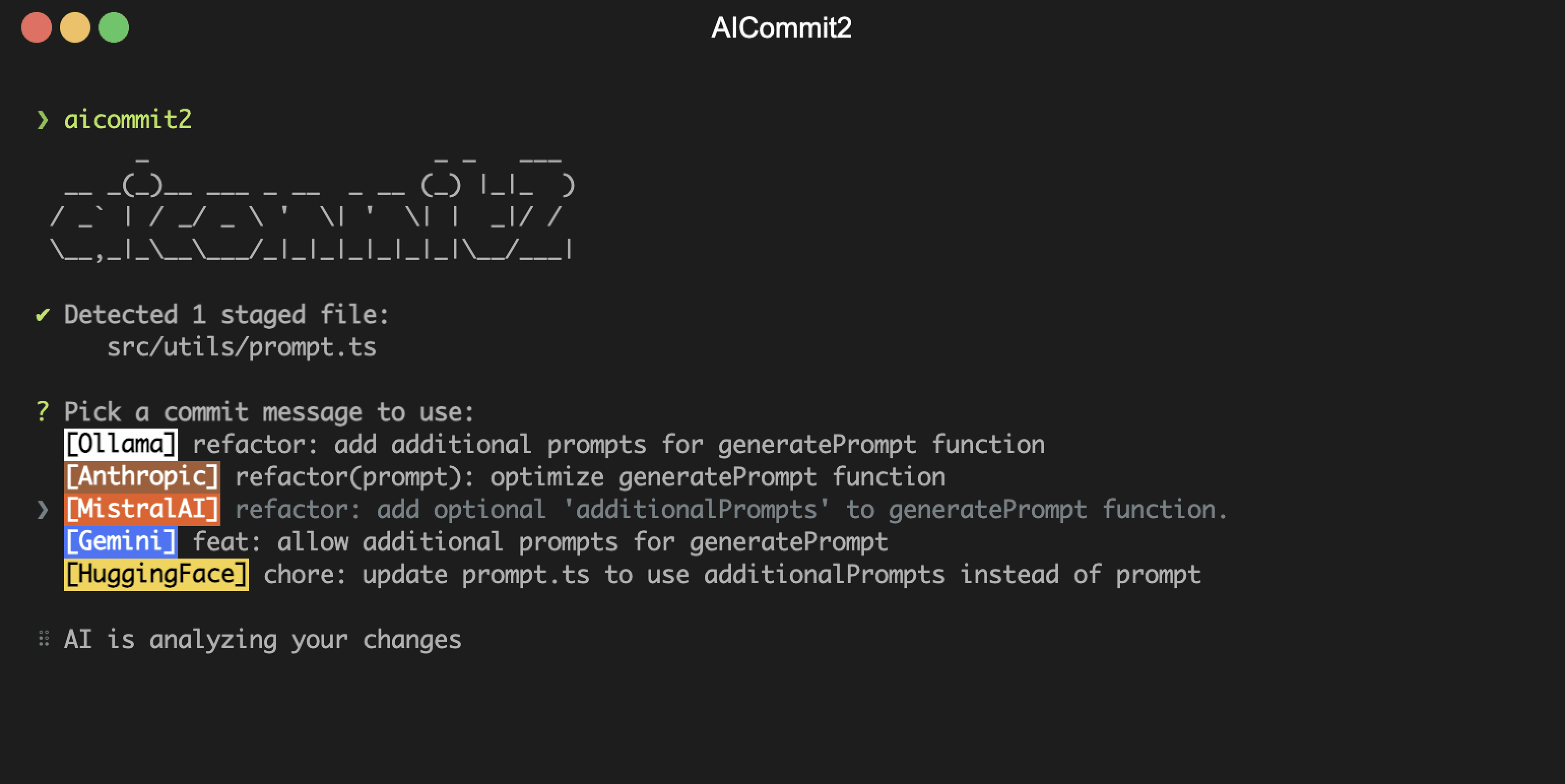
The maximum character length of the Subject of generated commit message
Default: 50
aicommit2 config set maxLength=100Disable automatic lowercase conversion of commit messages
Default: false
By default, AICommit2 converts the first character of commit types and descriptions to lowercase to follow conventional commit standards. Set this to true to preserve the original casing.
aicommit2 config set disableLowerCase=trueYou can also use the CLI flag:
aicommit2 --disable-lowercaseThe timeout for network requests in milliseconds.
Default: 10_000 (10 seconds)
aicommit2 config set timeout=20000 # 20sNote: Each AI provider has its own default timeout value, and if the configured timeout is less than the provider's default, the setting will be ignored.
The temperature (0.0-2.0) is used to control the randomness of the output
Default: 0.7
aicommit2 config set temperature=0.3The maximum number of tokens that the AI models can generate.
Default: 1024
aicommit2 config set maxTokens=3000Default: 0.9
Nucleus sampling, where the model considers the results of the tokens with top_p probability mass.
Note: Claude 4.x models do not support using
temperatureandtop_psimultaneously. For these models,top_pis automatically excluded.
aicommit2 config set topP=0.2Default: false
This option determines whether a specific model is enabled or disabled. If you want to disable a particular model, you can set this option to true.
To disable a model, use the following commands:
aicommit2 config set GEMINI.disabled="true"
aicommit2 config set GROQ.disabled="true"Default: false
When enabled, the selected commit message will be automatically copied to the clipboard while still proceeding with the commit. This is useful when you want to keep a copy of your commit messages.
aicommit2 config set autoCopy=trueNote: This differs from the
--clipboard(-c) CLI flag:
- Config
autoCopy=true: Copies message AND commits normally- CLI
--clipboard: Copies message and exits WITHOUT committing
Default: true
Controls whether usage statistics are collected. When enabled, aicommit2 tracks AI provider usage, success rates, response times, and selection counts. View statistics with aicommit2 stats.
# Disable statistics collection
aicommit2 config set useStats=false

# Re-enable statistics
aicommit2 config set useStats=trueDefault: 30
The number of days to retain statistics data. Data older than this threshold is automatically cleaned up during stats recording. This helps manage storage while keeping recent usage data.
# Keep 7 days of stats
aicommit2 config set statsDays=7

# Keep 90 days of stats
aicommit2 config set statsDays=90Default: short
Controls how model names appear in CLI labels (e.g., the colored prefix before each commit message suggestion).
| Value | Example Output |
|---|---|
none |
[OpenRouter] |
short |
[OpenRouter/llama-3.3-70b-versa…] (last segment, max 20 chars) |
full |
[OpenRouter/meta-llama/llama-3.3-70b-versatile] |
# Hide model names (provider only)
aicommit2 config set modelNameDisplay=none

# Show truncated model name (default)
aicommit2 config set modelNameDisplay=short

# Show full model path
aicommit2 config set modelNameDisplay=fullDefault: false
The codeReview parameter determines whether to include an automated code review in the process.
aicommit2 config set codeReview=trueNOTE: When enabled, aicommit2 will perform a code review before generating commit messages.

CAUTION
- The
codeReviewfeature is currently experimental. - This feature performs a code review before generating commit messages.
- Using this feature will significantly increase the overall processing time.
- It may significantly impact performance and cost.
- The code review process consumes a large number of tokens.
- Allow users to specify a custom file path for code review
- Note: Paths can be absolute or relative to the configuration file location.
aicommit2 config set codeReviewPromptPath="/path/to/user/prompt.txt"- Experimental. Enable streaming mode for real-time commit message generation.
- When enabled, commit messages appear progressively as tokens arrive from the AI provider, instead of waiting for the complete response.
- Supported providers: OpenAI, Anthropic Claude, Gemini, Groq, DeepSeek, Ollama, OpenAI API-Compatible
- Works best with
includeBody=truefor visible real-time streaming effect.
aicommit2 config set OPENAI.stream=true
aicommit2 config set ANTHROPIC.stream=true
CAUTION
- The
streamfeature is currently experimental and may change in future releases. - Streaming is only applied to commit message generation, not code review.
- May not be compatible with git hooks (e.g.,
prepare-commit-msg), external tools (e.g., lazygit), or non-interactive environments.
- Controls how git diff output is compressed before sending to AI providers.
none(default): Sends the raw diff as-is, no compression applied.compact: Strips diff metadata headers, minimizes context lines (keeps only lines adjacent to changes), and applies hunk/total line caps. Reduces token usage by 30-60% on typical diffs.
aicommit2 config set diffCompression=compact
aicommit2 config set diffCompression=none

# Per-model override
aicommit2 config set OLLAMA.diffCompression=compact
aicommit2 config set OPENAI.diffCompression=none- Maximum number of lines per hunk in compact mode. Hunks exceeding this limit are truncated with a
[... N lines truncated]notice. - Default:
0(unlimited). Set to a positive number to cap hunk size.
aicommit2 config set maxHunkLines=200  # cap at 200 lines per hunk
aicommit2 config set maxHunkLines=0 # unlimited (default)- Maximum total lines in the compressed diff output. When exceeded, remaining files are omitted with a notice.
- Default:
0(unlimited). Set to a positive number to cap total diff size.
aicommit2 config set maxDiffLines=1000 # cap at 1000 lines total
aicommit2 config set maxDiffLines=0 # unlimited (default)- Number of context lines included in git diff output (equivalent to
git diff -U<n>). - Reducing from the default
3to1can further reduce token usage with minimal impact on commit message quality. - Range: 0-10. Default:
3.
aicommit2 config set diffContext=3
aicommit2 config set diffContext=1 # fewer context lines, saves tokens| timeout | temperature | maxTokens | topP | stream | |
|---|---|---|---|---|---|
| OpenAI | ✓ | ✓ | ✓ | ✓ | ✓ |
| Anthropic Claude | ✓ | ✓ | ✓ | ✓ | ✓ |
| Gemini | ✓ | ✓ | ✓ | ✓ | |
| Mistral AI | ✓ | ✓ | ✓ | ✓ | |
| Codestral | ✓ | ✓ | ✓ | ✓ | |
| Cohere | ✓ | ✓ | ✓ | ✓ | |
| Groq | ✓ | ✓ | ✓ | ✓ | ✓ |
| Perplexity | ✓ | ✓ | ✓ | ✓ | |
| DeepSeek | ✓ | ✓ | ✓ | ✓ | ✓ |
| Github Models | ✓ | ✓ | ✓ | ✓ | |
| Ollama | ✓ | ✓ | ✓ | ✓ | |
| OpenAI API-Compatible | ✓ | ✓ | ✓ | ✓ | ✓ |
All AI support the following options in General Settings.
- systemPrompt, systemPromptPath, codeReview, codeReviewPromptPath, exclude, type, locale, generate, logging, includeBody, maxLength, disableLowerCase, autoCopy, modelNameDisplay, useStats, statsDays