Installing macOS
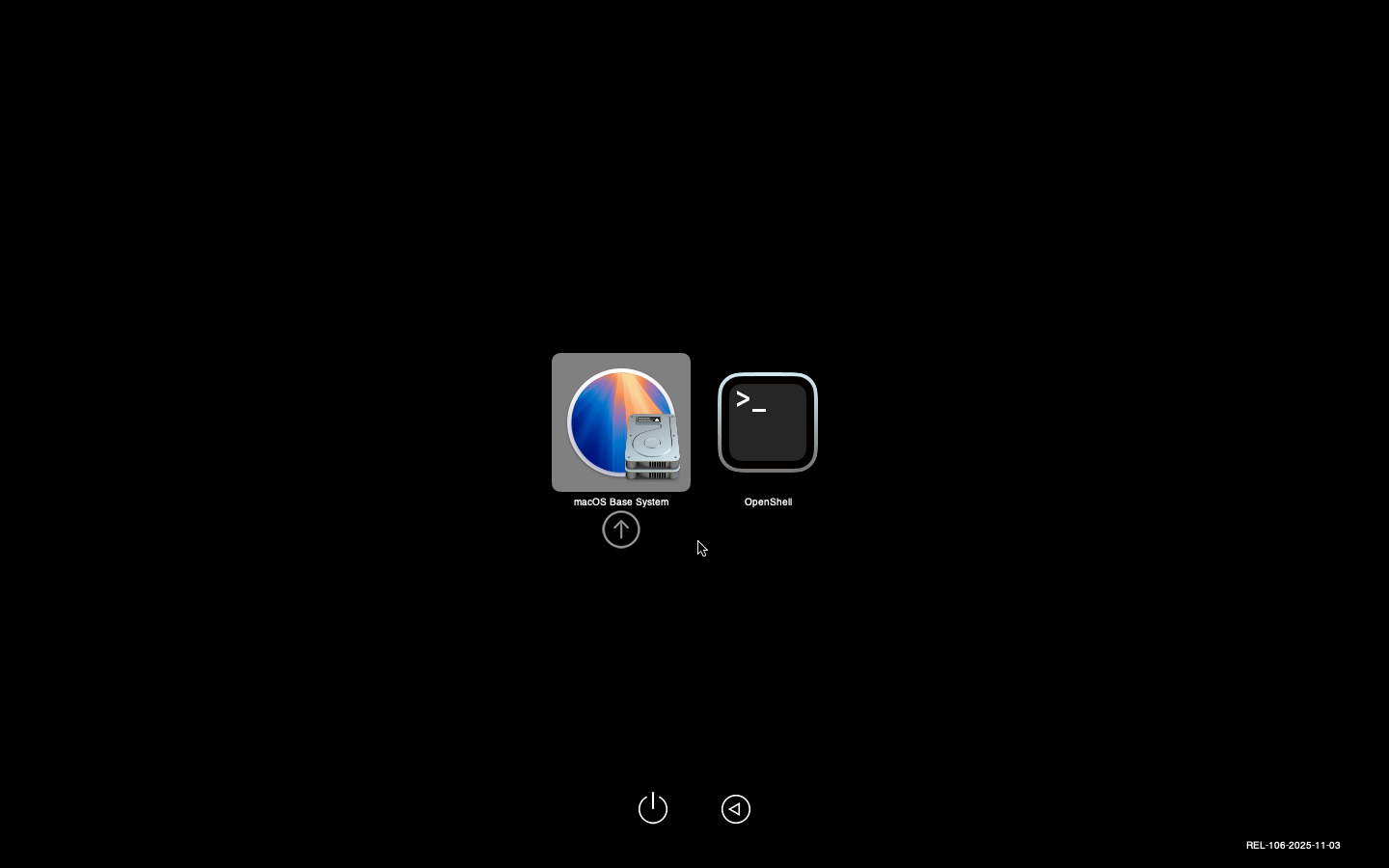
Power up the VM and you should see the OpenCore picker which automatically boots the "macOS Base System".

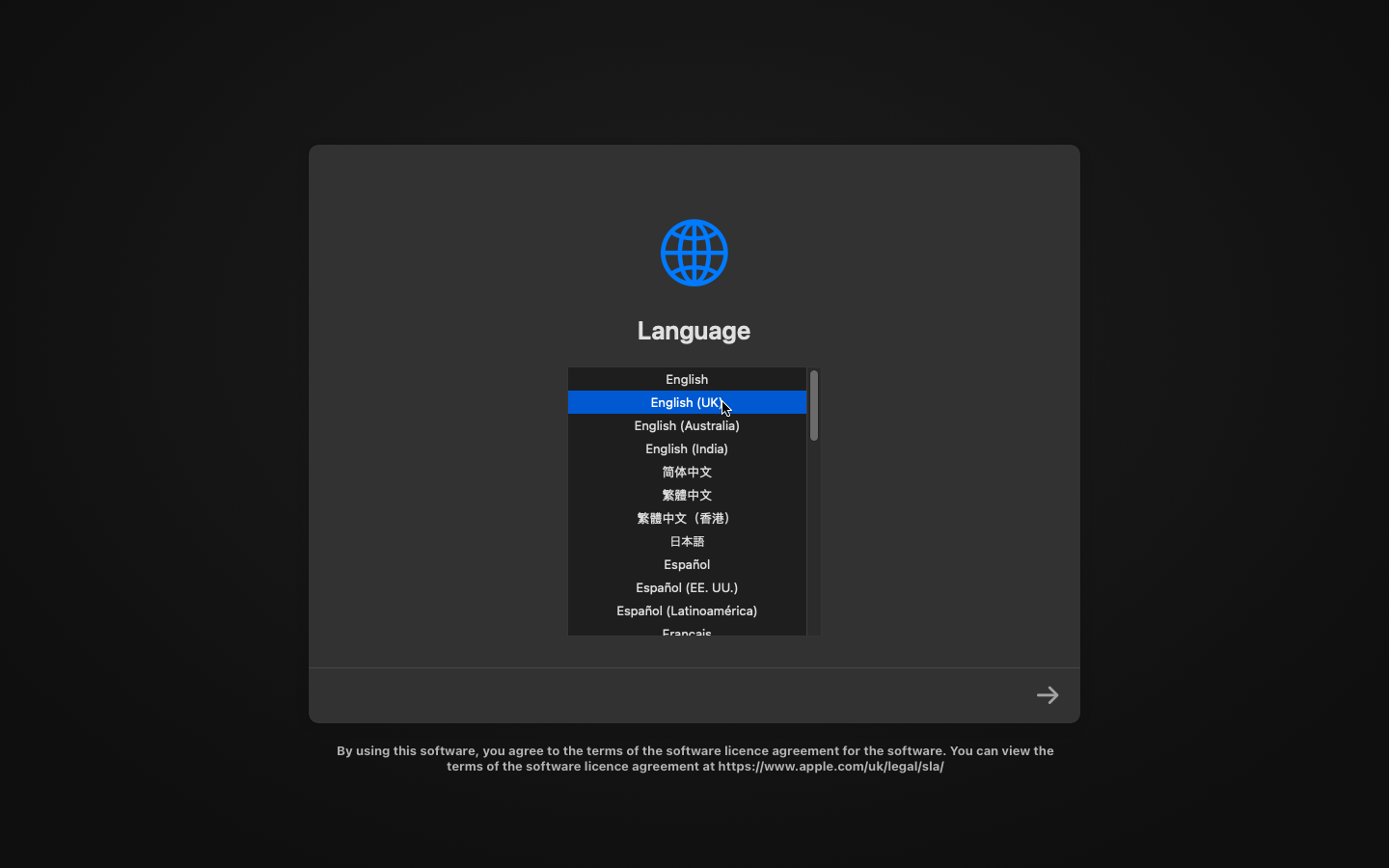
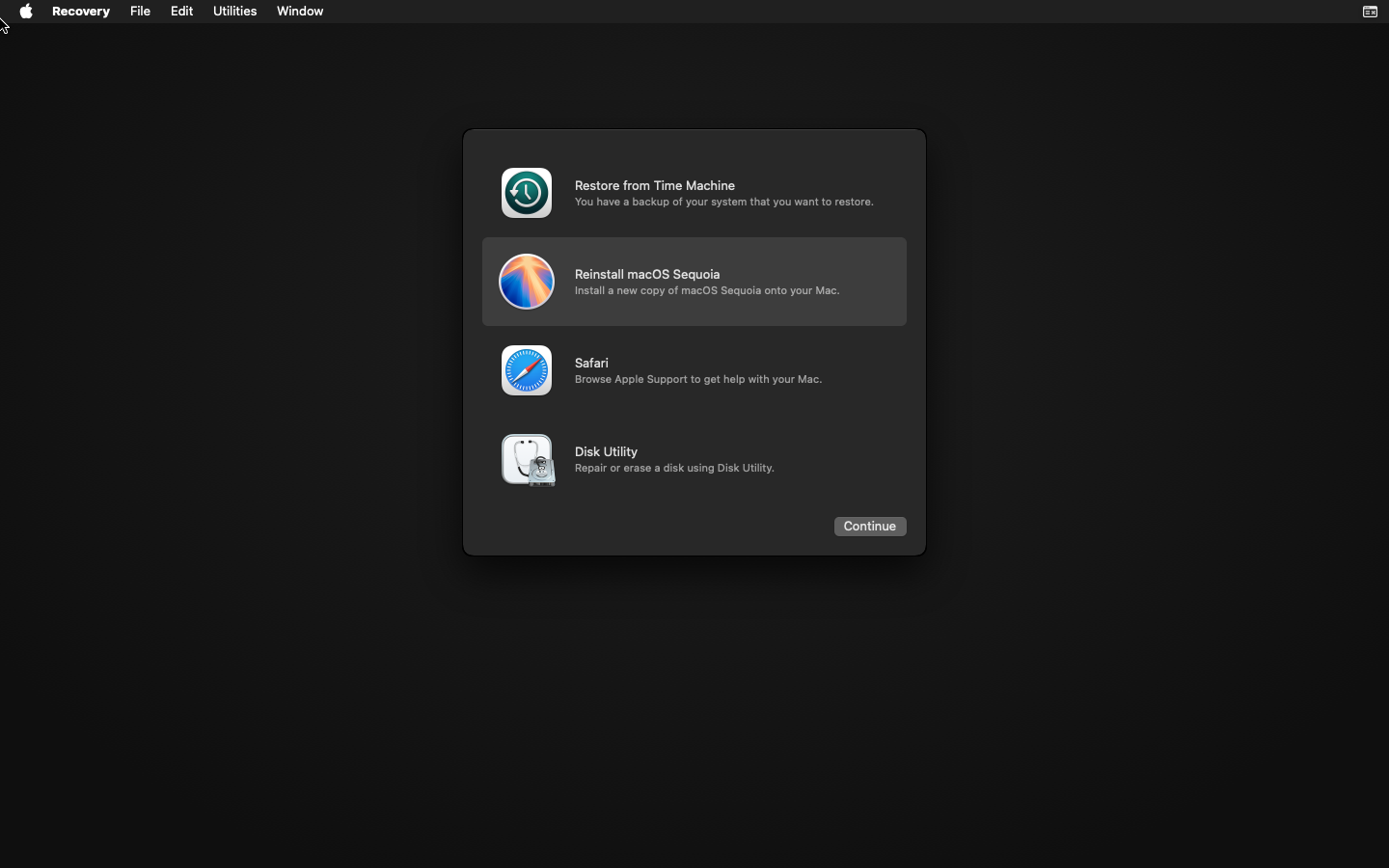


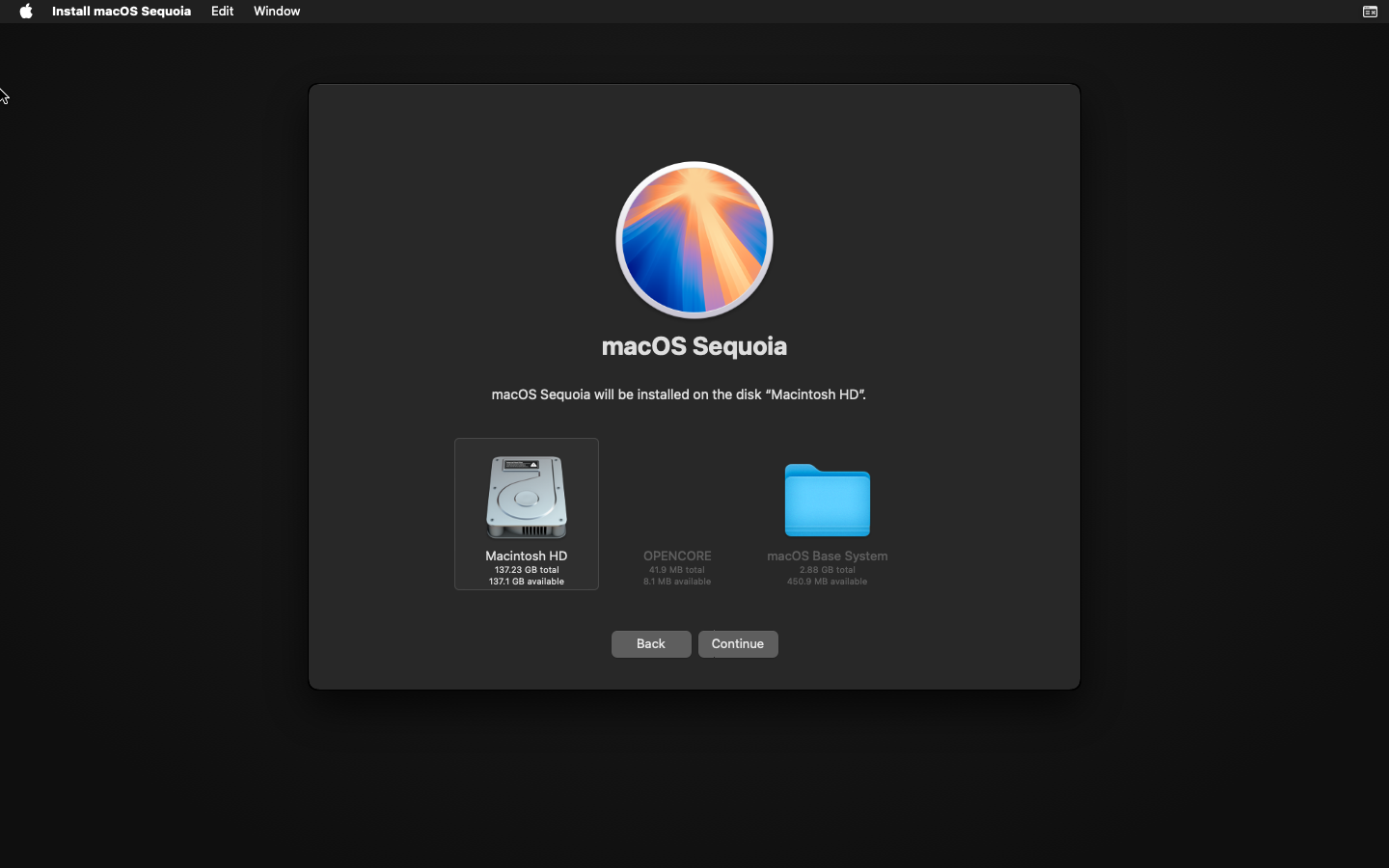
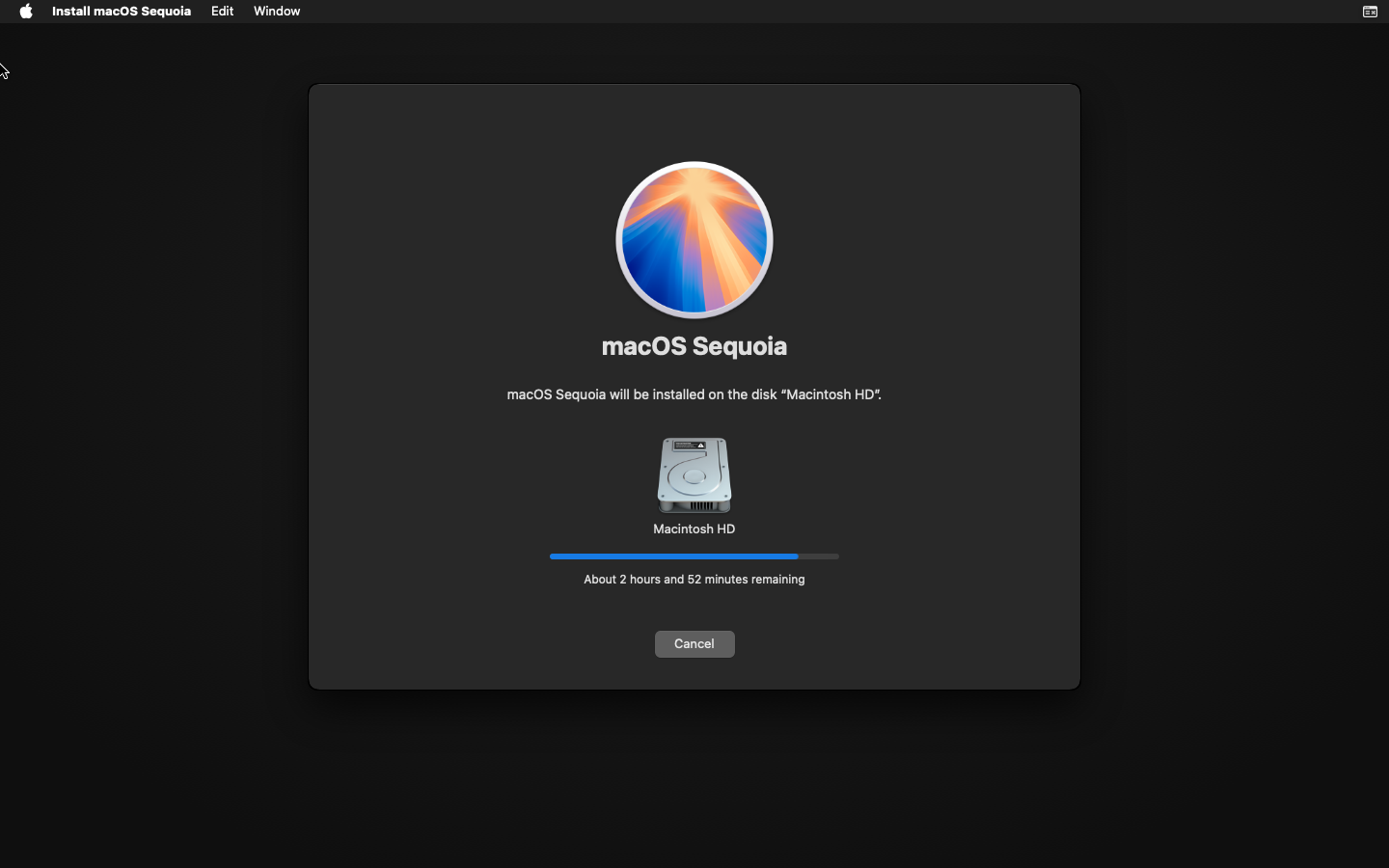
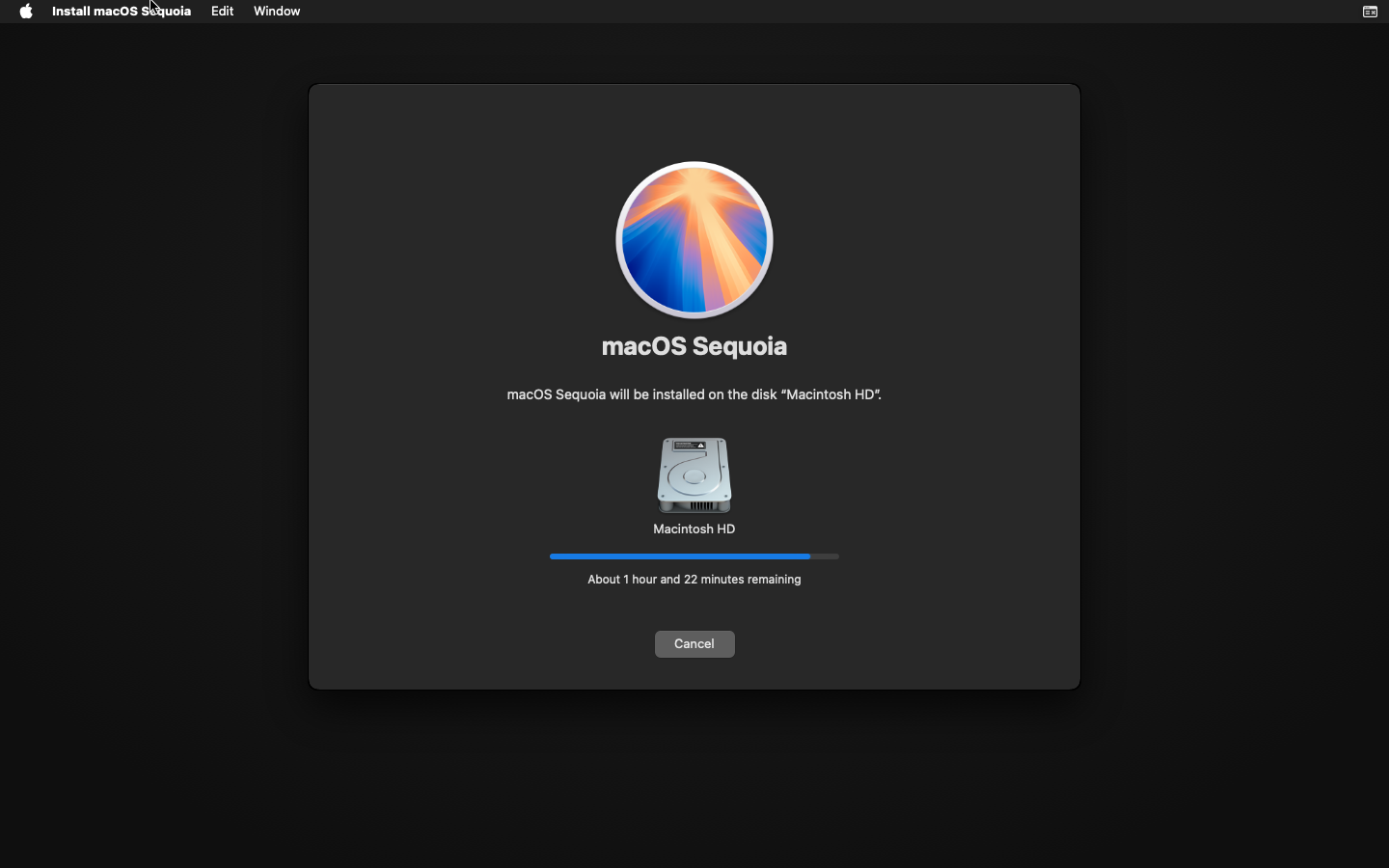


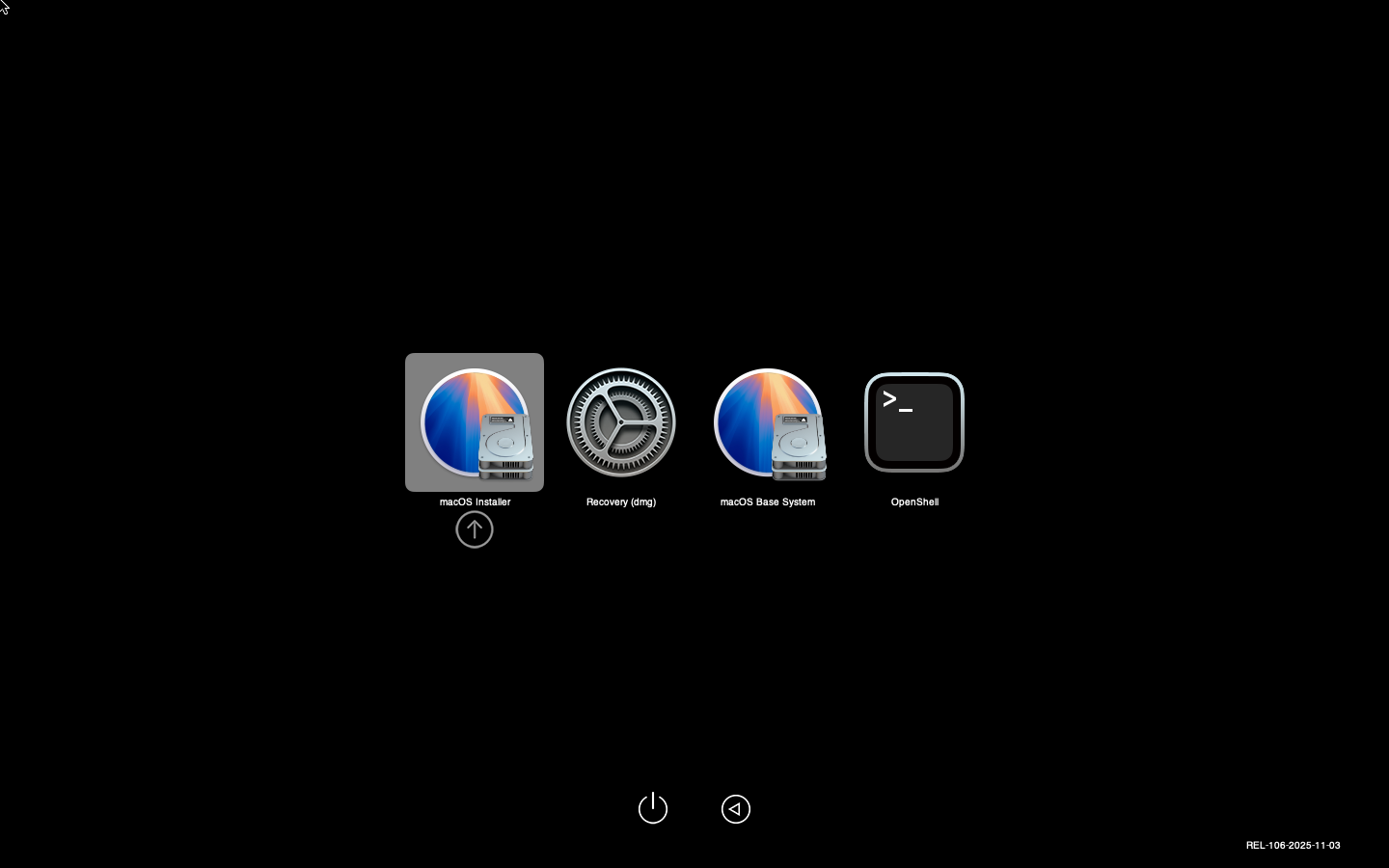
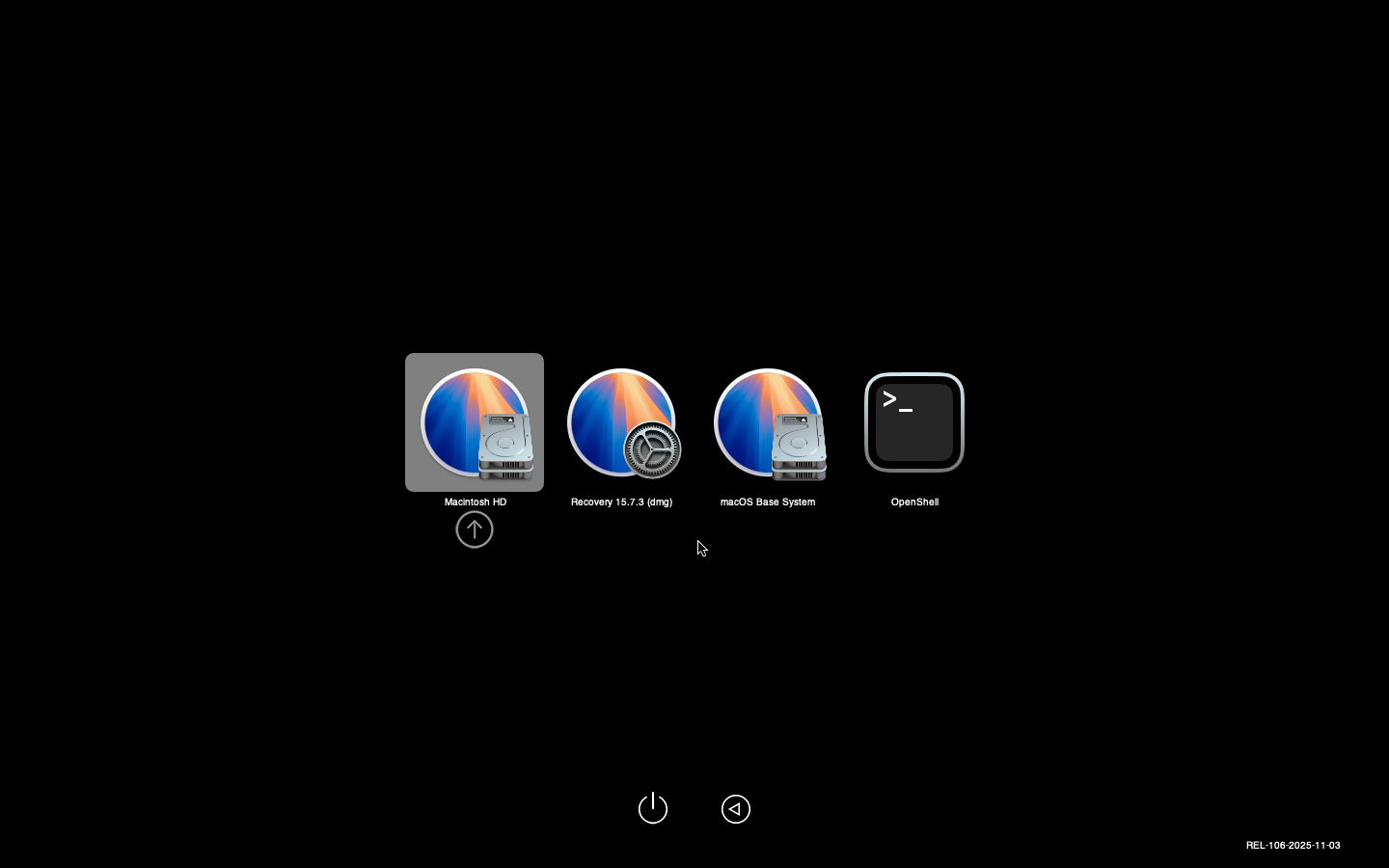
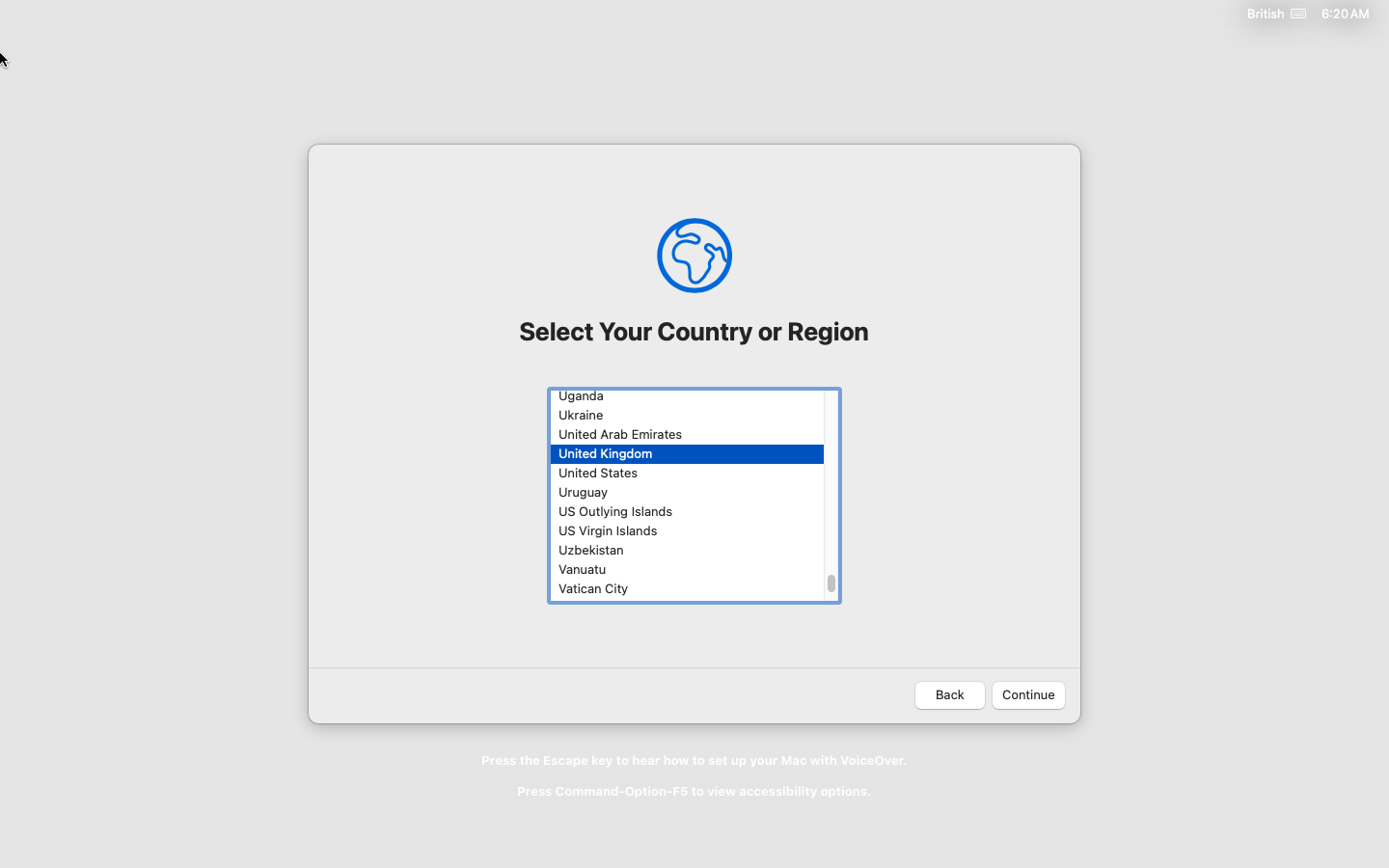
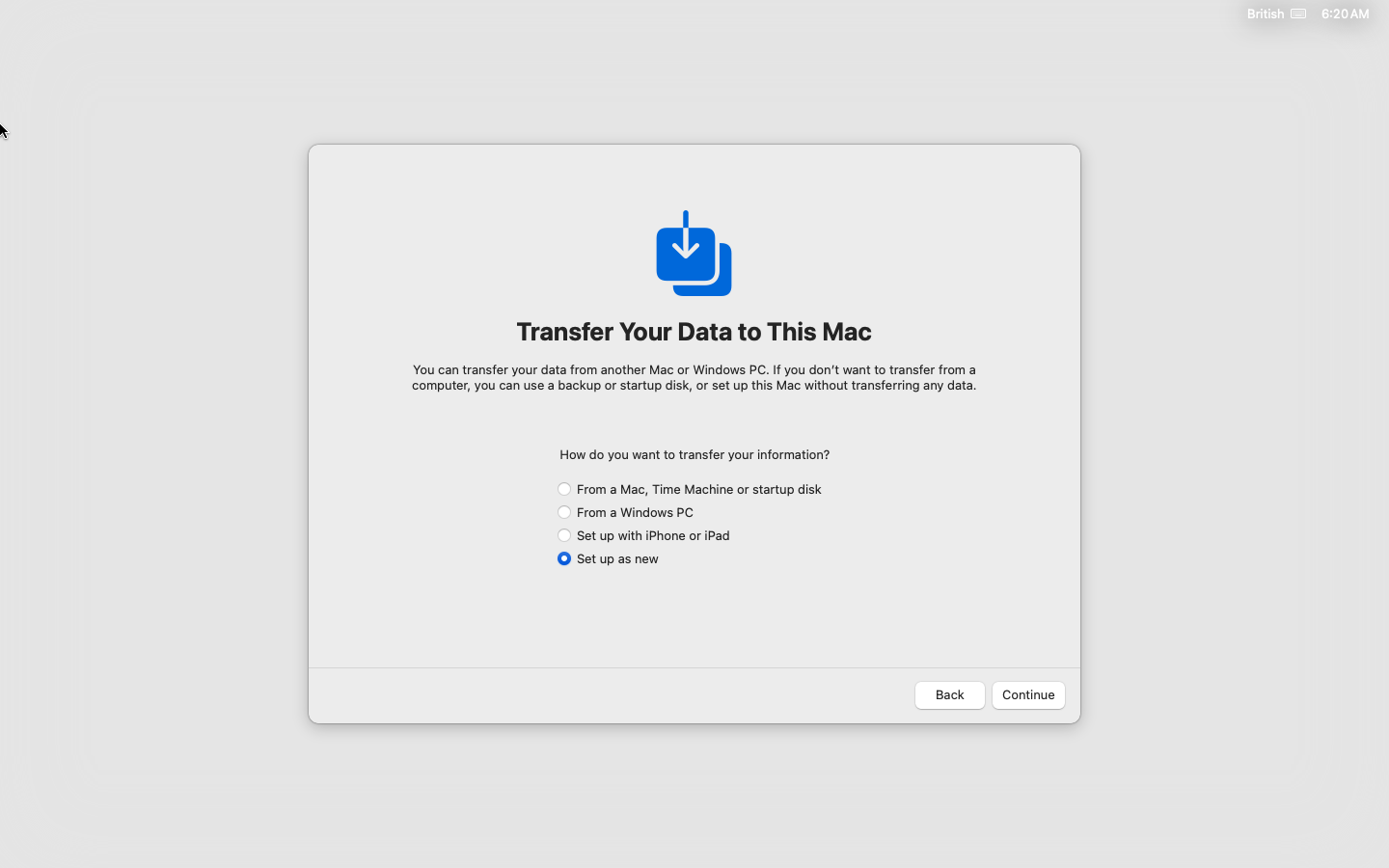 `
`
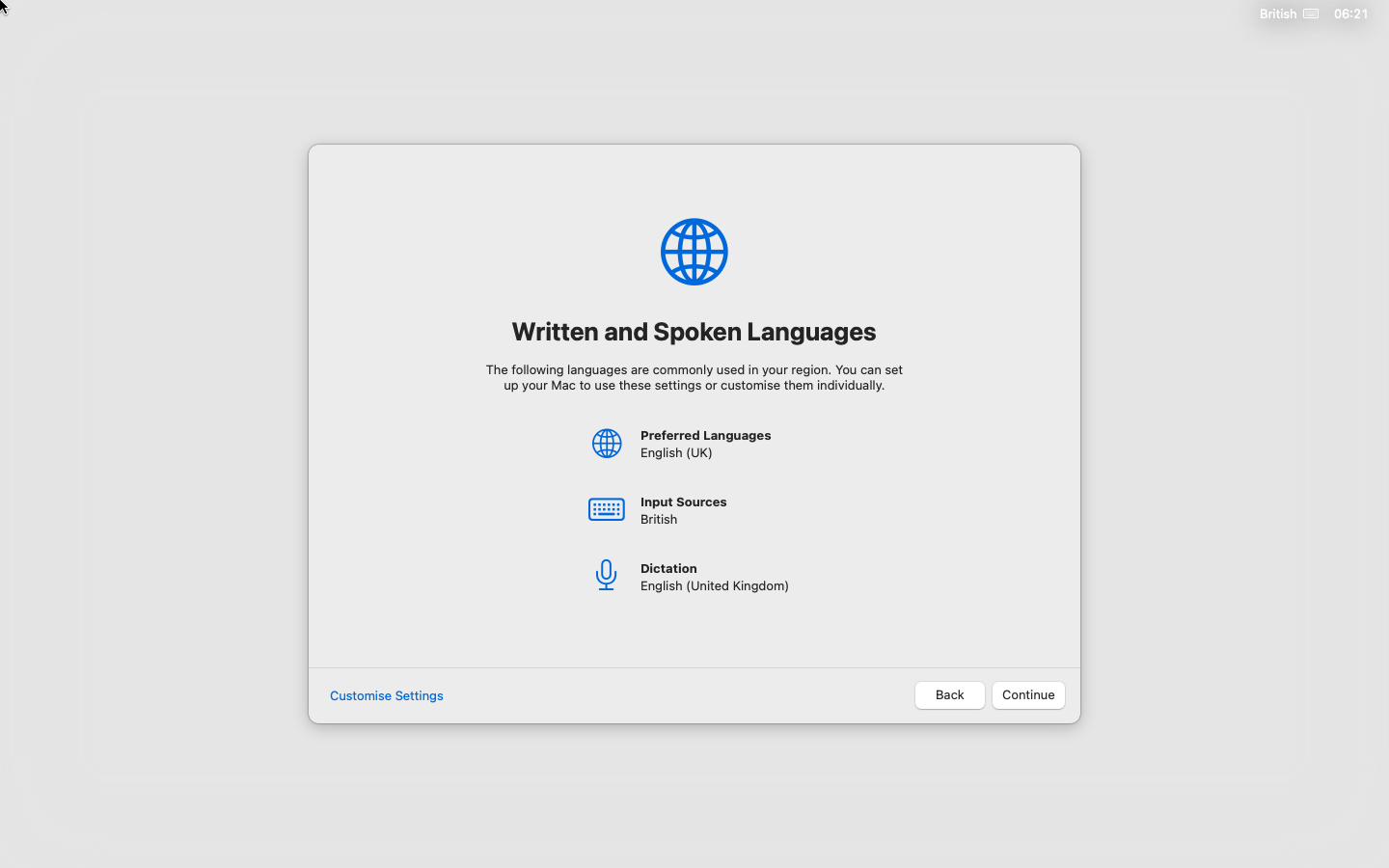


Important
Deselect the option to use Apple account to manage the user.
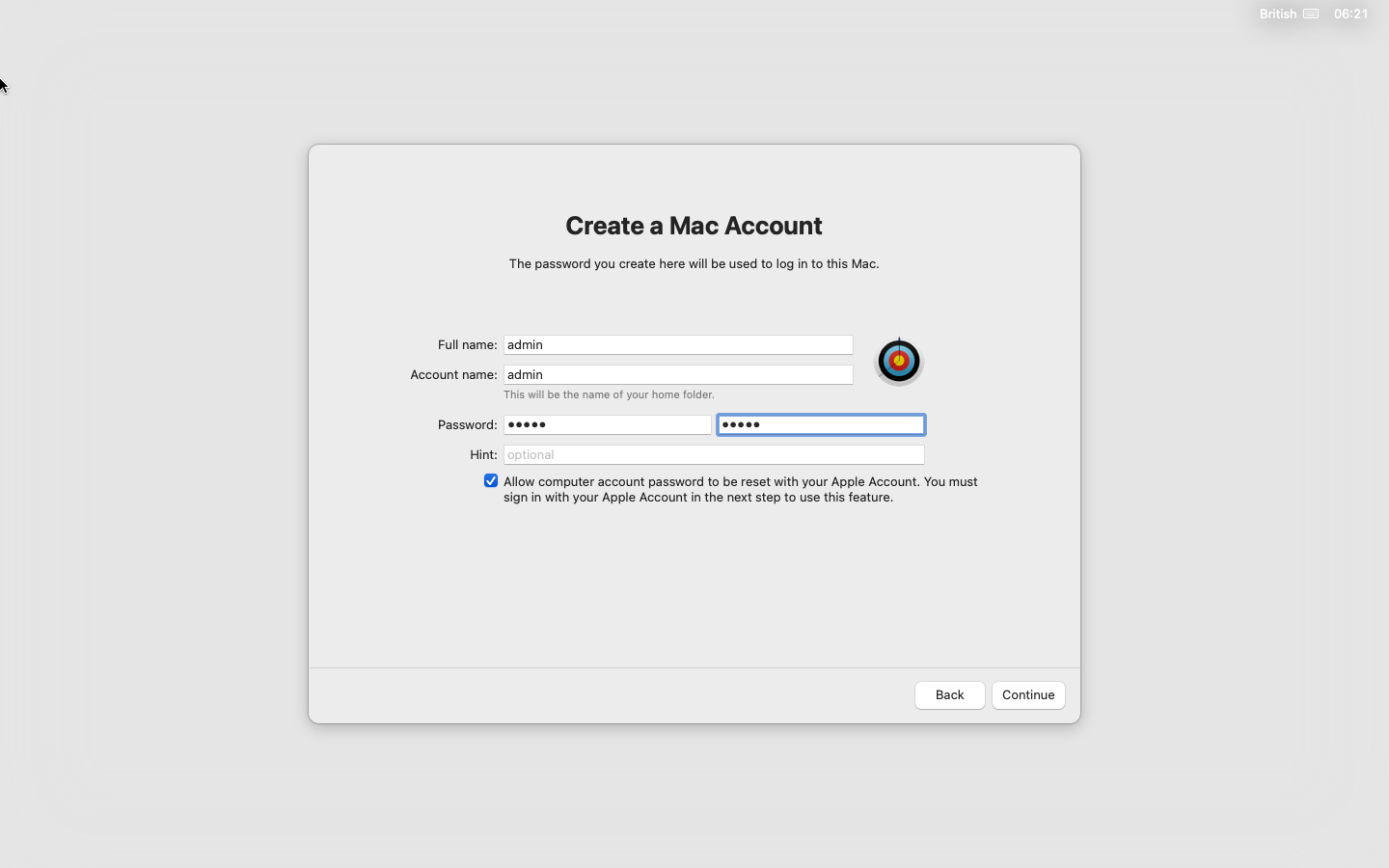
Important
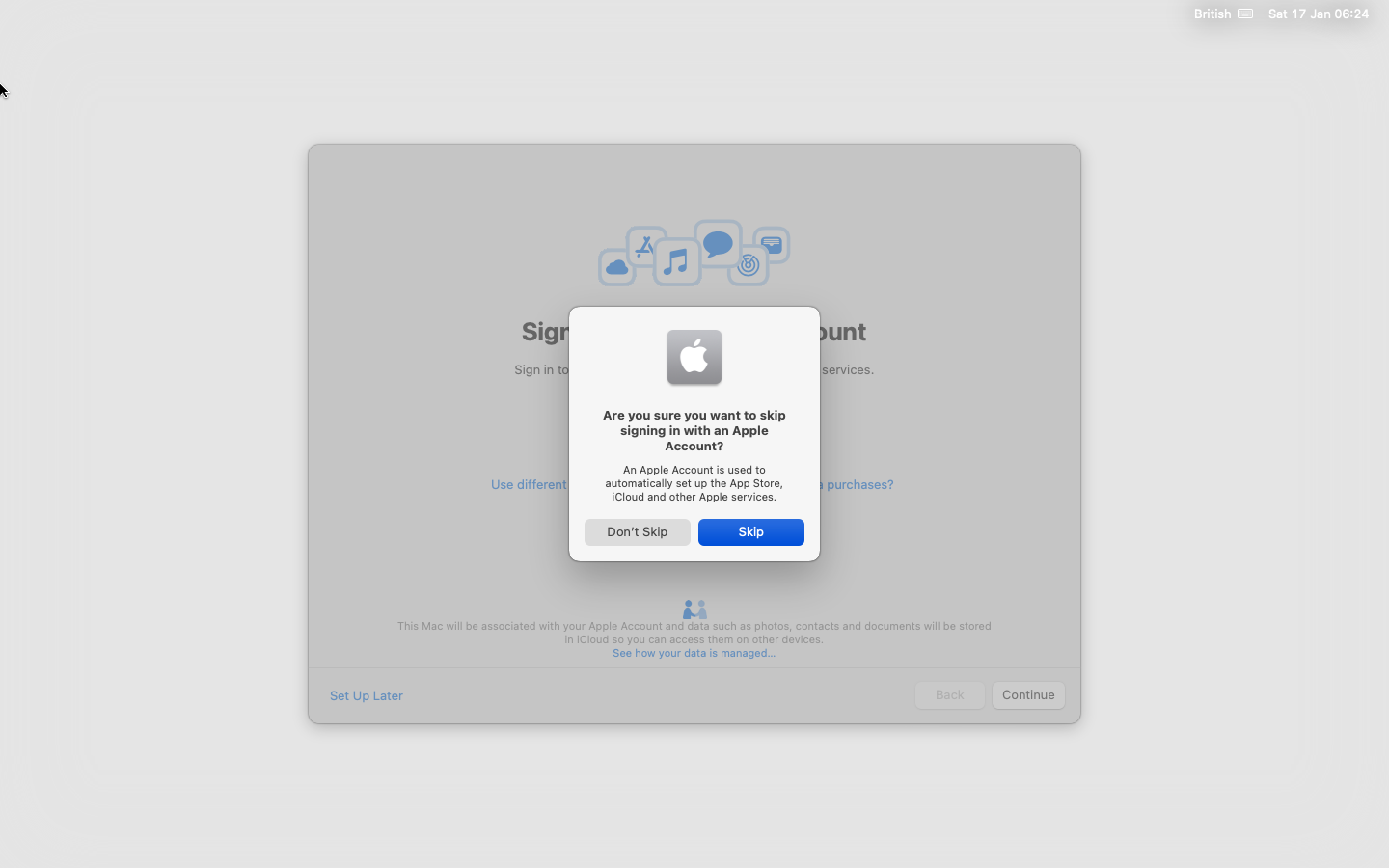
Apple account is not going to work so make sure to skip this setting.
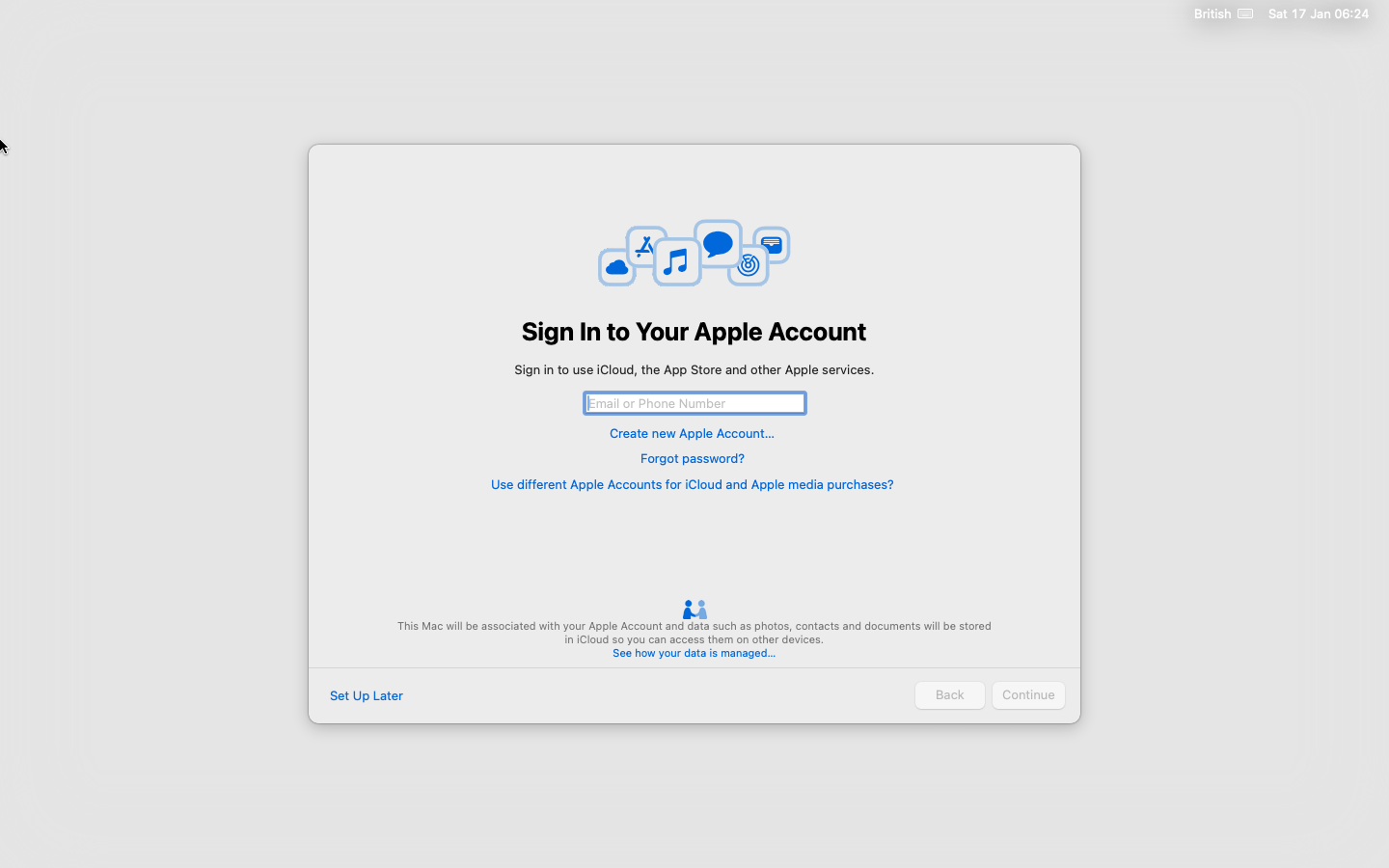
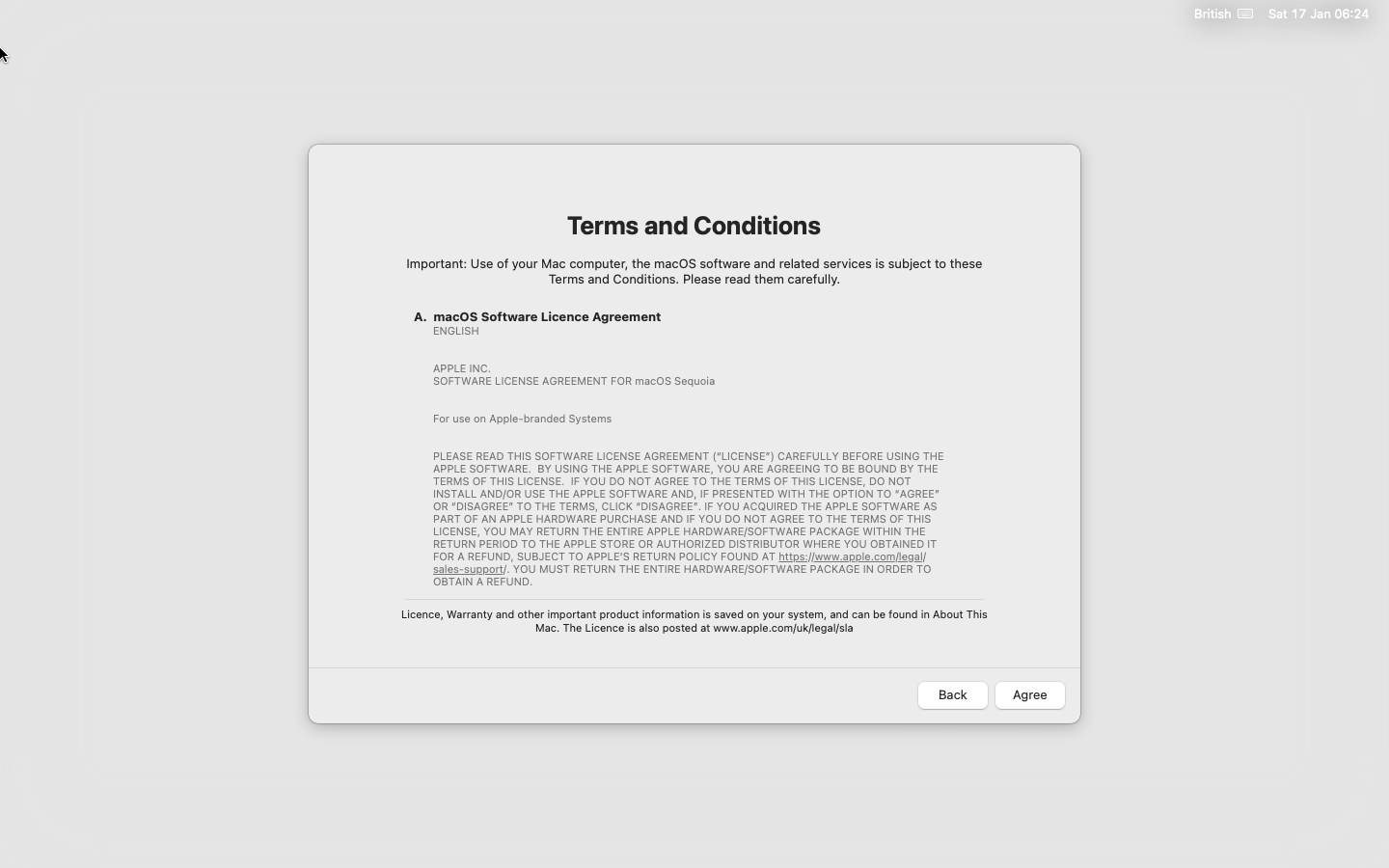

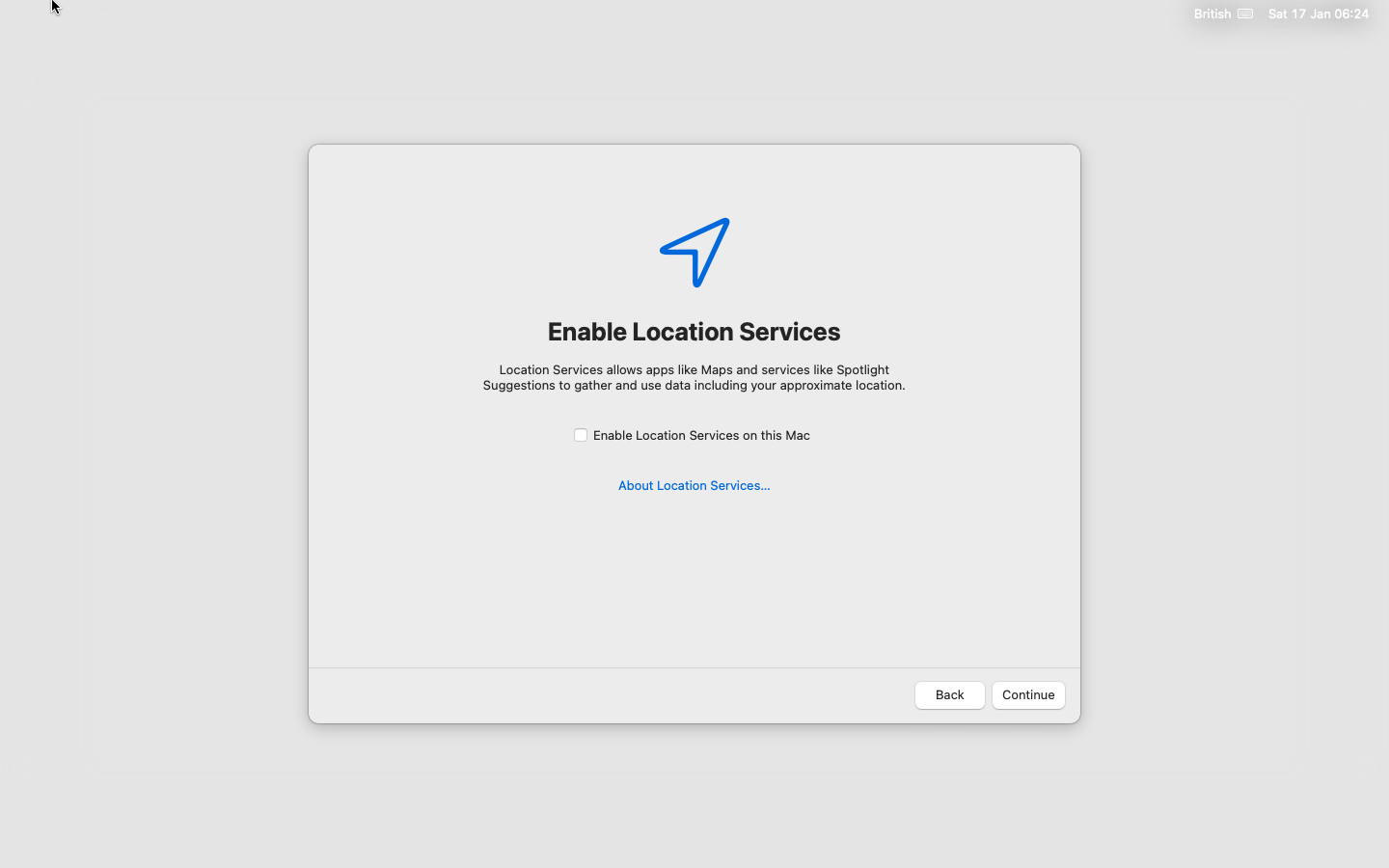
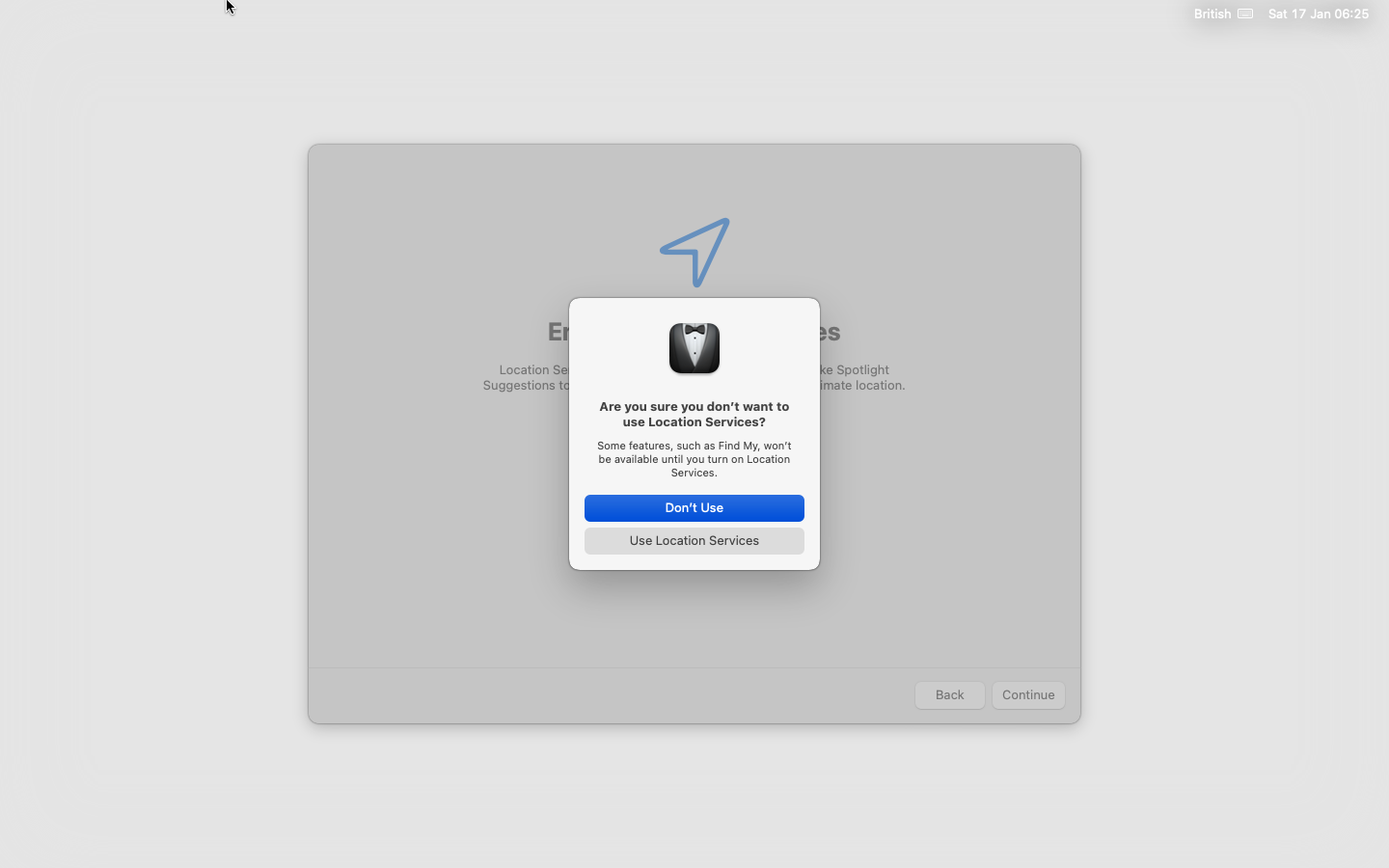
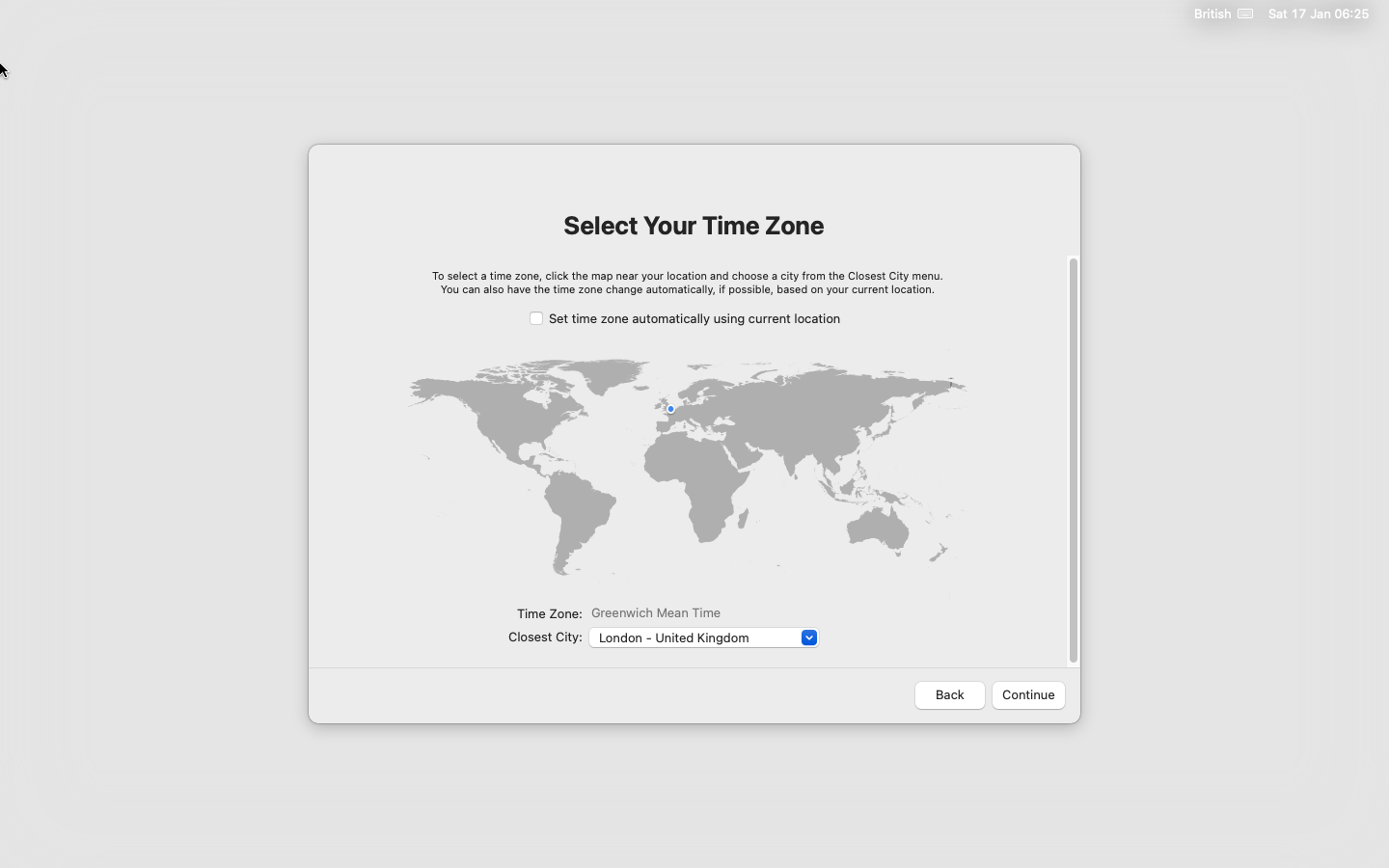
Disable using location services and confirm. Location is not available in the VM and it will default to Cupertino.
Caution
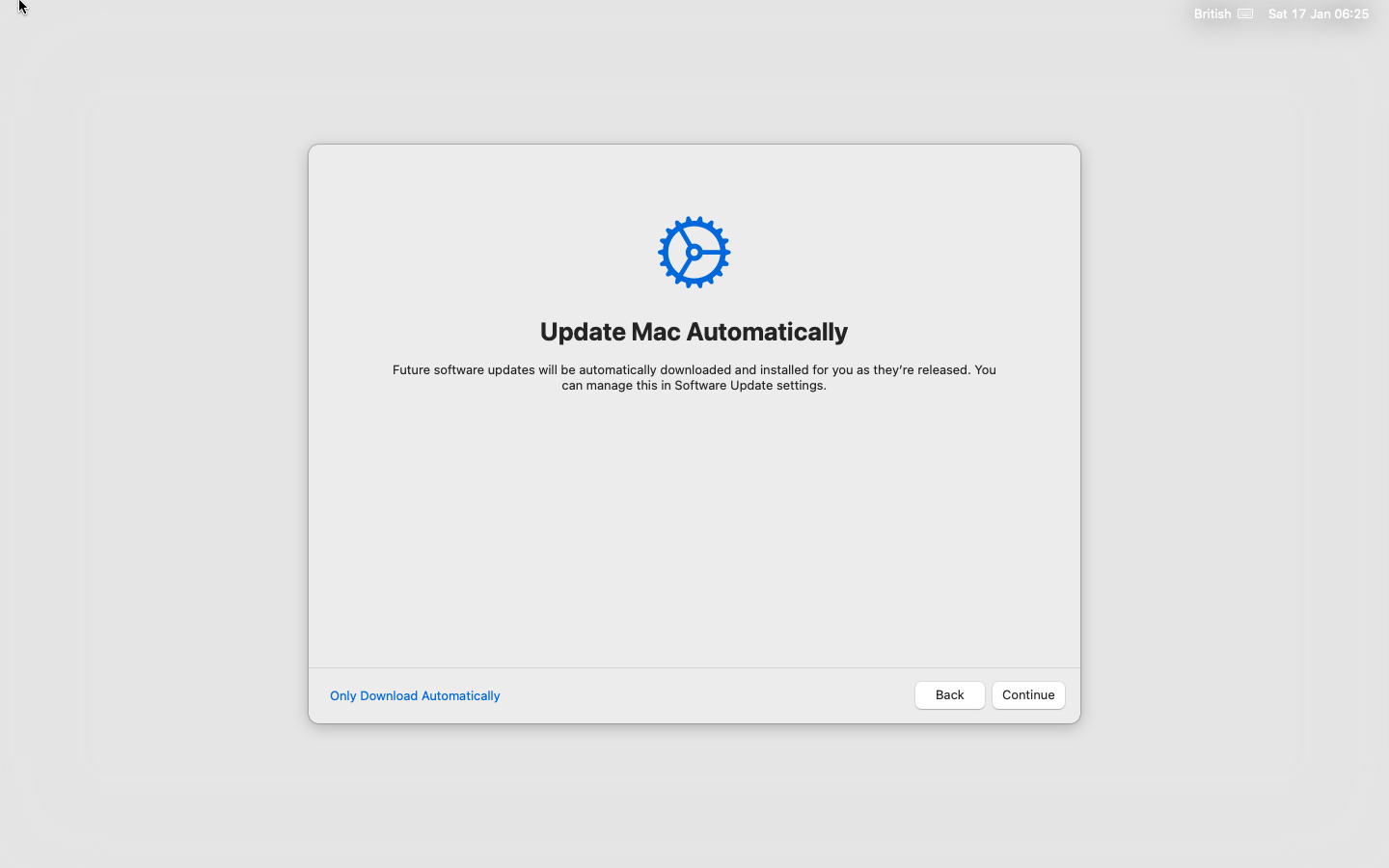
Always select "Only Download Automatically" or you may find the VM has been automatically upgraded to a different version.