Short abstract :
We built a project that monitors the humidity of soil in a plant, the amount sunlight the plant is absorbing, and the amount of UV striking the plant. The plant monitoring system notifies the user(wherever he/she is) when watering is required and if there is too much UV. These notifications are sent to the user’s phone and the data is also be reported to the users phone. This system is useful for people who are busy throughout the day and as well for novice gardeners. Analyzing the soil humidity decides how much watering is required. We used the Sparkfun ESP 8266 dev to build the project.
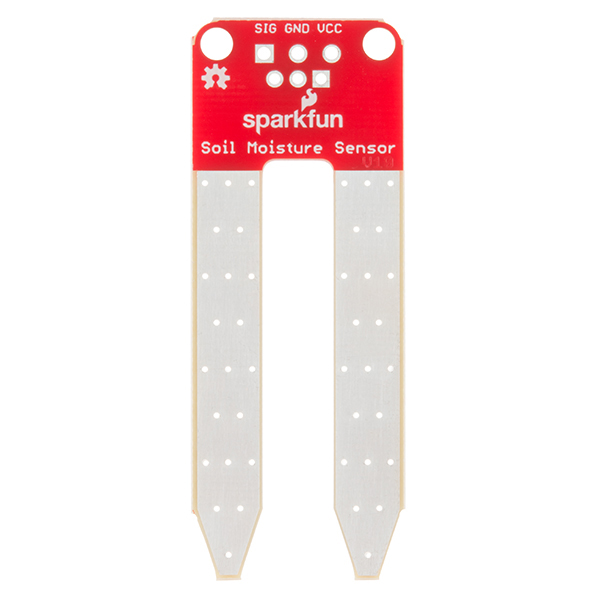
- Sparkfun Soil Moisture Sensor
- Digital Luminosity/Lux/Light Sensor

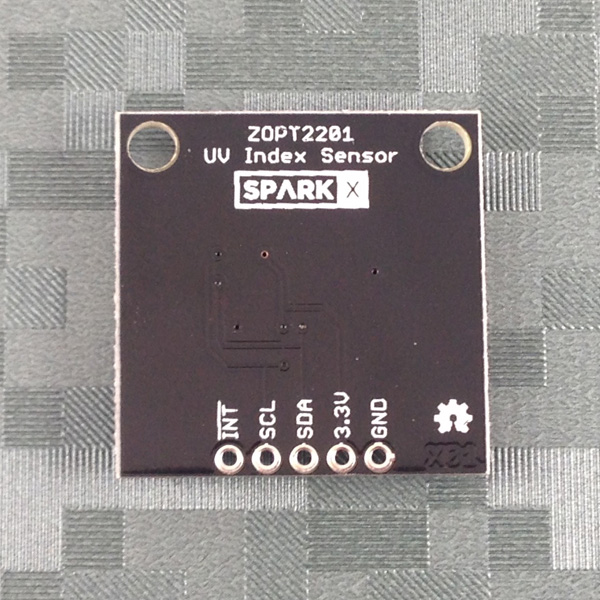
- Qwiic UV Sensor


- Blynk
- Blynk is a cloud service provider where the data collected from an Arduino/Raspberry Pi/ESP82266 is sent to. Afterwards, if user’s have the Blynk Android/IOS app installed, the data is sent to the user’s phone and presented any visual format the user desires.
- Blynk offers an API that allows users to read the sensor data stored in Blynk’s cloud or overwrite the current sensor data. This is done through PUT and GET requests that update the pin’s state in apps and on the ESP8266.
- This explains in detail how our project works.
- By using the ESP8266 dev board, the sensor data is sent to a Blynk’s server via WI-FI.
- We are sending the current soil moisture, amount of light, and amount of UV that the plant is absorbing.
- For the Soil Moisture sensor, we are recording the average amount of water the plant received throughout the day.
- If the soil moisture falls below a certain value, a push notification will be sent to the user’s cell phone.
- The user can push a button widget on the phone to request the current average amount of the soil moisture.
- For the Light sensor, we are recording the average amount of light the plant received throughout the day.
- The user can push a button widget on the phone to request the current average amount of light the plant has received.
- We created a python script that acts as server for all our analytics. The python script will run indefinitely and keep performing these analytics.
- The data is visualized in the user’s cell phone and shown in the format of gauges. There is a gauge for the soil moisture, light, and UV sensor. The gauges show live data, thus increasing or decreasing based of the current data the sensors are providing.
- There is also 2 value display widgets that display the current average of the soil moisture and light by the push of the button widget.
- We are using Openweather API to retrieve the current weather conditions.
- We are using a weather API to see if it’s sunny or cloudy. Depending on the current conditions, the user will receive a push notification regarding the plant’s needs.
- If the soil moisture falls below a certain value, the user will receive a push notification stating to water their plant.
- Every morning the user will receive a push notification to water their plant more or to water it less, depending on the current weather conditions.
- If the UV index is greater than or equal to 8, the user will receive a push notification stating that the plant is receiving too much UV.