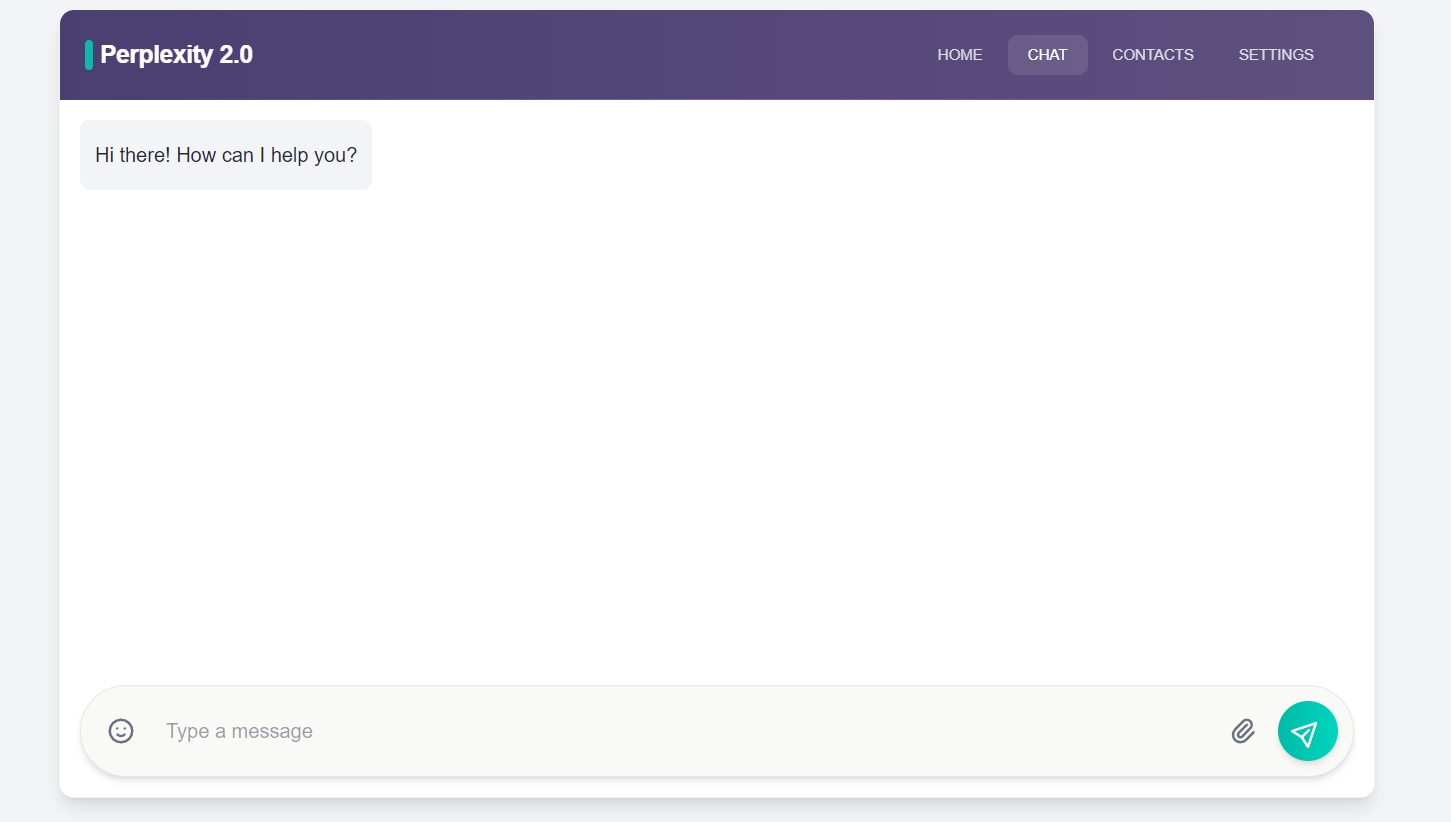







Perplexity 2.0 is a sophisticated AI-powered chat application that seamlessly integrates real-time web search capabilities into its conversational flow. This allows the AI to provide answers that are not only contextually relevant but also enriched with the latest information from the internet. It's designed to be a powerful tool for anyone who needs quick, accurate, and well-supported answers.
- Real-time AI Conversations: Utilizes large language models to generate human-like responses.
- Integrated Web Search: Fetches and incorporates up-to-date information from the web into its answers.
- Conversation Memory: Remembers previous parts of the conversation to provide context-aware responses.
- Search Transparency: Displays the search queries being used and the sources of information, allowing users to verify the answers.
- Responsive Design: A clean and intuitive user interface that works on both desktop and mobile devices.
The project is a monorepo with a client-server architecture:
- Client: A Next.js/React application responsible for the user interface.
- Server: A FastAPI server that uses LangGraph to create a stateful, multi-actor agent.
- Node.js (v18 or later)
- Python (v3.11 or later)
- An API key from Tavily AI for the search functionality.
- An API key from a supported LLM provider (e.g., OpenAI, Anthropic, Google).
-
Clone the repository:
git clone https://github.com/Narendra-Rajput003/perplexity_2.0 cd perplexity-2.0 -
Set up the server:
- Navigate to the
serverdirectory:cd server - Create a virtual environment:
python -m venv venv - Activate the virtual environment:
- On Windows:
venv\Scripts\activate - On macOS/Linux:
source venv/bin/activate
- On Windows:
- Install the Python dependencies:
pip install -r requirements.txt - Create a
.envfile and add your API keys:TAVILY_API_KEY="your_tavily_api_key" GEMINI_API_KEY="your_gemini_api_key"
- Navigate to the
-
Set up the client:
- Navigate to the
clientdirectory:cd ../client - Install the Node.js dependencies:
npm install
- Navigate to the
-
Start the server:
- Make sure you are in the
serverdirectory with the virtual environment activated. - Run the FastAPI server:
uvicorn main:app --reload - The server will be running at
http://localhost:8000.
- Make sure you are in the
-
Start the client:
- Make sure you are in the
clientdirectory. - Run the Next.js development server:
npm run dev - The client will be running at
http://localhost:3000.
- Make sure you are in the
The application flow is as follows:
- The user sends a message from the client.
- The client sends the message to the FastAPI server.
- The LangGraph agent on the server receives the message and decides whether to use a tool (in this case, web search) or generate a response directly.
- If a web search is needed, the agent uses the Tavily AI API to perform the search.
- The search results are used to enrich the context for the LLM.
- The LLM generates a response, which is streamed back to the client.
- The client displays the response to the user, including any search information.
- Push your code to a GitHub repository.
- Create a new Web Service on Render and connect it to your GitHub repository.
- Set the
Root Directorytoserver. - Set the
Build Commandtopip install -r requirements.txt. - Set the
Start Commandtouvicorn main:app --host 0.0.0.0 --port $PORT. - Add your environment variables from the
.envfile. - Deploy the service.
- Push your code to a GitHub repository.
- Create a new Project on Vercel and import your GitHub repository.
- Set the
Root Directorytoclient. - Vercel should automatically detect that it's a Next.js project and configure the build settings.
- Add an environment variable
NEXT_PUBLIC_API_URLand set it to the URL of your Render backend. - Deploy the project.
Contributions are welcome! Please feel free to open an issue or submit a pull request.
This project is licensed under the MIT License. See the LICENSE file for details.