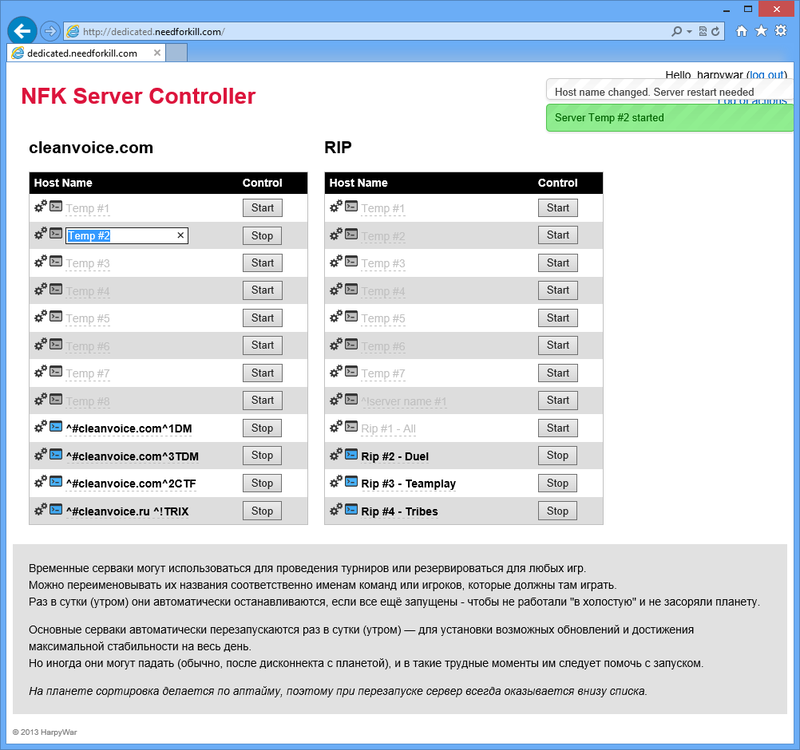
Console Launcher for NFK dedicated server (Need For Kill).

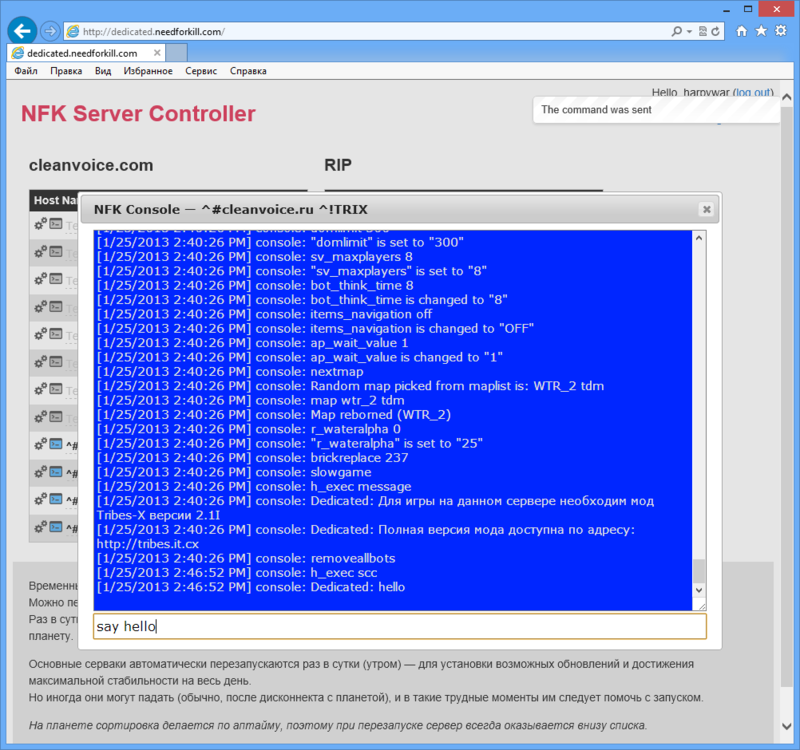
- Console interface (native for dedicated)
- Autorestart NFK server when it crashed
- Set processor affinity and priority to NFK server process
- Easy to install as a windows service
- Autoupdate NFK server files (how it works?)
- .NET Framework 3.5 (but it can be compiled with version >=2.0)
There are custom parameters can be defined in nfkservice.xml:
Title- console title (it also used for windows service description)ServerExeFile- path to server.dat (nfk dedicated server executable)ExeParameters- parameters to start nfk serverLogFile- realtime.log from nfk serverProcessorAffinity- set processor affinity mask to the server process (hex value)ProcessorPriority- set processor priority to the server process (numeric value 0-5)ServiceName- windows service name, used on install/uninstall event onlyAutoUpdate- enable/disable autoupdateAutoUpdateUrl- url to xml file that contain information with latest server version and files to update
Config file name must match exe file name. For example: launcher.exe and launcher.xml.
if config file doesn't exist, then default values are used.
Just run launcher with one of the parameters:
/installor/i- install new service/uninstallor/u- uninstall exist service
For example: nfkservice.exe /i
Note: Administrator rights are required.
sc stop NFK- stop servicesc stop NFK- start servicesc query NFK- get service state