Describe the problem:
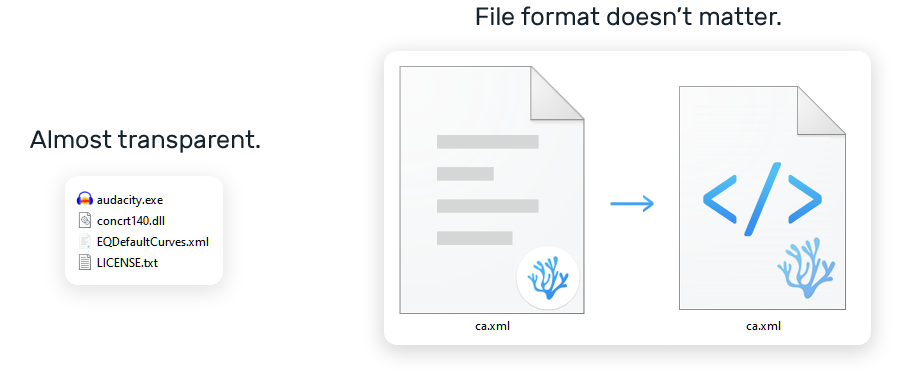
Files icon that opens with VSCodium by default looks really unremarkable.
Please confirm that this problem is VSCodium-specific:
Screenshots:
To Reproduce:
- Right-click on any file in your PC.
- Press "Open with".
- In "How do you want to open this file?" window choose VSCodium and turn the "Always use this app to open ... files" checkbox.
- In Explorer set the view size to minimum.
Desktop (please complete the following information):
- OS: Windows 10
- Architecture: x64
- Version: 1.46.1

Describe the problem:
Files icon that opens with VSCodium by default looks really unremarkable.
Please confirm that this problem is VSCodium-specific:
Screenshots:

To Reproduce:
Desktop (please complete the following information):