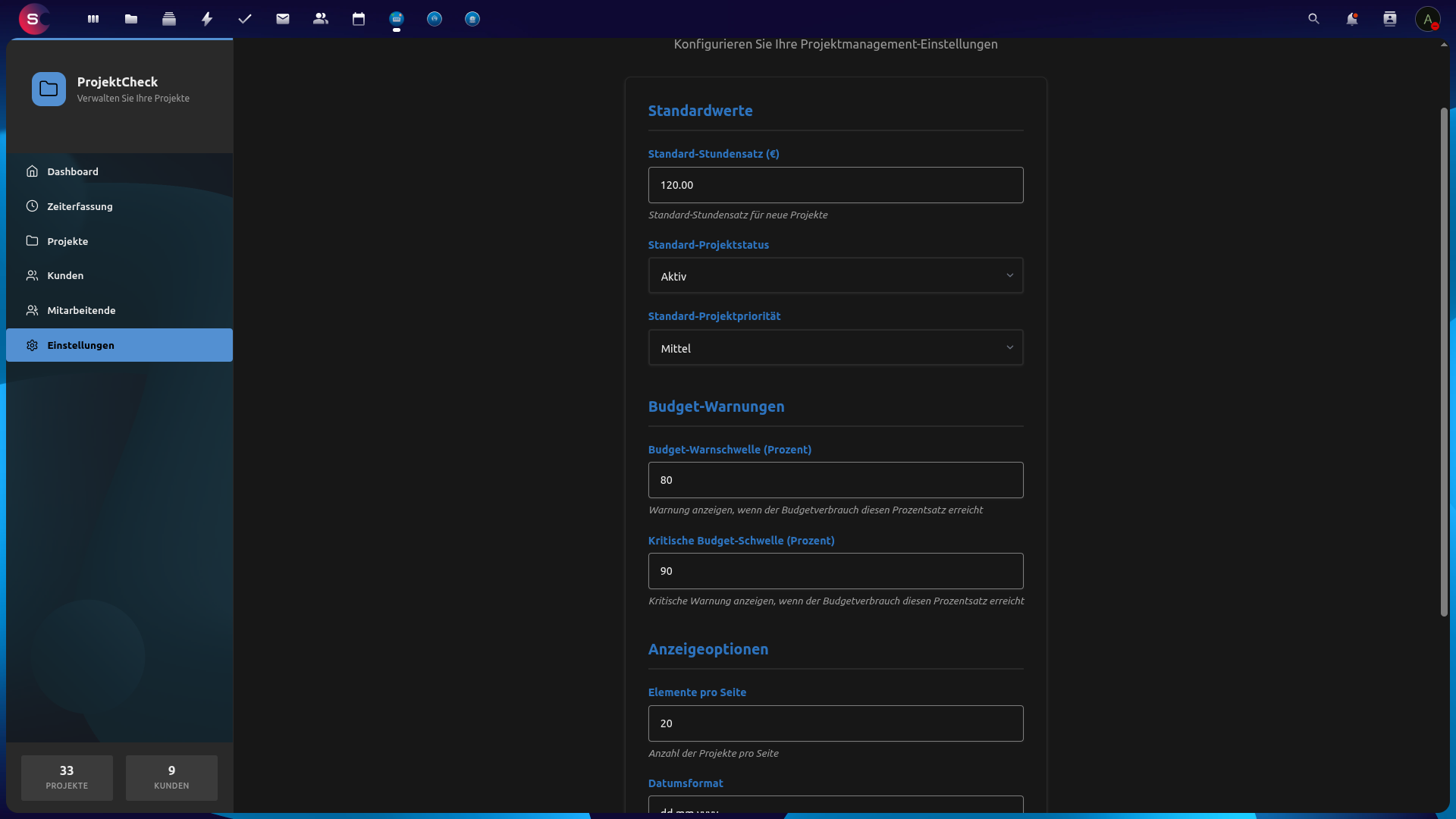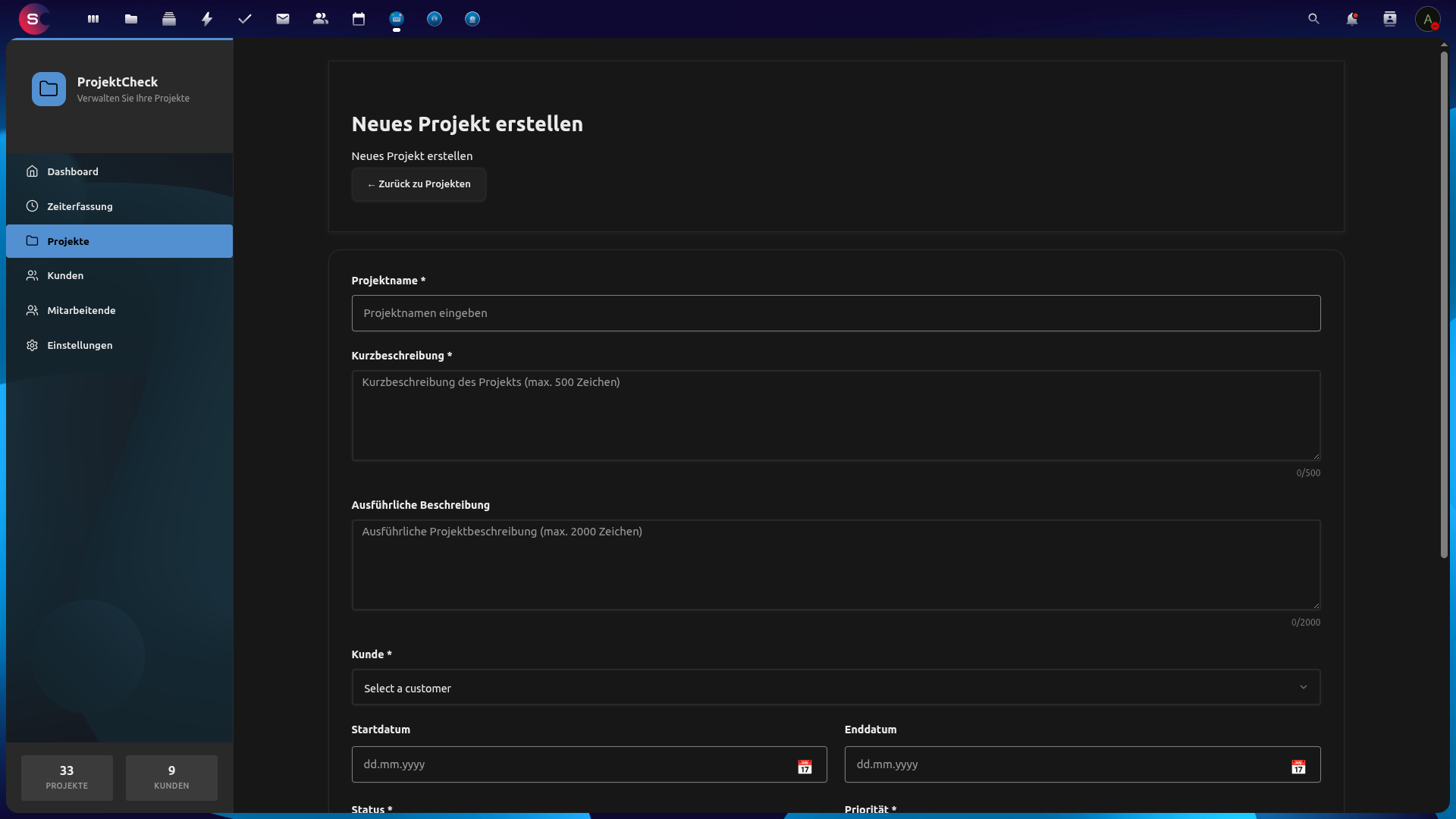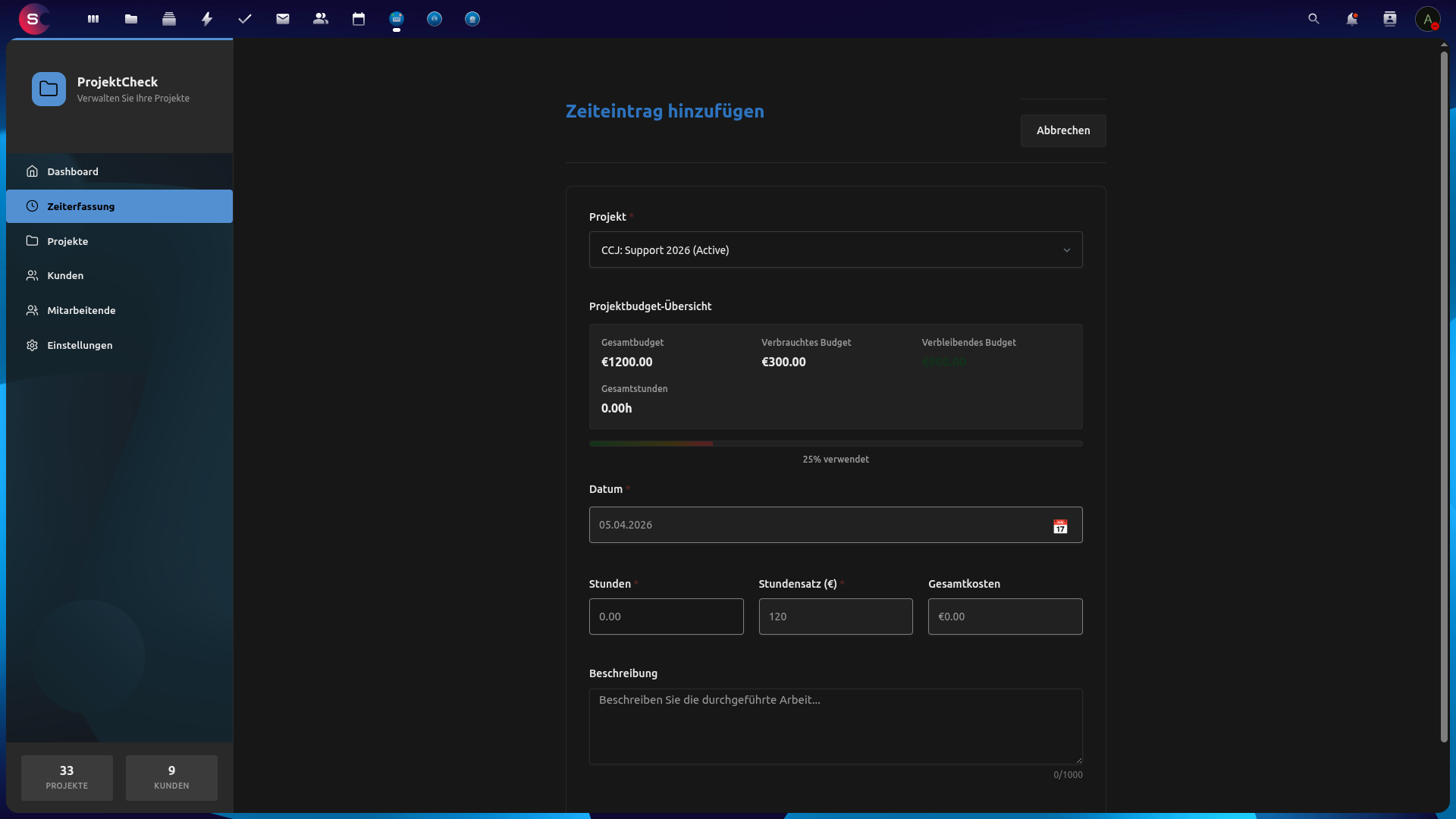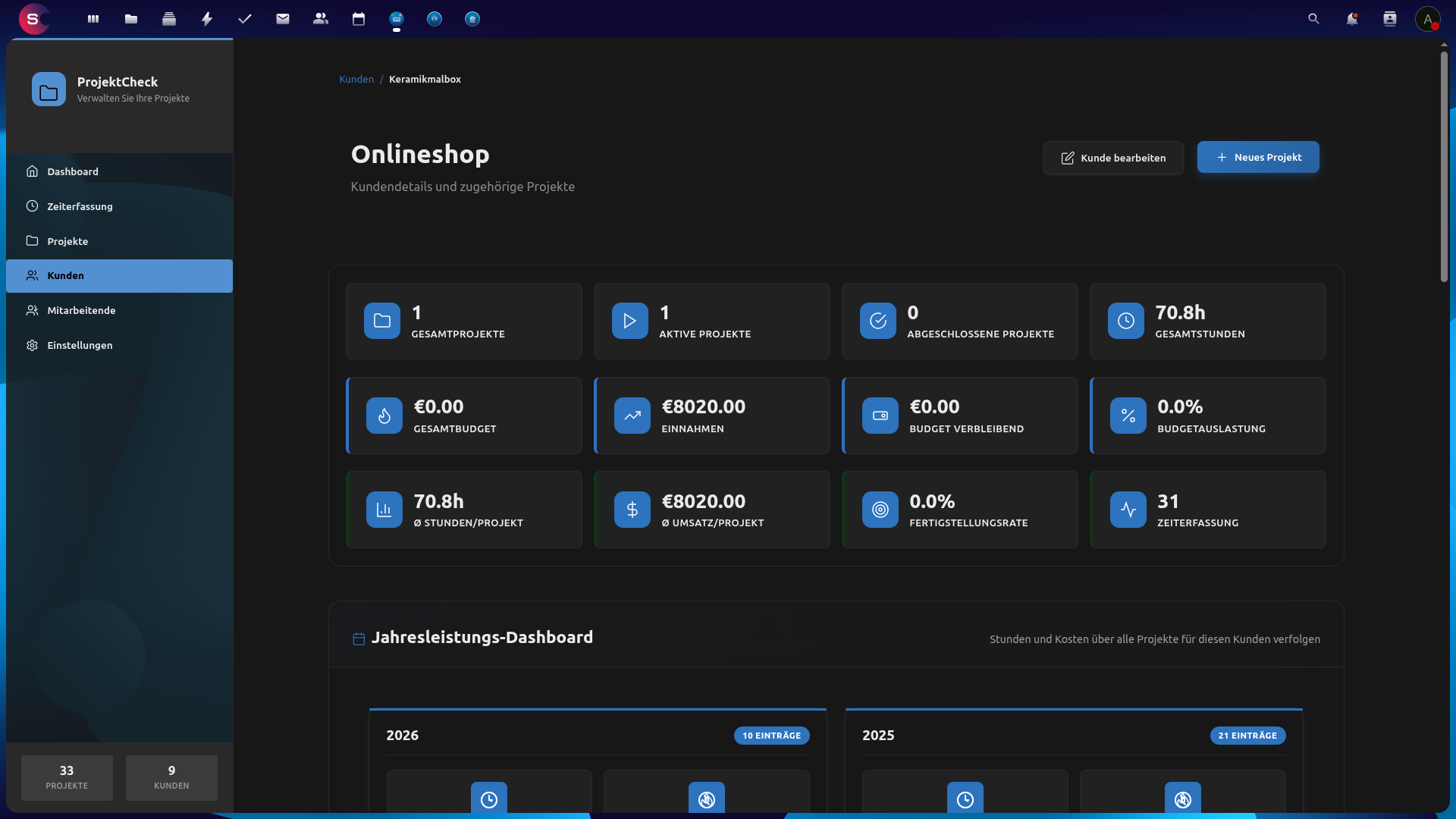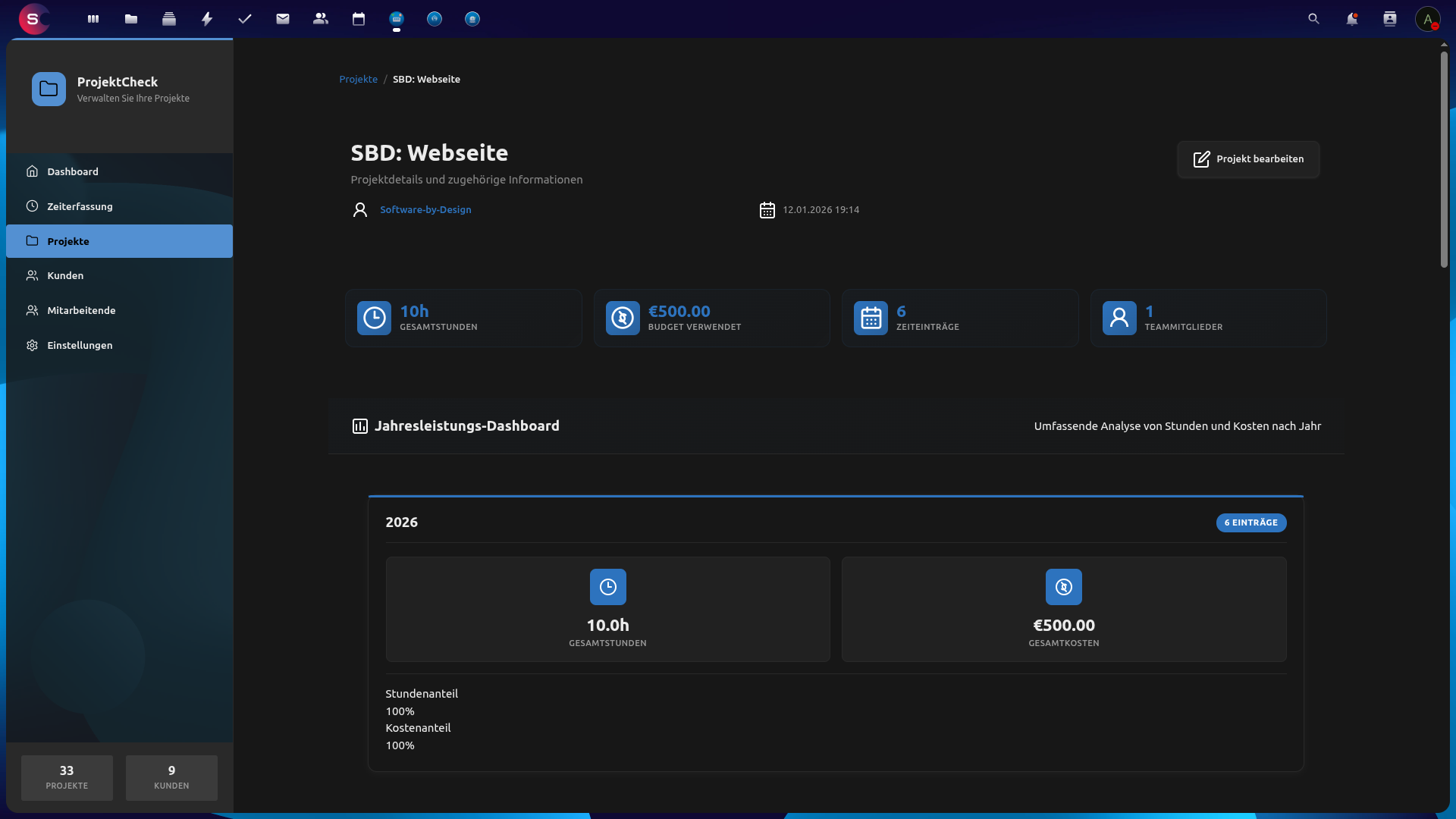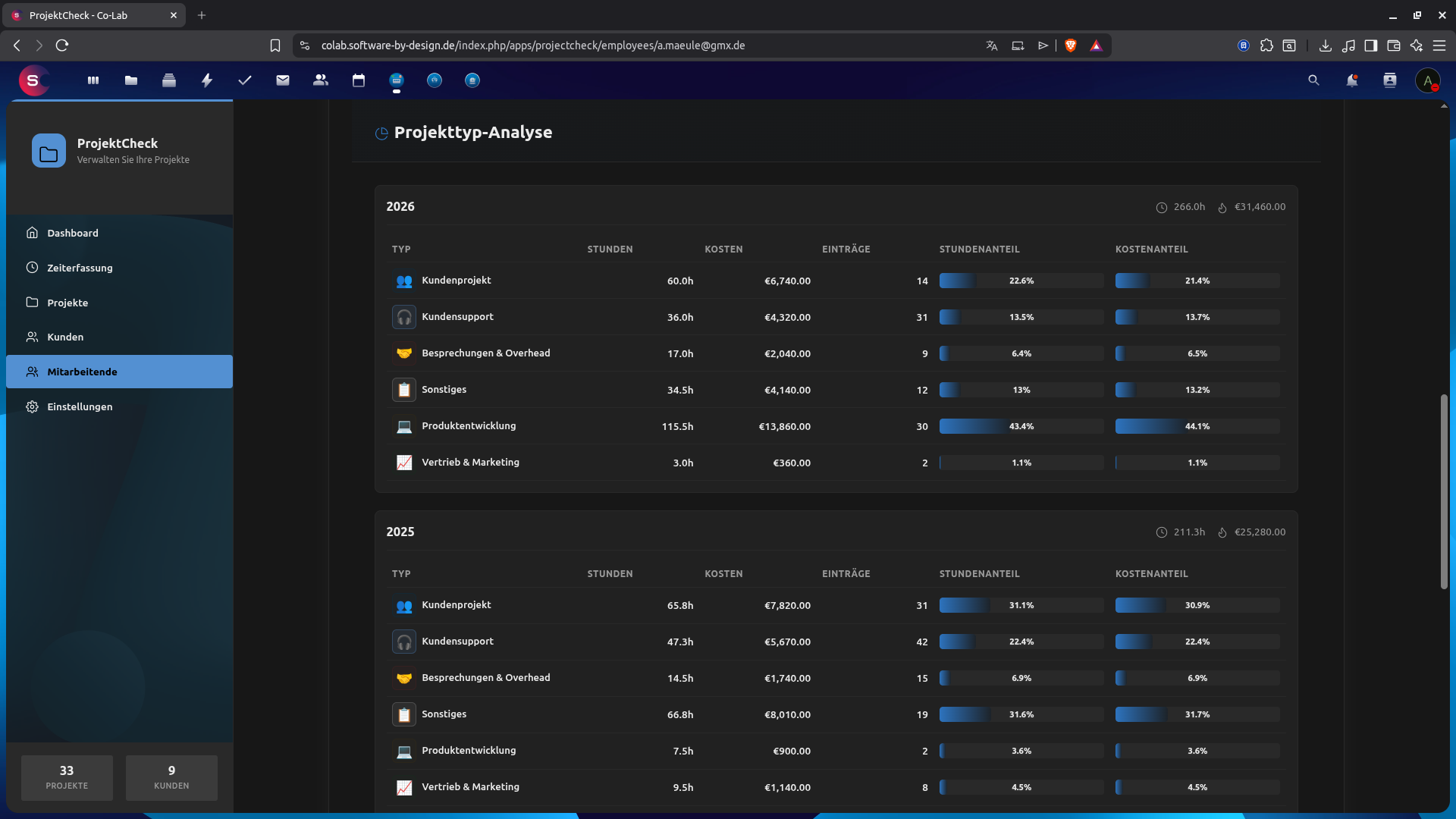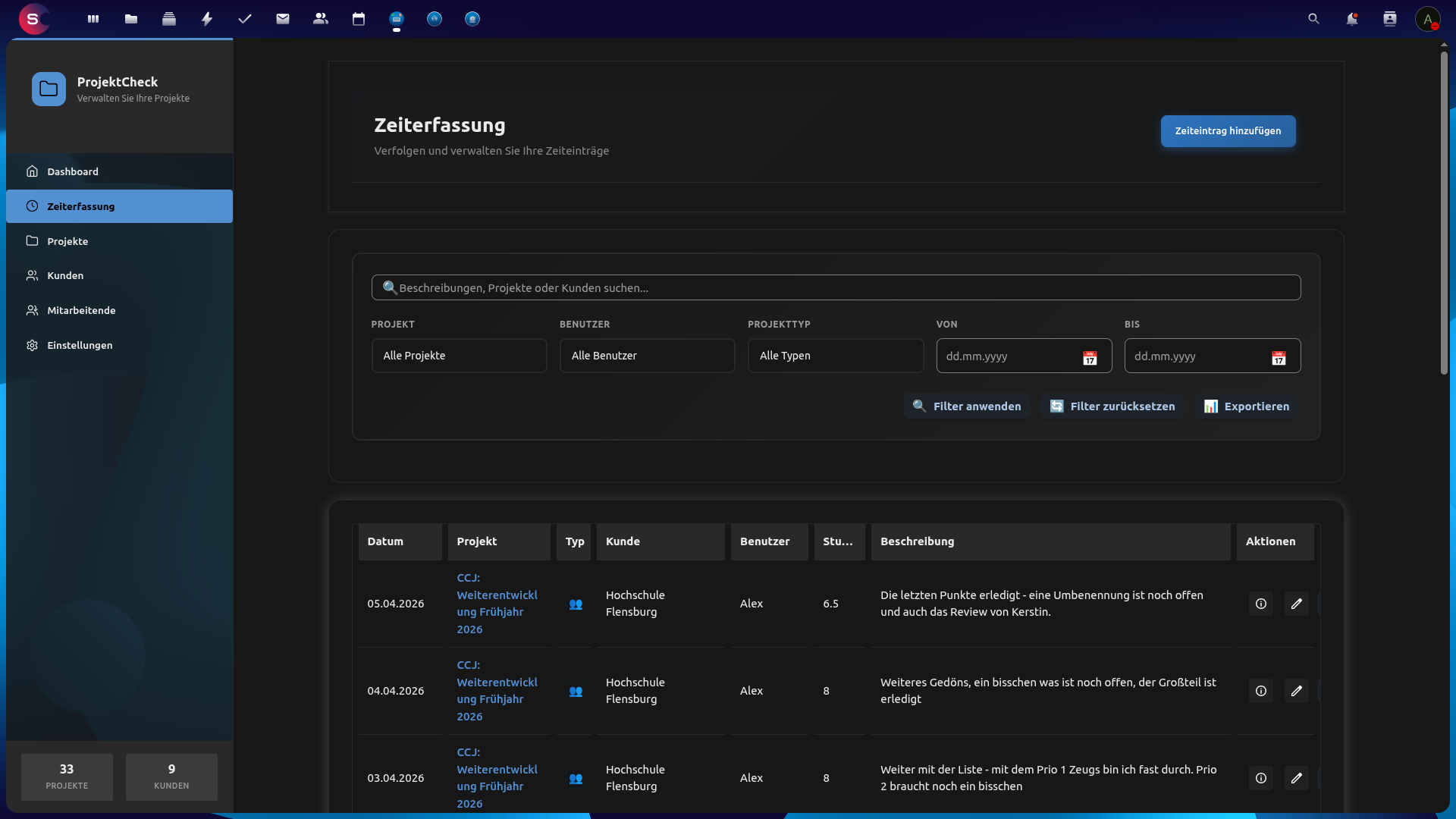
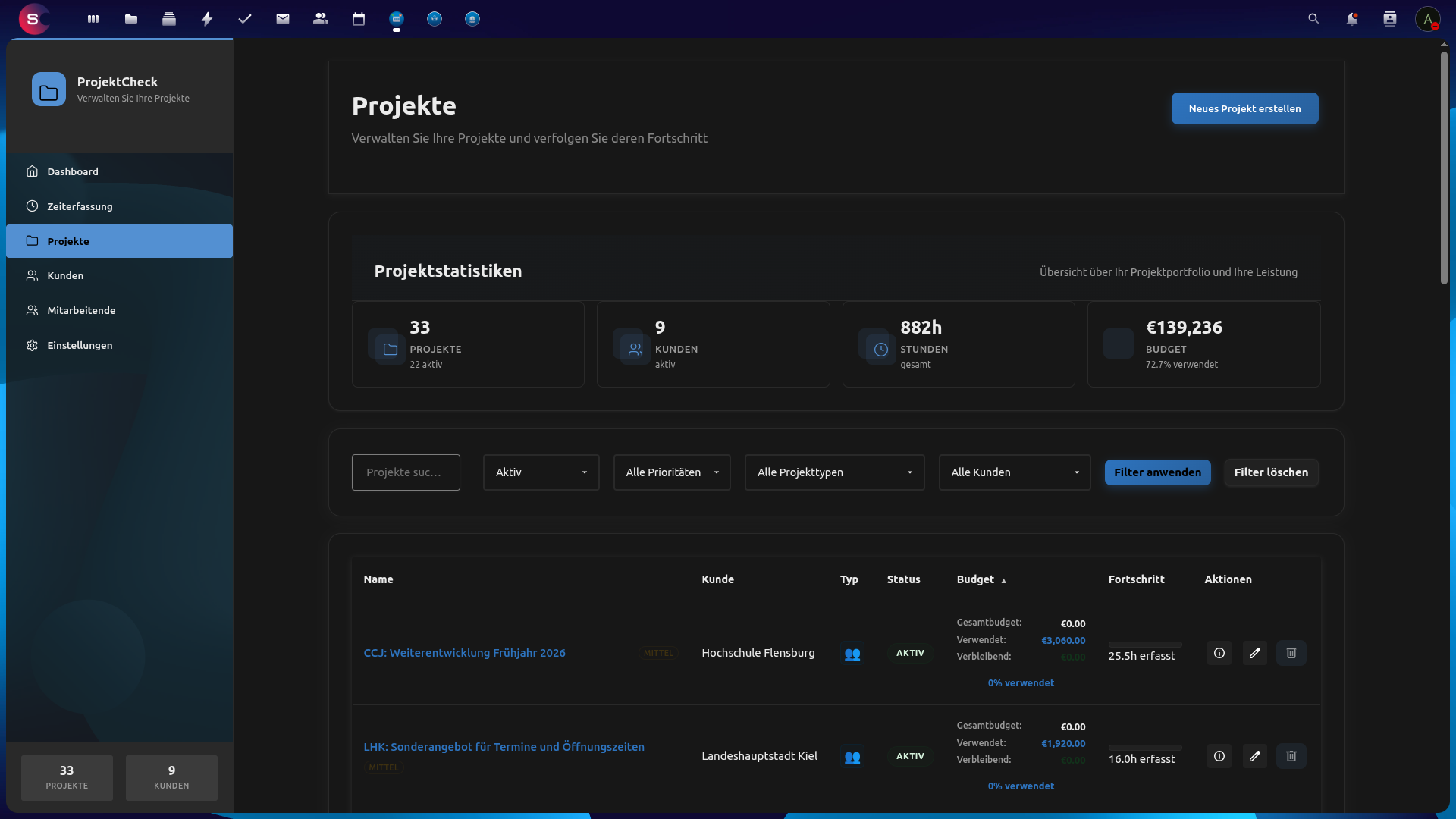
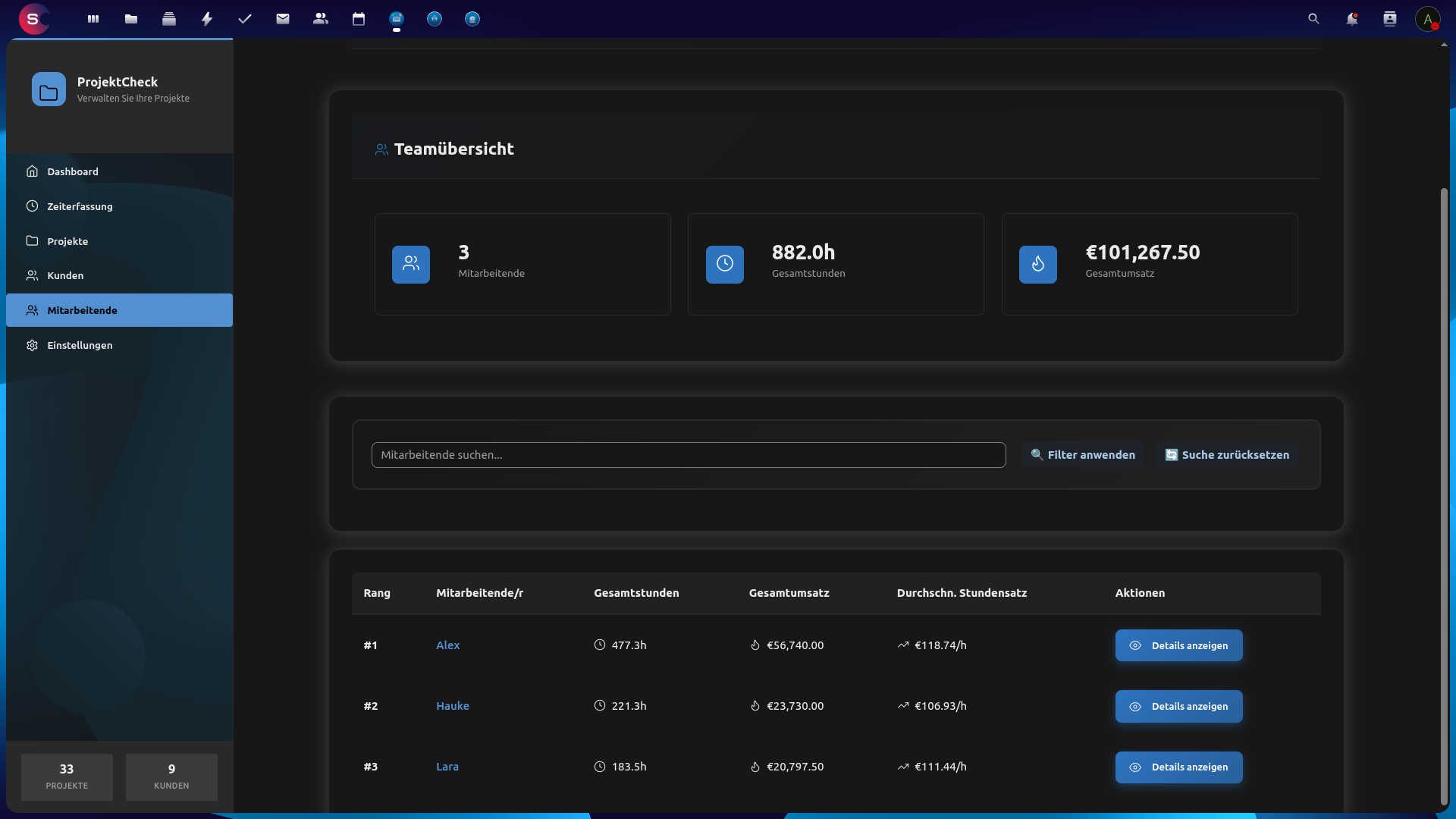
Weitere Ansichten / More views: 4 · 5 · 6 · 7 · 8 · 9 — Galerie / gallery: App Store
Projekte, Zeiterfassung und Budgets dort, wo Ihr Team ohnehin arbeitet — in Nextcloud.
Schluss mit Wechseln zwischen Tabellenkalkulation und dem nächsten SaaS-Tool: ProjectCheck bündelt Kunden, Projekte, Zeiterfassung und Budgettransparenz in Ihrer selbst gehosteten Nextcloud. Führungskräfte und Mitarbeitende teilen eine gemeinsame Sicht auf Status, Stunden und Kosten. Arbeitszeit wird am Projekt erfasst, der Budgetstand bleibt nachvollziehbar — ohne dass Projektdaten Ihre Infrastruktur verlassen.
- Kunden — Mandanten strukturiert pflegen und von dort zu Projekten und Aktivität springen.
- Projekte — Arbeit planen und verfolgen mit Status, Terminen, Suche und Sortierung; optionale Budgets zeigen, was noch übrig ist.
- Team — Nextcloud-Benutzer zu Projekten einladen und mit klaren Rollen und Rechten arbeiten.
- Zeiterfassung — Zeiten auf Projekten buchen, Einträge filtern und bei Bedarf exportieren (z. B. für Abrechnung oder Reviews).
- Budgets — Verbrauch gegen Budgets verfolgen, damit Überschreitungen früh sichtbar werden.
- Dashboard — Schneller Überblick über das Wesentliche im Projektportfolio.
- Dateien — Dateien am Projekt ablegen, damit Kontext bei der Arbeit bleibt.
- Einstellungen — Anpassungen über Admin- und persönliche Einstellungen in Nextcloud.
Aus dem Nextcloud App Store (empfohlen)
- Als Nextcloud-Administrator anmelden
- Apps öffnen
- Nach ProjectCheck suchen
- App herunterladen und aktivieren — Eintrag im App Store
Voraussetzungen: Nextcloud 32–33, PHP 8.2–8.5, Datenbank MySQL/MariaDB oder PostgreSQL.
Manuelle Installation aus Git (z. B. für eigene Builds): Repository nextcloud-projectcheck nach apps/projectcheck klonen, composer install --no-dev, npm ci und npm run build ausführen, im Nextcloud-Stammverzeichnis php occ app:enable projectcheck. Vor einem Release: composer test und npm test. Abhängigkeiten prüfen mit composer audit und npm audit (kritische Befunde ernst nehmen). Betrieb und Notfall — docs/OPERATIONS.md.
- Versionshistorie:
CHANGELOG.md(Keep a Changelog). - JS-Kompatibilität: Legacy-Namen
ProjectControl*bzw.OCA.ProjectControlbleiben veraltete Aliase zuProjectCheck*; für neue AnbindungenProjectCheck*bevorzugen.
Sicherheitsprobleme bitte nicht öffentlich in GitHub-Issues melden. Hinweise zur verantwortungsvollen Meldung: SECURITY.md.
ProjectCheck wird von Software by Design entwickelt und gepflegt.
Website: software-by-design.de · E-Mail: info@software-by-design.de
Quellcode und Issues: github.com/aSoftwareByDesignRepository/nextcloud-projectcheck
GNU Affero General Public License v3.0 oder später (AGPL-3.0-or-later).
Run projects, time tracking, and budgets where your team already works — inside Nextcloud.
Stop switching between spreadsheets and yet another cloud tool. ProjectCheck brings customers, projects, time tracking, and budget awareness into your self-hosted Nextcloud — so managers and contributors share one place for status, hours, and spend. Log work as it happens, see how budgets are doing, and catch trouble early, without your project data leaving your infrastructure.
- Customers — Keep clients organised and jump from a customer to their projects and recent activity.
- Projects — Plan and track work with statuses, dates, search, and sorting; optional budgets help you see what is left.
- Team — Invite Nextcloud users to projects and work with clear roles and permissions.
- Time — Record time on projects, browse and filter entries, and export when you need numbers for billing or reviews.
- Budgets — Follow consumption against budgets so overruns are visible before they surprise you.
- Dashboard — Get a quick overview of what matters across your portfolio.
- Files — Attach files to projects so context stays next to the work.
- Settings — Tune the app with admin and personal options in Nextcloud settings.
From the Nextcloud App Store (recommended)
- Sign in as a Nextcloud administrator
- Open Apps
- Search for ProjectCheck
- Download and enable — App Store listing
Requirements: Nextcloud 32–33, PHP 8.2–8.5, and a supported database (MySQL/MariaDB or PostgreSQL).
Install from git (for custom builds): clone nextcloud-projectcheck into apps/projectcheck, then use pinned installs: composer install --no-dev, npm ci, npm run build, then from your Nextcloud root php occ app:enable projectcheck. Run composer test and npm test before a release. Supply-chain checks: composer audit and npm audit (treat critical issues on production dependencies as blockers). Operations and recovery for org settings: docs/OPERATIONS.md.
- Changelog:
CHANGELOG.md(Keep a Changelog). - JS compatibility: legacy
ProjectControl*globals andOCA.ProjectControlremain as deprecated aliases toProjectCheck*for existing integrations; preferProjectCheck*in new code.
Please do not report security issues in public GitHub issues. See SECURITY.md for responsible disclosure.
ProjectCheck is developed and maintained by Software by Design.
Website: software-by-design.de · E-mail: info@software-by-design.de
Source code and issues: github.com/aSoftwareByDesignRepository/nextcloud-projectcheck
GNU Affero General Public License v3.0 or later (AGPL-3.0-or-later).