Improve codeblock borders#697
Conversation


The PaperMod theme uses a border-radius for codeblocks by default. The
div that contains the corresponding code element uses the default
background color, independent of the selected theme (dark vs. light).
This causes an incorrect coloring in the corners of code blocks.

This commits overwrites the background color of the surrounding div with
the current theme color.
When using line numbers with table style, the border radius for the
corresponding codeblocks leads to annoying gaps between the line numbers
and the actual code.

This commit removes the border radius when the corresponding element is
displayed inside a table (which is the case when line numbers are used
with table format).

|
Hi @qtc-de have you tried using this? |

|
Works perfectly 👍 So I guess I close the PR? On the one hand, the solution from the FAQ works, on the other hand, with the changes from this PR, it works by default and prevents other users from having issues with that 🤔 Your decision. Feel free to close, merge, whatever 😉 |
Actually there are compatibility issues when using highlight js and chroma. For all combinations related to this, there is no proper solution we found. The one suggested in faq is the only workaround. |
|
Ok, I think I not fully got it right now. What works for me is:
With these settings, everything is displayed correctly:
When I disable highlight js and use a generated
|

Added the .highlight class for the non radius CSS rule.

|
Kudos, SonarCloud Quality Gate passed!
|


|
@qtc-de Does this issue still exists with latest commit on master? |
 adityatelange
added
bug
adityatelange
added
bug

|
Hi @adityatelange @qtc-de, I also found this problem, I did a simple test. According to https://github.com/adityatelange/hugo-PaperMod/wiki/FAQs#using-hugos-syntax-highlighter-chroma(I hope I got that right~) /* assets/css/extended/custom.css */
.chroma {
background-color: unset;
}# config.yml
markup:
highlight:
# anchorLineNos: true
codeFences: true
guessSyntax: true
lineNos: true
noClasses: false
style: monokaiI got this: According to PR: # config.yml
markup:
highlight:
# anchorLineNos: true
codeFences: true
guessSyntax: true
lineNos: true
# noClasses: false
style: monokai/* assets/css/extended/custom.css */
/* codeblock light background, just for test */
.post-content pre code {
background: rgb(246, 241, 241) !important;
}
.post-content .highlight table pre {
border-radius: 0;
}
div.highlight div {
background-color: var(--theme) !important;
}I got this: Finally, my solution # config.yml
markup:
highlight:
# anchorLineNos: true
codeFences: true
guessSyntax: true
lineNos: true
# noClasses: false
style: monokai/* assets/css/extended/custom.css */
/* codeblock light background, just for test */
.post-content pre code {
background: rgb(246, 241, 241) !important;
}
.post-content .highlight pre {
background: none !important;
}
.post-content .highlight pre code {
border-radius: 0px;
}
.post-content .highlight > div {
background: var(--theme) !important;
}I got this: Here's my humble opinion. I hope it can help!😀 |


|
@adityatelange I will test it soon whether the issue still exists, but according to @JoJoJotarou it seems to be still there 🤔 |
adityatelange
force-pushed
the
master
branch
3 times, most recently
from
957e2c9 to
6f0c88d
Compare
|
this should be fixed by #1364 |
3 participants


What does this PR change? What problem does it solve?
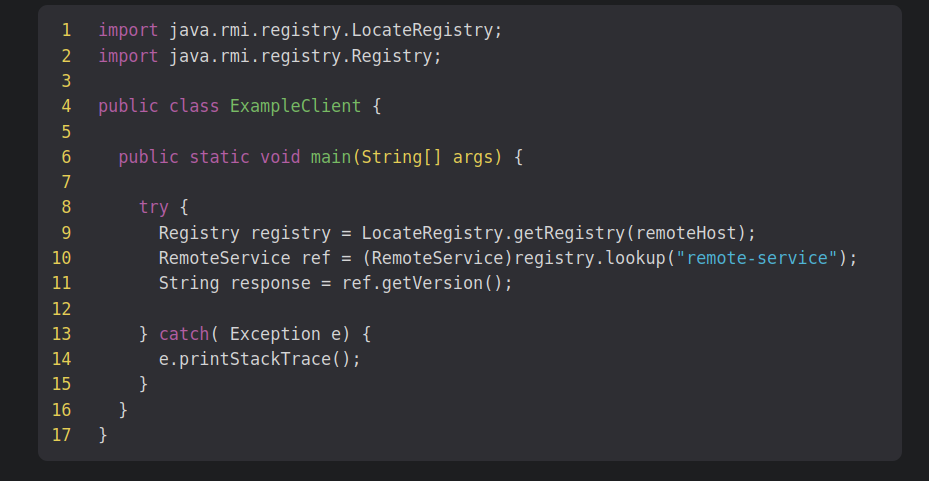
This PR resolves two formatting issues with code block borders. The following screenshot demonstrates the problem:
The first issue was solved by changing the background color of
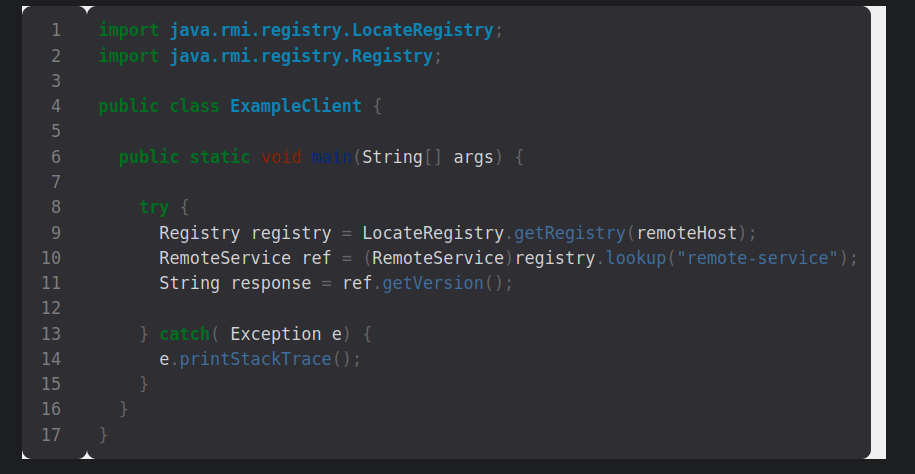
<div>elements inside a<div class="highlight">element. Unfortunately, hugo does not assign a special class for these elements, so the selector is not very specific. However, during my tests it did not cause any side effects.The second issue was solved by adding a CSS rule that applies to pre blocks inside a table. The CSS rule that introduces the radius initially has a filter
.post-content .highlight:not(table), so you probably tried already to exclude the elements within a table. However, this does not work for me as one can see in the screenshot above. Adding a dedicated selector for pre elements inside a table and resetting the radius does the trick.Here is a screenshot of the code block with the applied modifications:
When disabling line numbers, the code block is still displayed correctly (here with the light theme):
Was the change discussed in an issue or in the Discussions before?
No
PR Checklist