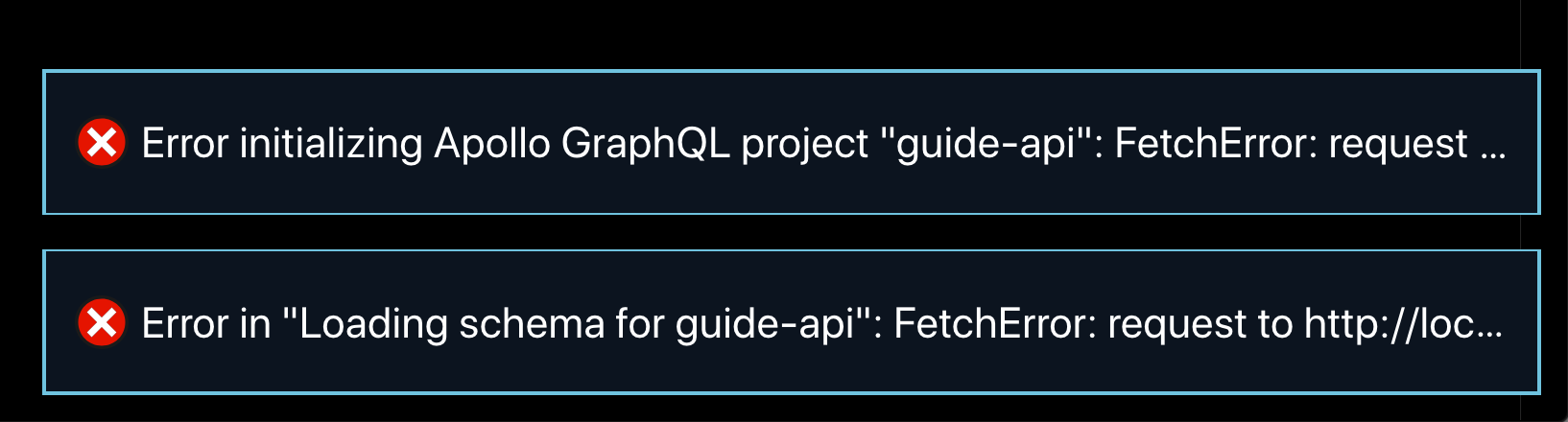
When I open my project and my dev server is not running, I get two errors and autocomplete no longer works. To fix it, I have to start my dev server and reload the window. It would be nice if the extension:
A) used the most recent version of the schema it was able to download
B) didn't show an error popup
module.exports = {
  client: {
    service: {
      name: 'guide-api',
      url: 'http://localhost:4000/'
    },
    excludes: ['**/*.graphql']
  }
}

When I open my project and my dev server is not running, I get two errors and autocomplete no longer works. To fix it, I have to start my dev server and reload the window. It would be nice if the extension:
A) used the most recent version of the schema it was able to download
B) didn't show an error popup