

Cartographic rendering and mesh analytics powered by PyVista
| ⚙️ CI |    |
| 💬 Community |   |
| ✨ Meta |    |
| 📦 Package |    |
| 🧰 Repo |    |
geojav-reykjanes-clip.mov
Submission to the Data Visualization and Effective Communication in Volcanology: Cross-disciplinary Lessons from Research and Practice collection in the Journal of Applied Volcanology.
Note
The geojav package does not contain production grade code. It is a proof-of-concept tool to help the paper authors easily explore the plume time-series datasets and collectively decide on the final static renders for submission.
Please follow these steps to install the geojav package.
Make a local clone of the geovista-jav-2026 repository:
> git clone https://github.com/bjlittle/geovista-jav-2026
> cd geovista-jav-2026
Create an environment to install geojav and all its required dependencies.
We recommend using pixi for package management.
Simply:
> pixi shell --environment geojavAdditionally, install direnv to activate/deactivate
the geojav environment automatically whenever you enter/leave the geovista-jav-2026
directory:
> pixi global install direnv
> direnv allow
Tip
For information about the system, workspace and available pixi environments:
> pixi infoSimply:
> conda env create --file requirements/geojav.yml
> conda activate geojav
Tip
Alternatively, for linux users only, install the fully resolved geojav environment:
> conda env create --file requirements/locks/geojav_linux-64_conda_spec.yml
> conda activate geojavSimply:
> pip install .
> pip install git+https://github.com/bjlittle/geovista.git@main
Warning
The PyPI package scitools-iris has a dependency on cf-units which in turn requires the Unidata UDUNITS-2 package (C based library) for units of physical quantities to be available.
The UDUNITS-2 package is not pip installable.
If you wish to interactvely explore either of the Raikoke and Reykjanes datasets, then please click either of the images below for further instructions.
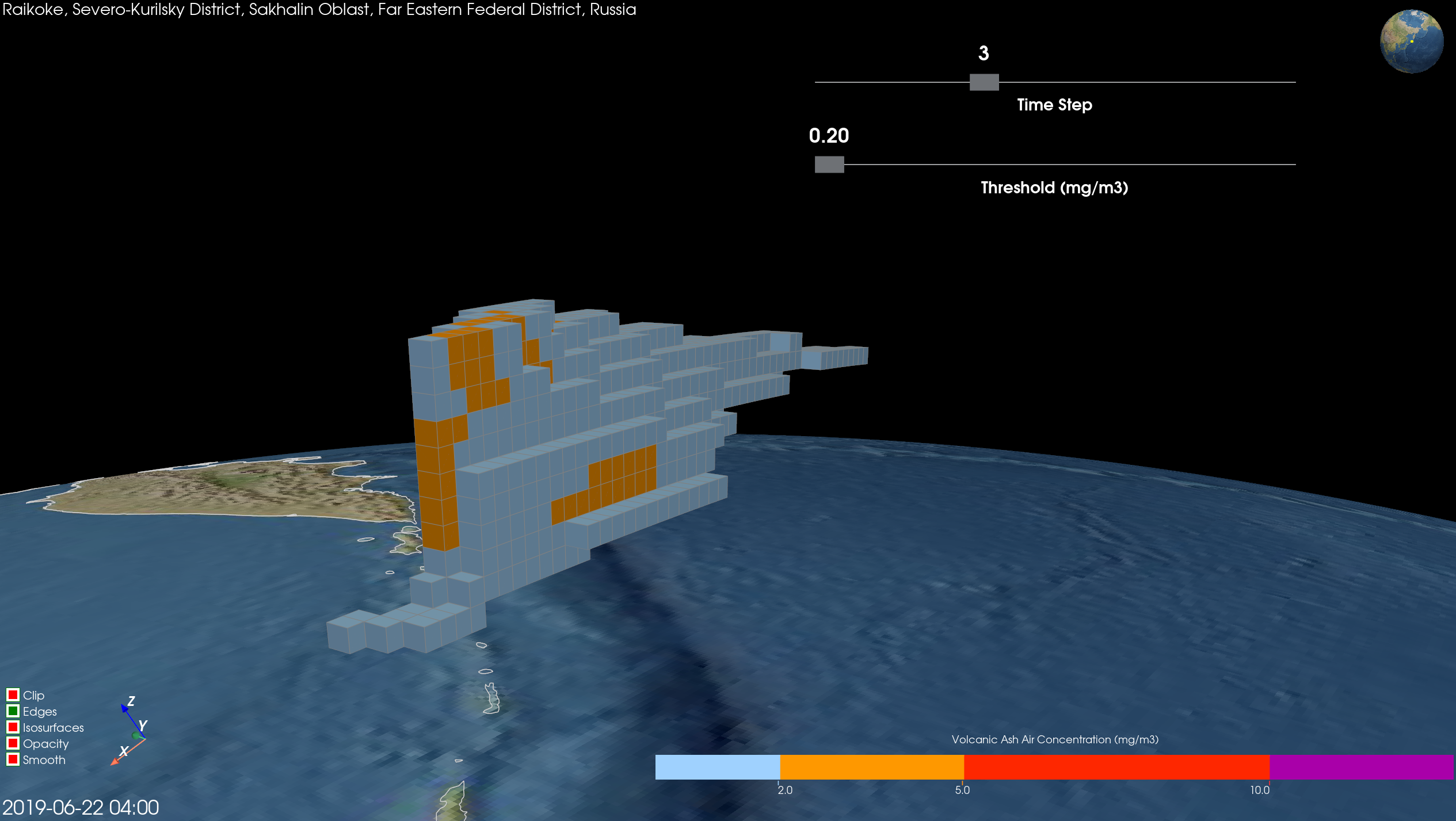
To download, unpack, preprocess and render the Raikoke dataset, simply:
> pixi run --frozen raikoke
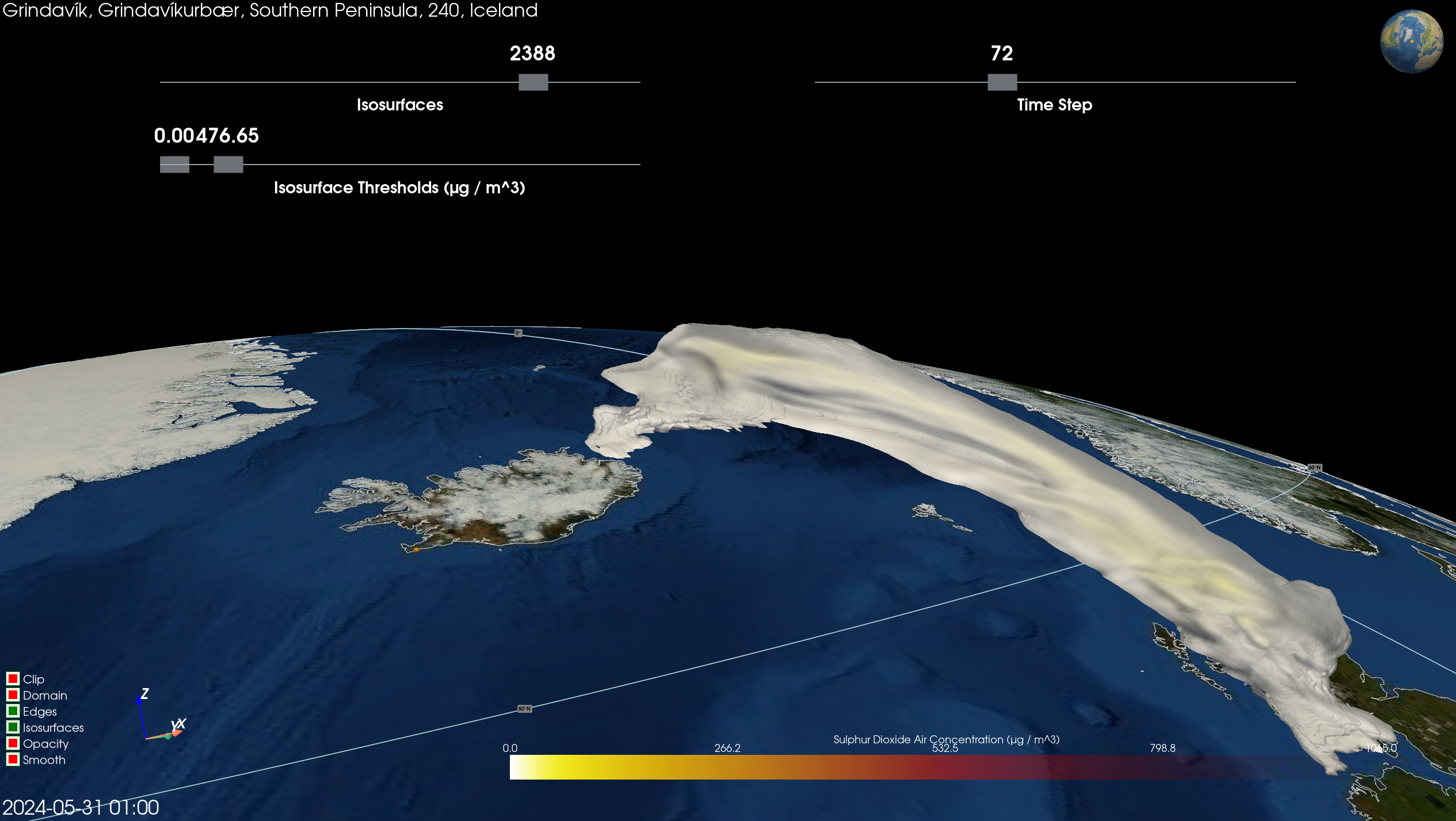
To download, unpack, preprocess and render the Reykjanes dataset, simply:
> pixi run --frozen reykjanes
Graphics and Lead Scientist: Ed Hawkins, National Centre for Atmospheric Science, University of Reading.
Data: Berkeley Earth, NOAA, UK Met Office, MeteoSwiss, DWD, SMHI, UoR, Meteo France & ZAMG.
#ShowYourStripes is distributed under a
Creative Commons Attribution 4.0 International License
