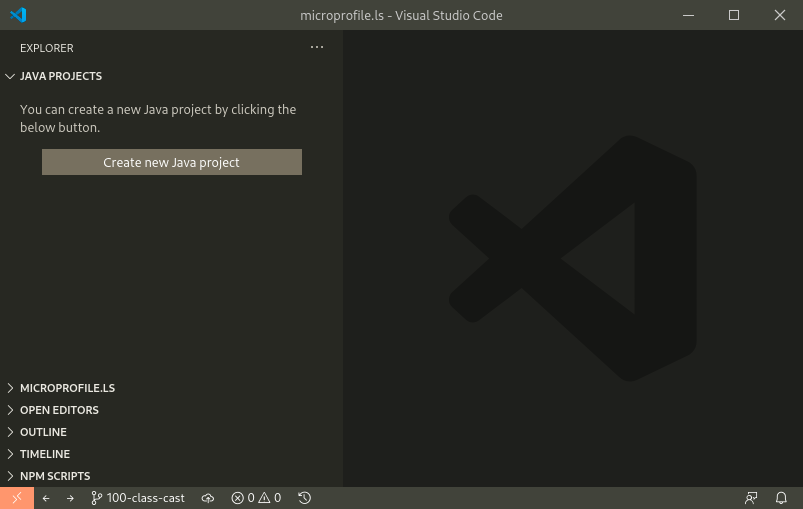
If you open the microprofile-ls folder in VSCode with no files open, the Java extension doesn't automatically start; it won't start until a Java file is opened:
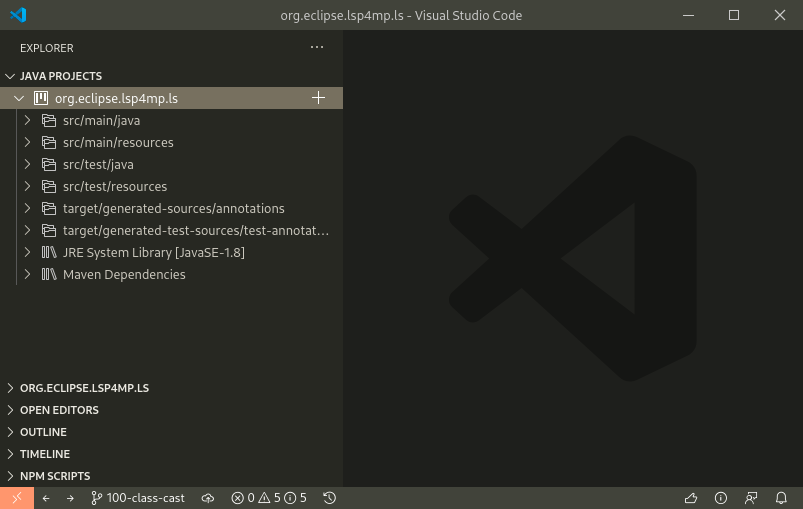
If you open the org.eclipse.lsp4mp.ls folder, the Java extension automatically starts:
However, the VSCode debug config file isn't accessible from the folder. Move the debug config folder (.vscode) into org.eclipse.lsp4mp.ls order to better support developing microprofile-ls in VSCode.

If you open the
microprofile-lsfolder in VSCode with no files open, the Java extension doesn't automatically start; it won't start until a Java file is opened:If you open the
org.eclipse.lsp4mp.lsfolder, the Java extension automatically starts:However, the VSCode debug config file isn't accessible from the folder. Move the debug config folder (
.vscode) intoorg.eclipse.lsp4mp.lsorder to better support developing microprofile-ls in VSCode.