Allow defmt-print to connect to a TCP port.#757
Allow defmt-print to connect to a TCP port.#757Urhengulas merged 14 commits intoknurling-rs:mainfrom
Conversation


|
This also works with OpenOCD example GDB commands: |

Segger J-Link debugger sessions listen on TCP port 19021 by default and dump RTT output to any client that connects to the port.

This allows defmt-print to log data WHILE you are debugging in your IDE.

example:
```
defmt-print tcp --host=127.0.0.1 --port=19021
```

The host and port can read from your environment variables `RTT_HOST` and `RTT_PORT` respectively.
|
Changelog updated and |


|
@hydra I added a few changes. Let me know what you think. And can you please test it as well? I don't have the J-Link debugger set up. |
|
@Urhengulas will test hopefully later today and get back to you. |
|
Ok @Urhengulas so I did a review of your comments and everything 'looks' ok, but didn't work with my saved 'external tools' configuration in IntelliJ that I've been using since I did the original PR. The issue is with commit 8b60a4c -> "Switch from String to IpAddr" Where things go wrong is like this: I have been supplying hostnames, not just IP address, on the command line. Usually you want it to work for both, especially for the use-case of an internet-connected J-Link or OpenOCD connected debugger that uses a DDNS hostname. You can also see this in one of my comments on this PR, here: #757 (comment) Additional, commit a5348ec -> "Add default values" should probably be using 'localhost' instead of an IP address. The actual functionality of reading frames over TCP works for me still when an IP address is used, e.g. Not sure what to suggest at this point. Options:
I'm keen to get the basic functionality of reading defmt frames over TCP to be merged in, so perhaps 1 or 3 might be better depending on your availability/schedule? |
|
Hostnames should work now. Can you please test again. If it does work we can merge it. |
Hi, I just grabbed the PR change, simpler than I thought it was going to be, nice! It seems to work fine, no error message when using hostname on the command line now. LGTM! |


2 participants


Why: The Segger J-Link debugger sessions listen on TCP port 19021 by default and it dumps RTT output to any client that connects to the port.
This allows defmt-print to log data so you can see it in real-time while you are debugging in your IDE.
example:
Output from
--helpis now:Default subcommand is
std-infor backwards compatibility.The host and port can read from your environment variables
RTT_HOSTandRTT_PORTrespectively.or
Once environment variables are set they are shown and used appropriately.
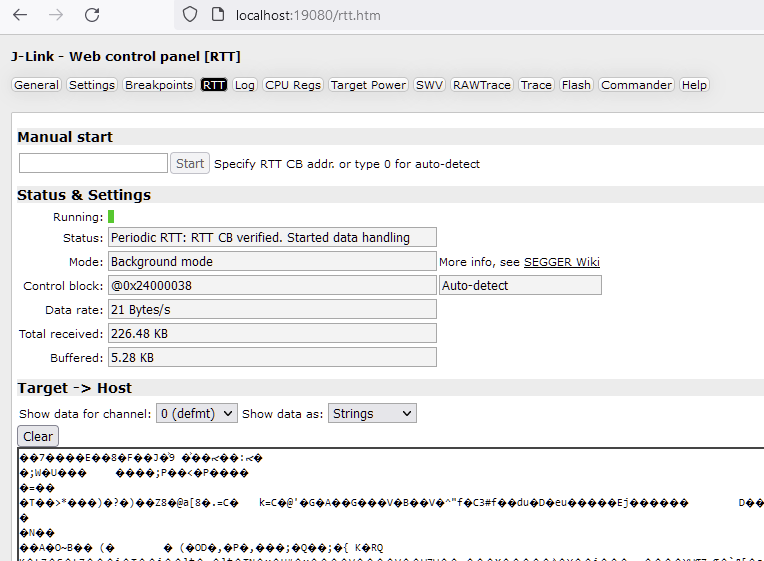
J-Link console:
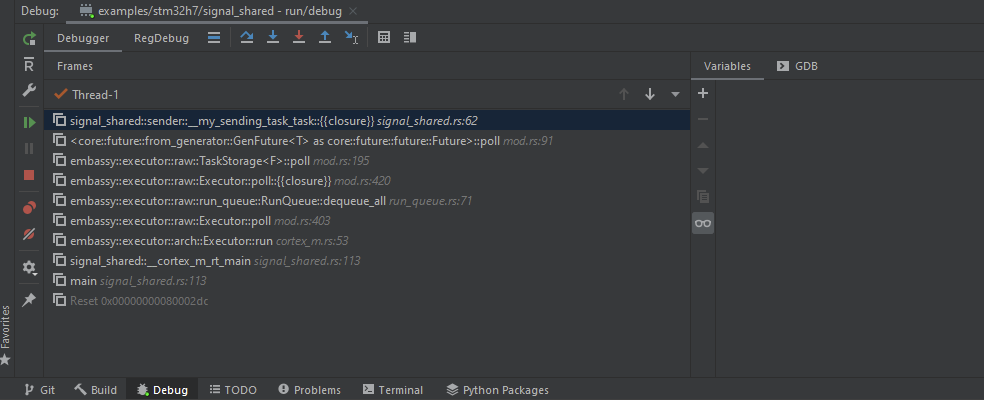
CLion debug session of the target:
defmt-print output:

This is a replacement PR for #676
EDIT: I updated the examples to show the
0.3.7output, the original comment previously had the0.3.2output