As of Mastodon v3, the "Custom Emoji" settings page in the Web UI (Settings > Administration > Custom Emoji) is now missing the "copy" column which would show whether or not you have a local copy of an emoji with the specified shortcode.
Expected behaviour
When searching for a shortcode in the "Custom Emojis" settings page, I should be able to tell which shortcodes already have emojis specified on my local instance and which do not.
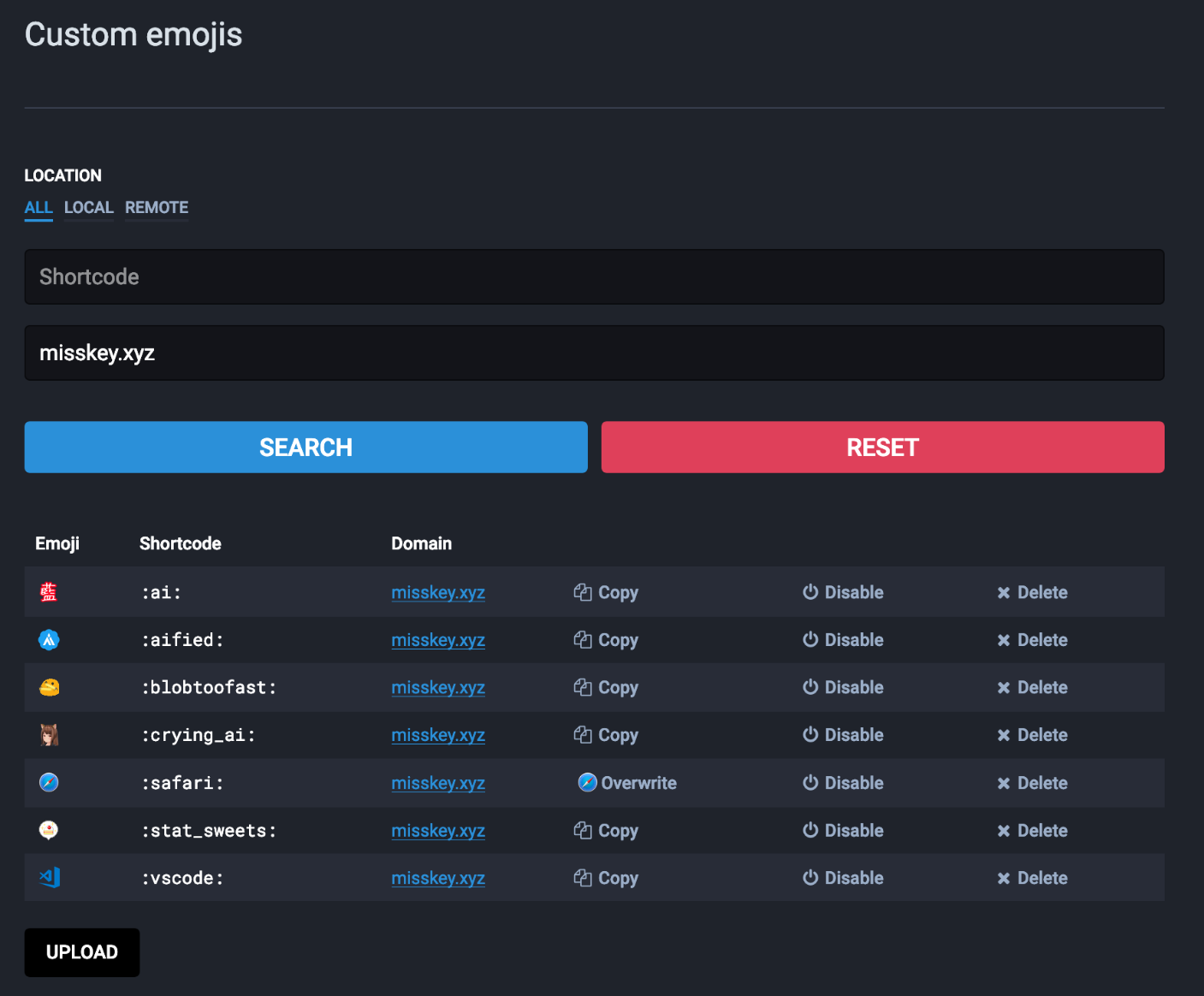
Actual behaviour
I am unable to tell which are in use without having a separate window open to search my local instance for specific shortcodes one at a time.
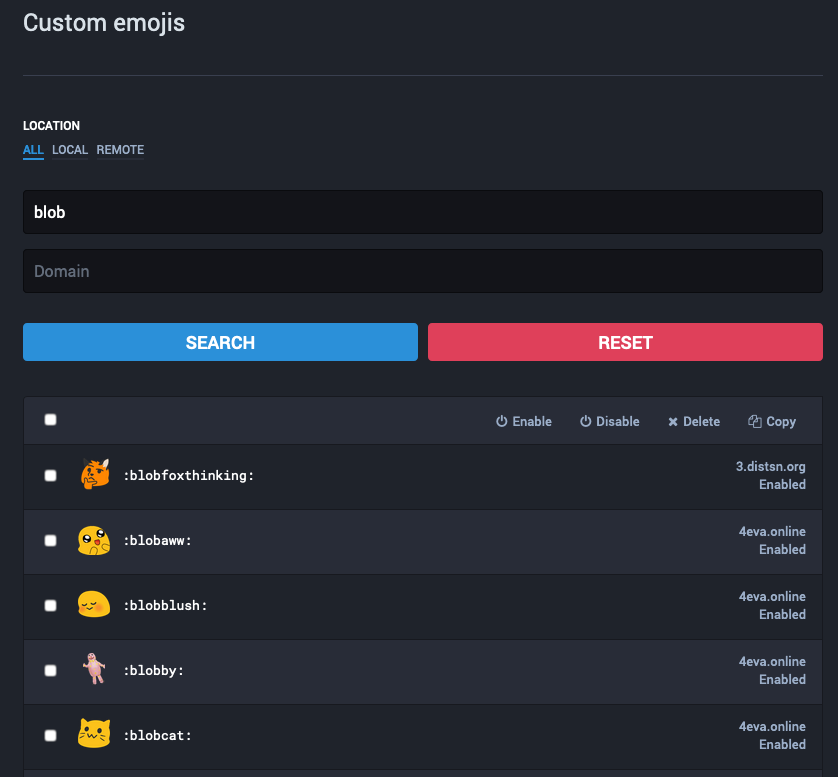
Steps to reproduce the problem
- Upgrade to Mastodon v3.0.0
- Open the custom emojis settings page
- Note the lack of indication for whether or not a shortcode is already in use
Specifications
Mastodon v3.0.0
All browsers, all OSes

As of Mastodon v3, the "Custom Emoji" settings page in the Web UI (Settings > Administration > Custom Emoji) is now missing the "copy" column which would show whether or not you have a local copy of an emoji with the specified shortcode.
Expected behaviour
When searching for a shortcode in the "Custom Emojis" settings page, I should be able to tell which shortcodes already have emojis specified on my local instance and which do not.

Actual behaviour
I am unable to tell which are in use without having a separate window open to search my local instance for specific shortcodes one at a time.

Steps to reproduce the problem
Specifications
Mastodon v3.0.0
All browsers, all OSes