Is your feature request related to a problem? Please describe.
When removing the 'orthogonal segments' (see #295), we have been forced to disable the projection on the shape perimeter as part of #1868.
It created side effects with the arrow depending on the zoom factor. See #1779 for more details.
Describe the solution you'd like
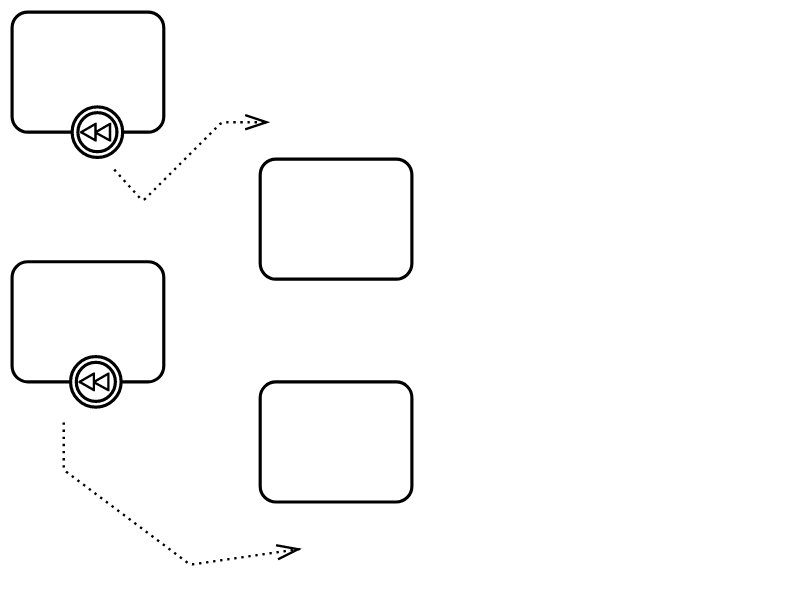
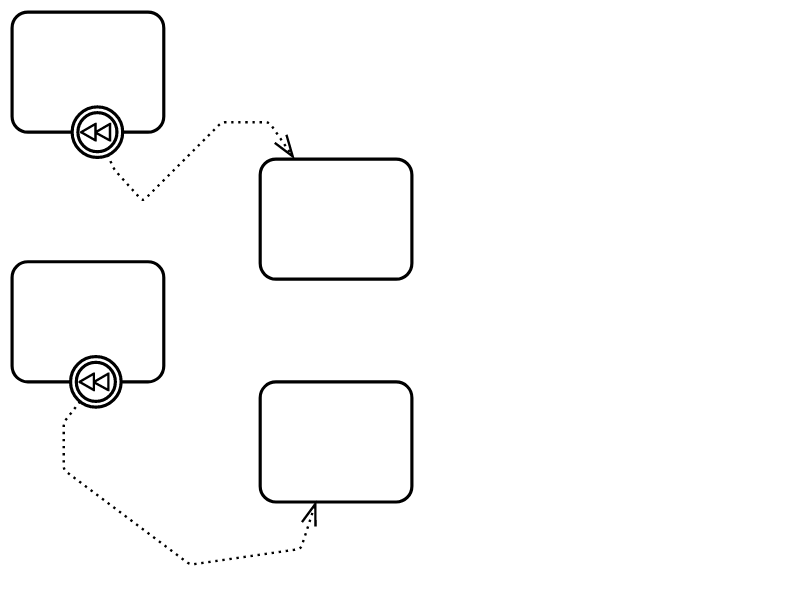
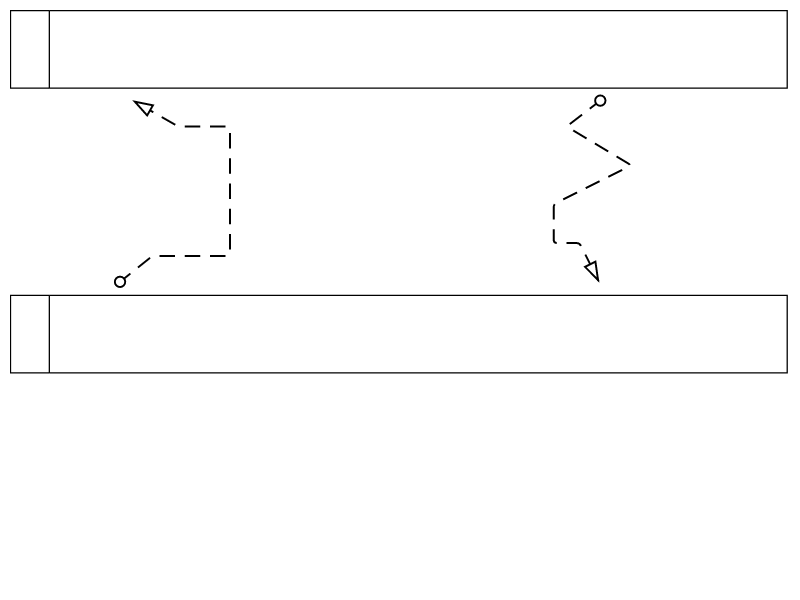
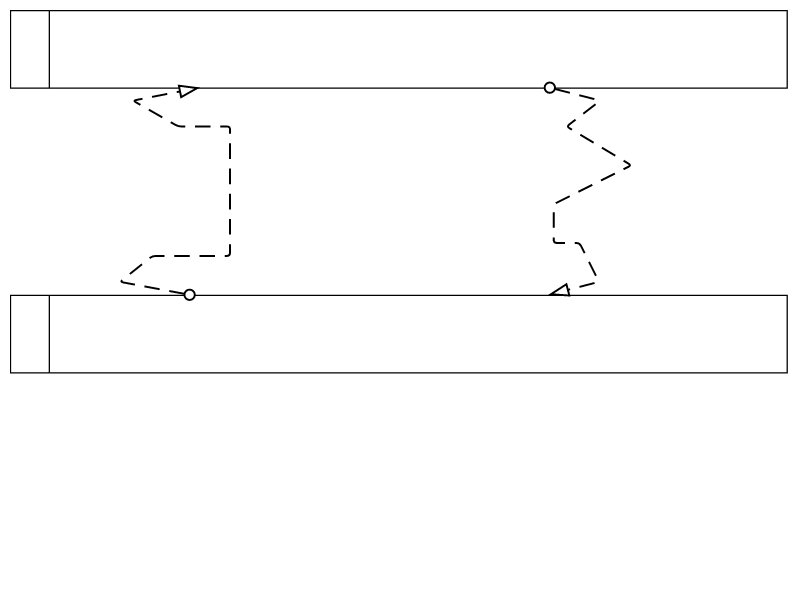
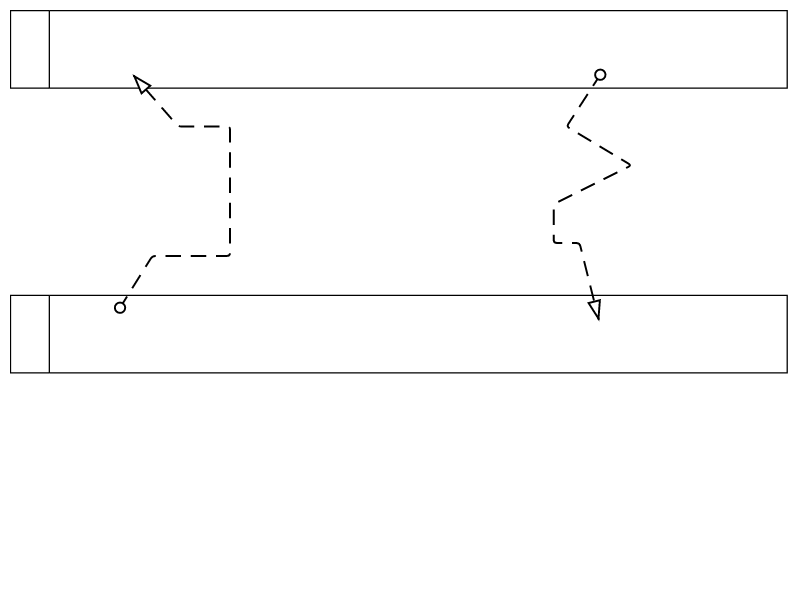
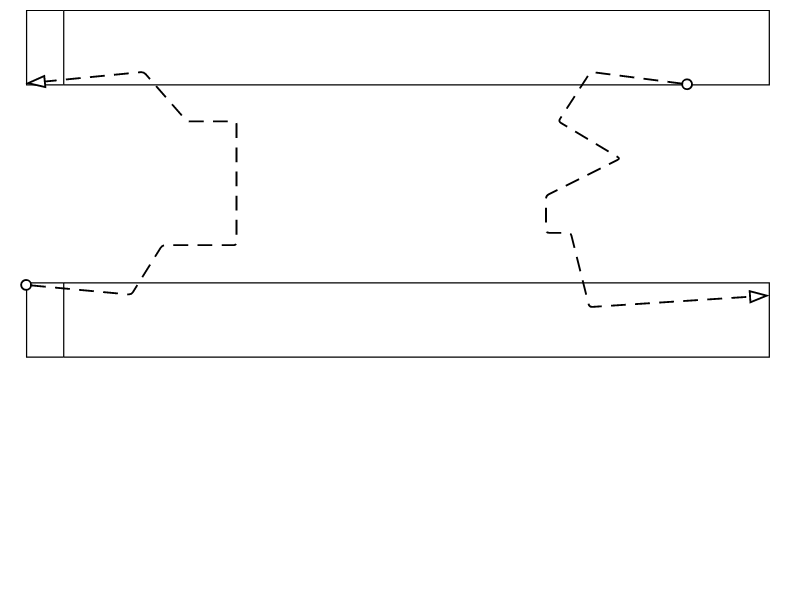
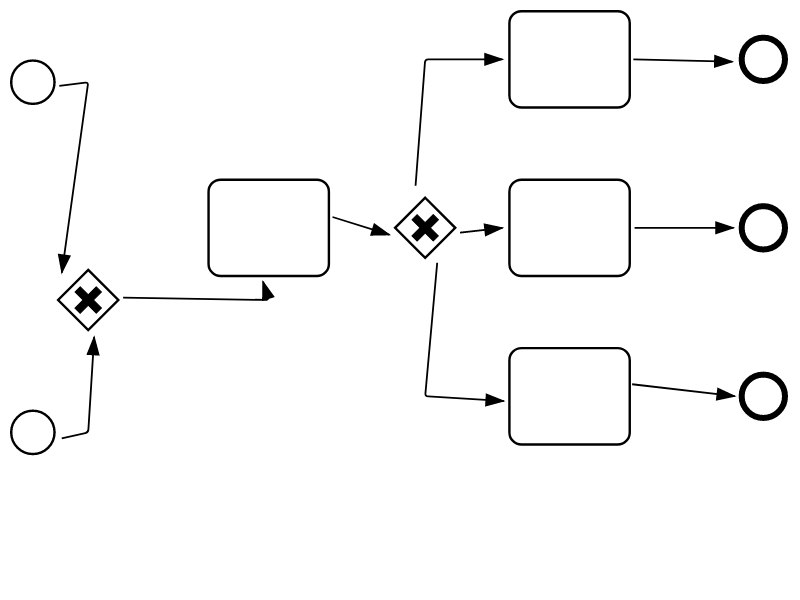
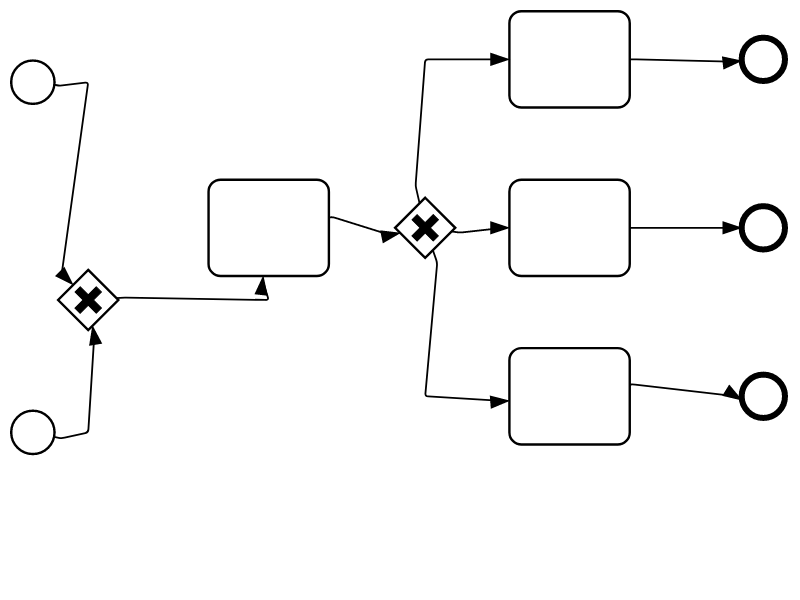
Having the terminal waypoints on the shape perimeter can help fixing glitches (in particular with arrows) when the BPMN source put it inside the shape. See screenshots later in the description.
Finding a way to have the terminal waypoints on the perimeter: we cannot use the standard mxgraph perimeter projection as it has side effects.
For instance, we could use the intersection of the perimeter with the existing last segment instead of doing a projection. That way, the point on the perimeter would be always aligned with the last existing segment and wouldn't create glitches with arrows like #351 (comment) (we have visual non regression test to detect such problems and fixes)
Additional context
On this topic, bpmn-js manages inside terminal waypoints by always putting the shape on top of the edge and use opacity with the shape fill color. mxGraph provides a way to always put shapes on top of edges
See the documentation about keepEdgesInBackground and keepEdgesInForeground.
Screenshots
Compare no projection and projection on the shape perimeter. In the following, the projection is done by creating a segment between the last point and the center of the shape, then by selecting the intersection of this segment with the shape perimeter. It is also possible to do a orthogonal projection of the last of point of the segment on the shape perimeter (via a style property - its name contains the 'orthogonal' word).
| use case |
no projection |
with projection |
| Associations (outside) |
 |
 |
| Message flow (outside) |
 |
 |
| Message flow (inside) |
 |
 |
| Sequence flow (outside) |
 |
 |
| Sequence flow (inside) |
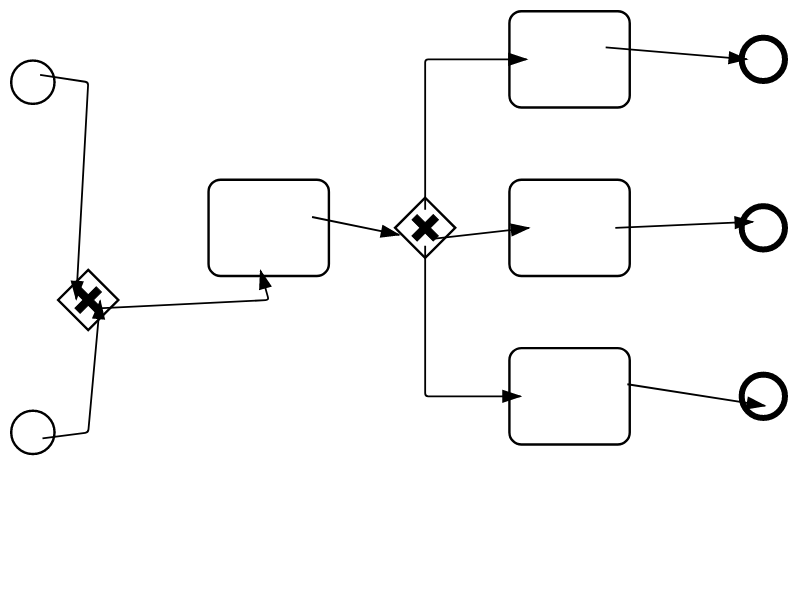 |
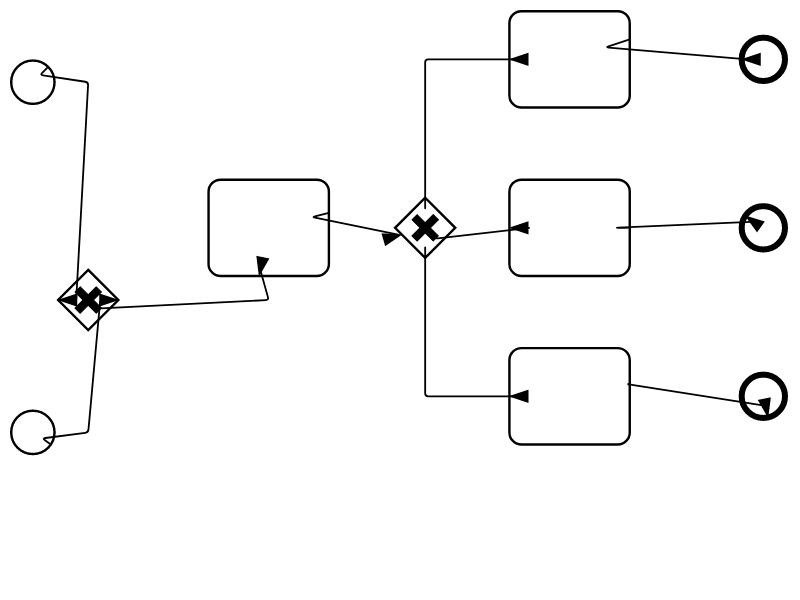 |

Is your feature request related to a problem? Please describe.
When removing the 'orthogonal segments' (see #295), we have been forced to disable the projection on the shape perimeter as part of #1868.
It created side effects with the arrow depending on the zoom factor. See #1779 for more details.
Describe the solution you'd like
Having the terminal waypoints on the shape perimeter can help fixing glitches (in particular with arrows) when the BPMN source put it inside the shape. See screenshots later in the description.
Finding a way to have the terminal waypoints on the perimeter: we cannot use the standard mxgraph perimeter projection as it has side effects.
For instance, we could use the intersection of the perimeter with the existing last segment instead of doing a projection. That way, the point on the perimeter would be always aligned with the last existing segment and wouldn't create glitches with arrows like #351 (comment) (we have visual non regression test to detect such problems and fixes)
Additional context
On this topic, bpmn-js manages inside terminal waypoints by always putting the shape on top of the edge and use opacity with the shape fill color. mxGraph provides a way to always put shapes on top of edges
See the documentation about
keepEdgesInBackgroundandkeepEdgesInForeground.Screenshots
Compare no projection and projection on the shape perimeter. In the following, the projection is done by creating a segment between the last point and the center of the shape, then by selecting the intersection of this segment with the shape perimeter. It is also possible to do a orthogonal projection of the last of point of the segment on the shape perimeter (via a style property - its name contains the 'orthogonal' word).