I think it would be cool to be able to see which version of the Web-Client and of the Shlink Application one is using.
Web-Client version is always the same but if I log in into another Server the Server should tell the Web-Client which version he is running on so people know when they use outdated versions.
I just quickly made a little demo how I think it could look.
ALL:
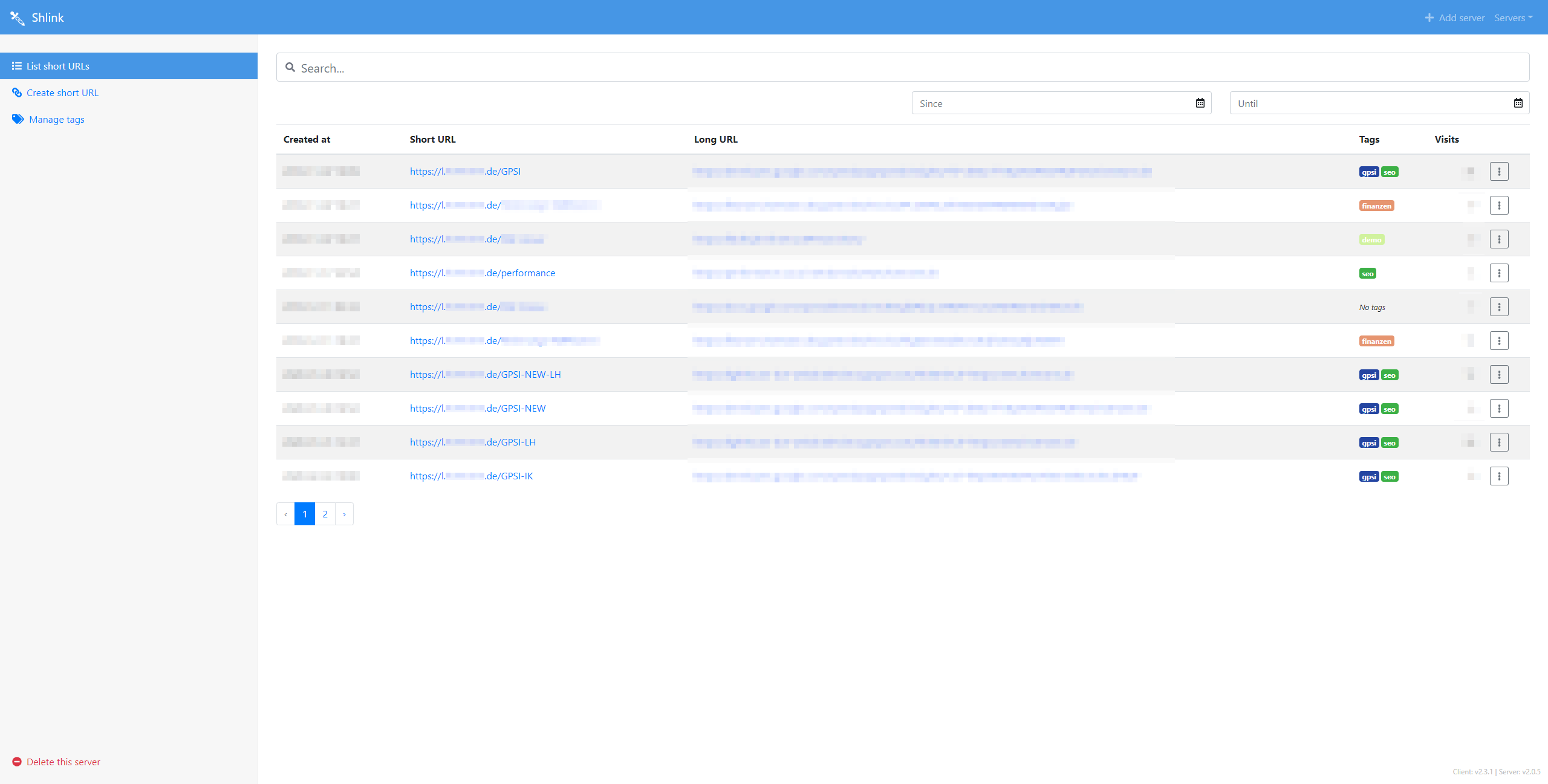
Zoomed:

If you like it and want to implement it I just give you the Code here:
- append (to last) in the div with the class
"shlink-container" a <div> with a class vInfo.
- add text with App info.
- add the CSS:
.vInfo{
    position: absolute;
    right: 1em;
    bottom: 1em;
    font-size: 12px;
    color: #bbb;
}
Ofc you can edit it so it fits however you think is the best.
But atm I dont know if Shlink itself even provides the information about its own app (Server) version info. But at least I could not find it here (LINK)
Client version info can be hardcoded in each web-client version in the html.
Would look like this:
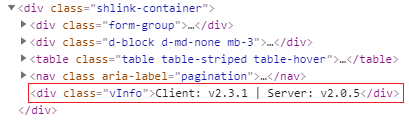
code to be added: <div class="vInfo">Client: v2.3.1 | Server: v$server_version </div>

I think it would be cool to be able to see which version of the Web-Client and of the Shlink Application one is using.
Web-Client version is always the same but if I log in into another Server the Server should tell the Web-Client which version he is running on so people know when they use outdated versions.
I just quickly made a little demo how I think it could look.
ALL:

Zoomed:

If you like it and want to implement it I just give you the Code here:
"shlink-container"a<div>with a classvInfo.Ofc you can edit it so it fits however you think is the best.
But atm I dont know if Shlink itself even provides the information about its own app (Server) version info. But at least I could not find it here (LINK)
Client version info can be hardcoded in each web-client version in the html.
Would look like this:
code to be added:
<div class="vInfo">Client: v2.3.1 | Server: v$server_version </div>