Add a "History" tab #2396
Conversation


|
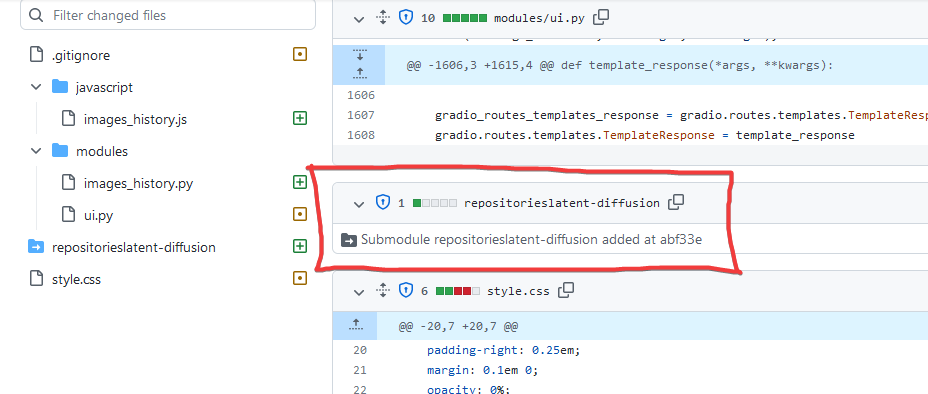
all right, walking slowly is preferred here. What is this: Also you don't have to close you PRs, you can just commit more and your new commits will automatically appear here. |

|
I'm testing this on Colab with Google Drive and it looks nice. But I'm getting some errors on the console: When selecting an image from the gallery:
When moving to the next page of the gallery:
When generating more images:
I guess the problem is that the files are in Google Drive and somehow the promise is not responding. Everything seems to work fine but is a little slow, selecting and loading a picture takes 2-3 seconds, loading a new page takes 10-20 seconds, again I guess this is because everything is loading from Google Drive. Also instead of "Renew Page" I think it works better: "Reload Page" or "Refresh Page" |
@innovaciones I have issued an issue to report this error,
source.id 'source' must be a DOM So it's conflicting |
I also don't know what strange things this is Maybe it's because there was another . cpkt model file in my webui directory, but I removed it and executed “git commit”. But git tell me “nothing to commit, working tree clean” I hope some experts can tell me And I did not close the previous PRs, which seems to be automatically closed? It seems that there is too much to learn about github |
You are right, this bug is from the new contextMenu feature from @dfaker, I commented out the code and the errors are gone |

|
Gah, never the exciting things, addressed in #2447 |

If I understand correctly, this implementation seems to account for a maximum of 1 sub-directories. I am currently trying to hack something together with glob), but I wanted to at least make sure the point is made. Otherwise, My non-deeply-nested directory seem to appears as intended. Update: Not suggesting this should be implemented 1:1 or anything, but I was able to at least load my history using |

This founds like the file is still tracked in git. Have you tried the command “git rm ”? After this you should be able to run the commit to remove it. |
thank you ,The problem has been solved |
I have considered the problem of deep nesting, but the subdirectories mode of webui does not generate deep nesting directories, so I have not considered this possibility. If there is such a requirement in actual use, we can make further improvements. Thank you for your suggestions |
@AUTOMATIC1111 All known problems have been solved, and a function of continuously deleting multiple files has been added, and some improvements have been made to prevent accidental deletion of files Expect my work to be merged into master brach of webui And I strongly recommend combine ‘’PNG Info‘’ block with my “History” block in the future,just add a gradio.Image to my page,to make the main page more concise. |
Just to clarify, setting Mine is currently set to Either way, this would be good to get merged if Auto is okay with it and it works with most users/configurations 👍 |
I see, I will fix immediately |
deep nesting directories problem is solved |
Finally got around to testing the fix Images from both deeply nested directories and top-level files also seem to behave the same, as expected. I can confirm that deeply nested directories indeed seem to be handled properly now, at least on my system. Thank you! |


|
Well, loading a page takes about 10 seconds on my data, because I have a lot of images and this implementation needs to list them all, but apart from that, seems to work. I would recommend considering an implementation where go through directories in last-modified orders, and stop early, after you've gotten enough iles to show on page - this way no matter how large your collection, you will be able to display results quickly. Another issue of course is big galleys slow down the browser to a crawl, but we are waiting for gradio to fix that. |

|
Consider adding an option to disable this feature completely for now, since big galleys really slowing the browser. I can even browsing the history section properly since it too laggy. |

|
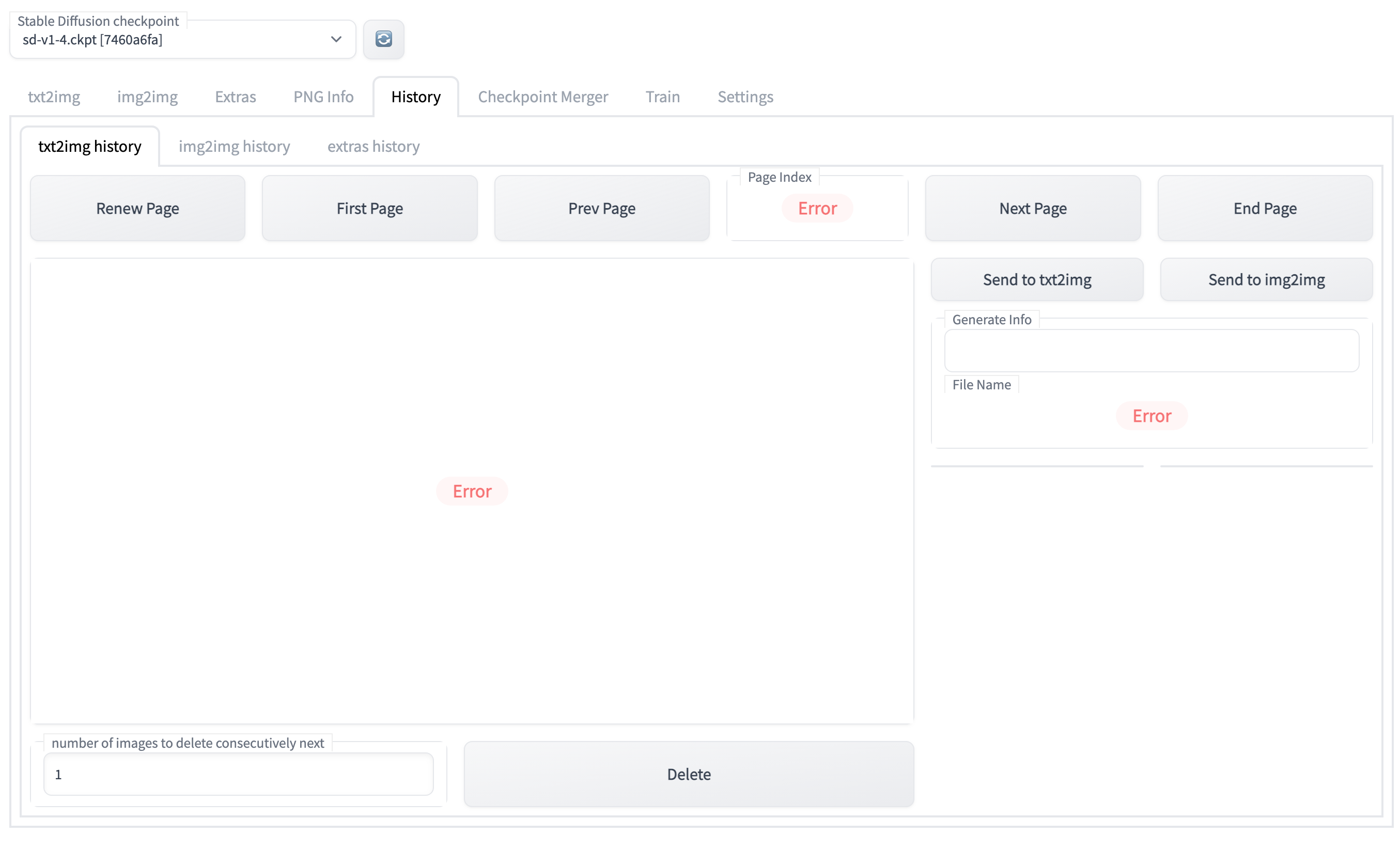
Sadly now is not working with Google Colab (with or without Google Drive), I guess the "deep nesting directories" feature is the culprit, before that it worked fine.
Error from Colab console:
Error from browser console:
|

| for p in d[1:]: | ||
| dir_name = os.path.join(dir_name, p) | ||
| with gr.Row(): | ||
| renew_page = gr.Button('Renew Page', elem_id=tabname + "_images_history_renew_page") |

There was a problem hiding this comment.
If you plan to do another PR for the folder issue, I like to suggest to rename some names
"Renew Page" -> simply "Refresh" or even better "🔄" as this is used already on the settings page
"End Page" -> "Last Page"

There was a problem hiding this comment.
I second this, like I already said "Renew Page" is not a good fit, "Refresh" works better

A check if the folder (the same is true for img2img) would be sufficent I guess. It also crashes on fresh runs. |
The folder is actually there, but for some reason is not detecting it |
too many file in a dir
I suggest you try changing “”Paths for saving “ in setting page,Then create the directories manually instead of automatically generated by the system |
1 similar comment
too many file in a dir
I suggest you try changing “”Paths for saving “ in setting page,Then create the directories manually instead of automatically generated by the system |
How about create an automatic sorting function to sort all pictures in the directory into different directories by date? It is necessary to change the directory structure of "Paths for saving".
If you think it's OK to force the directory structure to change, I can implement the function of of automatically arranging pictures and “go through directories in last modified orders“ |
I know the reason now, see this: https://learn.microsoft.com/en-us/windows/win32/fileio/maximum-file-path-limitation?tabs=registry windows has a limit of path length, maybe other OS also has similar rule |
|
@yfszzx I think we should be okay now that 4ed99d5 was merged. The above commit bumped the gradio dependency to 3.5.0, which included a fix to performance issues for Gradio and how it displayed images (previously raw base64 for each instance, if I understand correctly). See also: gradio-app/gradio#2265 |
Add a "History" tab
8 participants


Last two PR closed is here and here
I think I completed all requirements in this PR comment:
stable-diffusion-webui/outputs/txt2img-images/2022-10-10/00017-3508344613.png.Originally posted by @AUTOMATIC1111 in #2164 (comment)_
and standardized the code of JS according to suggestions in these PR comment by @moreRGB
It is worth mentioning that the problem of images in subdirectories has been completely solved
I think this “History”page has been running very well and smoothly. I hope it can be merged this time, thanks
——————————————————————————————————
This pull request is trying to build a tab browser of previous pictures in output directory for txt2img and img2img. We can easily browse the previously generated images, display the image generation information in PNG meta, push the image information to "txt2img" or "img2img", or delete the images we no longer need.
I try my best to encapsulate the new code independently to avoid affecting other functions of the project .
To facilitate the operation of HTML controls,I import jQuery Framework in the js script.
OS: both Win10, and Ubuntu Server


Browser Chrome,
Graphics card NVIDIA RTX 2080ti 11GB