Convert video to playable format if ffmpeg installed#2003
Conversation


 freddyaboulton
force-pushed
the
convert-video-to-playable-codecs
branch
from
freddyaboulton
force-pushed
the
convert-video-to-playable-codecs
branch
from
e55c4a8 to
459d485
Compare

| assert y.dtype == x.dtype | ||
|
|
||
|
|
||
| def test_video_has_playable_codecs(test_file_dir): |
There was a problem hiding this comment.
I added some files so that we can test positive and negative cases. I know increasing the repo size is a concern but I think testing the logic is worth adding the couple hundred kb
freddyaboulton
requested review from
abidlabs,
aliabd,
aliabid94,
dawoodkhan82 and
omerXfaruq

| def video_is_playable(video_filepath: str) -> bool: | ||
| """Determines if a video is playable in the browser. | ||
|
|
||
| A video is playable if it has a playable container and codec. |

There was a problem hiding this comment.
This is true all across major browsers?
There was a problem hiding this comment.
I believe so! Will confirm
| (".webm", "vp9"), | ||
| ] | ||
| # If anything goes wrong, assume the video can be played to not convert downstream | ||
| except Exception: |
There was a problem hiding this comment.
Nit: can we narrow the scope of this Exception?

There was a problem hiding this comment.
I got a
video_codec= output["streams"][0]["codec_name"]
IndexError: list index out of range
The narrowed scope of the exception broke my application, it worked when I reverted back to "except Exception"
There was a problem hiding this comment.
Ah yikes that's good to know. I think it would be still be better to have a scope that includes IndexError as well, but WDYT @freddyaboulton?
There was a problem hiding this comment.
@lazarusking sorry to hear that! I originally used a wide exception because analyzing video streams with ffmpeg felt really unpredictable.
Can you provide a reproducer so we can dig in further? I’m curious why ffmpeg can’t find any video streams in your file, yet the video can be played in the browser if comment this out.
There was a problem hiding this comment.
My ffmpeg demo
It basically takes a file and converts it to the chosen format, allowing you the option to play it as video, audio or just as a file.
In the older gradio version, playing an audio as a video still works(when you toggle to video display option) but the new one doesn't find any video stream for such a case and just breaks.
It didn't account for "if anything goes wrong in this case".
There was a problem hiding this comment.
Thanks - I can put up a PR to also catch IndexError and KeyError!
| (".webm", "vp9"), | ||
| ] | ||
| # If anything goes wrong, assume the video can be played to not convert downstream | ||
| except Exception: |
There was a problem hiding this comment.
Nit: can we narrow the scope of this Exception?
| """ | ||
| try: | ||
| container = pathlib.Path(video_filepath).suffix.lower() | ||
| output = subprocess.run( |
There was a problem hiding this comment.
Instead of using subprocess, could we use ffmpeg.probe for cleaner code and better error handling: https://kkroening.github.io/ffmpeg-python/#ffmpeg.probe
| global_options="-y -loglevel quiet", | ||
| ) | ||
| ff.run() | ||
| except: |
There was a problem hiding this comment.
Same nit: is it possible to narrow the scope to ffmpeg.Error?
There was a problem hiding this comment.
Yea good call!

|
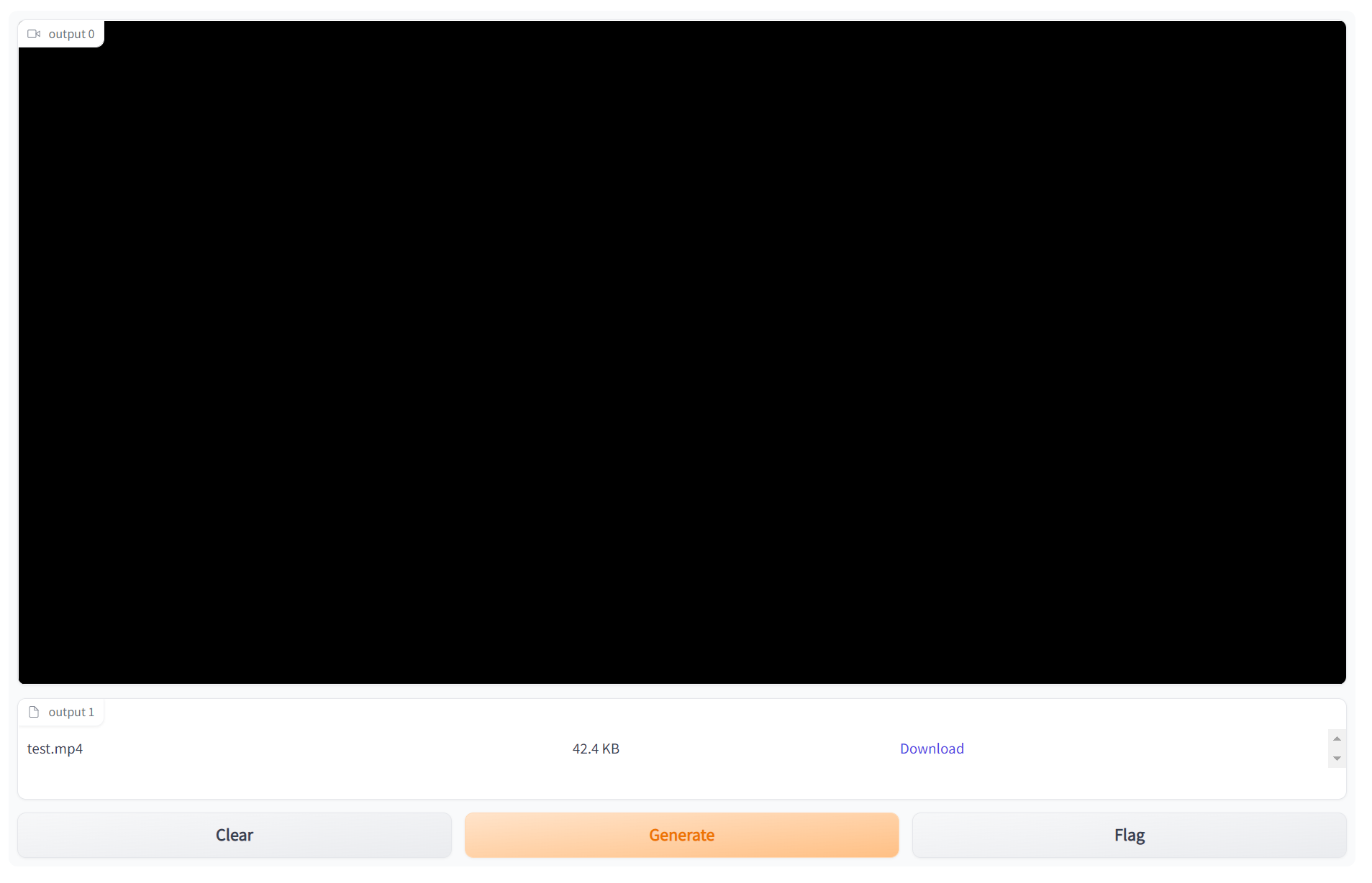
I tried running the
Note that downloading the file works fine. No Python logs except for the warning: On the JS side, I see: "Uncaught (in promise) DOMException: The element has no supported sources." Tested on Chrome and Edge browsers on Windows. |

|
@abidlabs Thanks for reviewing/running the demo! Let me dig into why it didn't work for you |
|
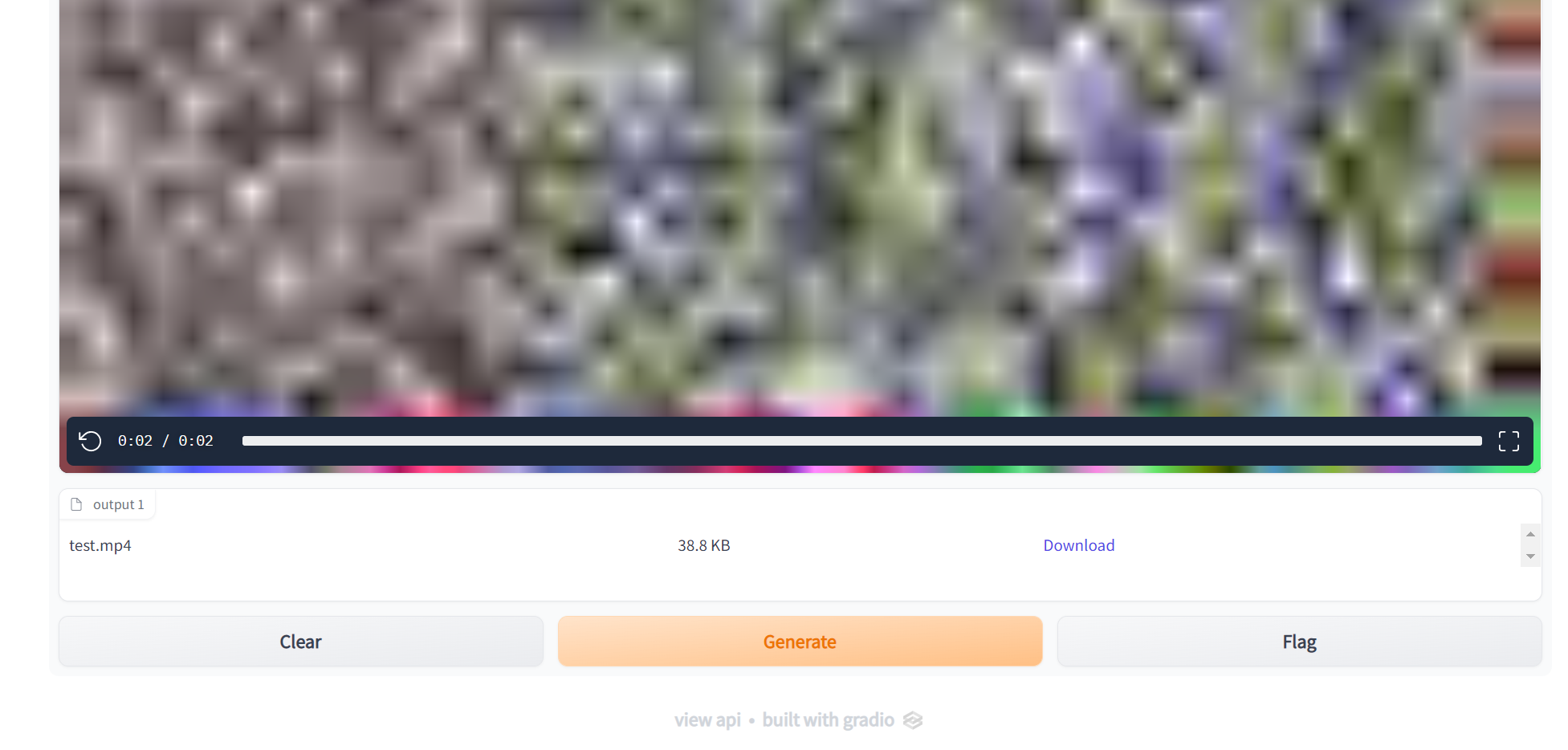
Working great now @freddyaboulton!
|
 freddyaboulton
force-pushed
the
convert-video-to-playable-codecs
branch
from
freddyaboulton
force-pushed
the
convert-video-to-playable-codecs
branch
from
0247be3 to
f3db84f
Compare

|
All the demos for this PR have been deployed at https://huggingface.co/spaces/gradio-pr-deploys/pr-2003-all-demos |

|
In my hf space, the video plays nicely on Chrome and Firefox, but not on Safari. I use the .ogg video container and the theora codec. Normally, I would expect a conversion to mp4, but this is not happening.. |
|
Hi @lukasfolle ! Thanks for asking. Very cool space and I am also unable to see the video on my mac when using safari. The conversion to mp4 may not be happening because .ogg is a playable video container but it has spotty support on safari: https://caniuse.com/?search=ogg Maybe you can "force" the mp4 conversion by giving your file an mp4 extension and using a different video codec? I think just changing the extension here to https://huggingface.co/spaces/lfolle/LDM-SyntheticChestX-Ray/blob/main/create_video.py#L19 |
|
Hi @freddyaboulton, Thanks for your reply. I now switched to mp4 (h264) and it seems to only work on edge, firefox now shows a black window for me. Running locally it works for me.. |

4 participants


Description
Fixes #1970
Fixes #1990
Fixes #1972
In summary, I added
video_is_playableutil function to determine if a video can be played in the browser andconvert_video_to_playable_mp4in the event that the video is not playable. The rest are just unit tests.I also added
white_noise_vid_not_playablewhich is a reproducer of the original problem listed in one of the issues.Checklist: