Create get started page for OpenShift in VSCode Open walkthrough #2441
There are no files selected for viewing
Loading
Sorry, something went wrong. Reload?
Sorry, we cannot display this file.
Sorry, this file is invalid so it cannot be displayed.
Loading
Sorry, something went wrong. Reload?
Sorry, we cannot display this file.
Sorry, this file is invalid so it cannot be displayed.
Loading
Sorry, something went wrong. Reload?
Sorry, we cannot display this file.
Sorry, this file is invalid so it cannot be displayed.
This file contains hidden or bidirectional Unicode text that may be interpreted or compiled differently than what appears below. To review, open the file in an editor that reveals hidden Unicode characters.
Learn more about bidirectional Unicode characters

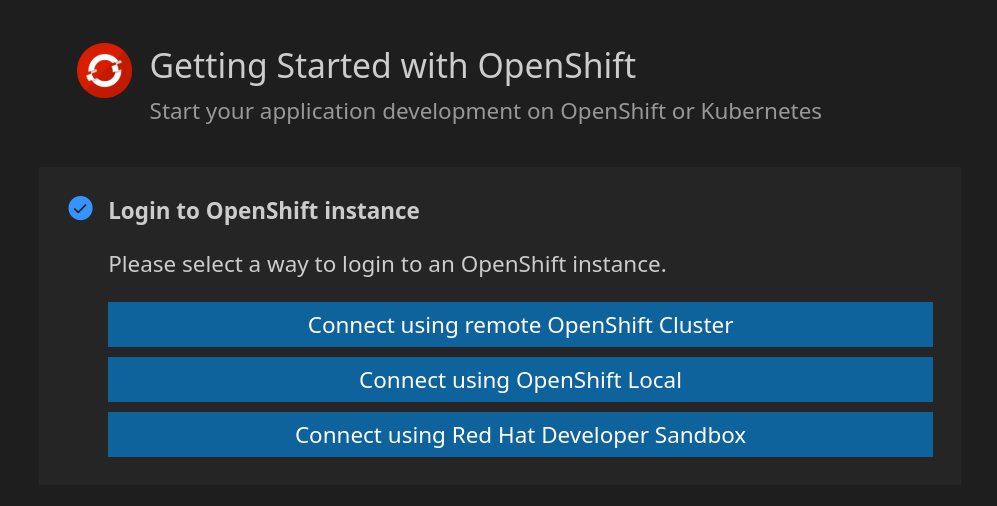

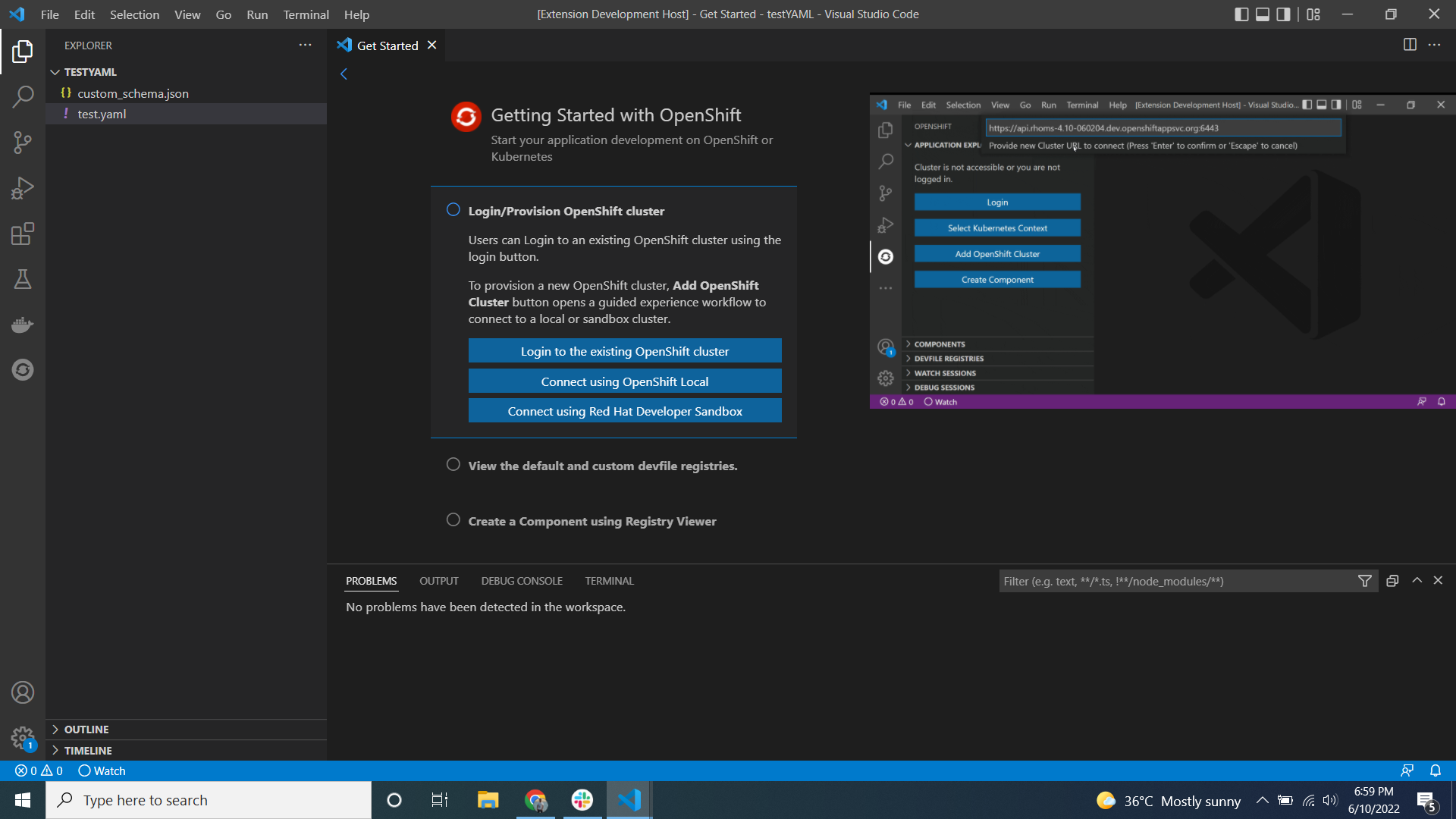


This file contains hidden or bidirectional Unicode text that may be interpreted or compiled differently than what appears below. To review, open the file in an editor that reveals hidden Unicode characters.
Learn more about bidirectional Unicode characters
This file contains hidden or bidirectional Unicode text that may be interpreted or compiled differently than what appears below. To review, open the file in an editor that reveals hidden Unicode characters.
Learn more about bidirectional Unicode characters
This file contains hidden or bidirectional Unicode text that may be interpreted or compiled differently than what appears below. To review, open the file in an editor that reveals hidden Unicode characters.
Learn more about bidirectional Unicode characters
| Original file line number | Diff line number | Diff line change |
|---|---|---|
|
|
@@ -12,9 +12,6 @@ | |
| <% if (!production) { %> | ||
| <script src="./devstub.js"></script> | ||
| <% } %> | ||
| <style> | ||
| html, | ||
| body { | ||
|
|
||
This file contains hidden or bidirectional Unicode text that may be interpreted or compiled differently than what appears below. To review, open the file in an editor that reveals hidden Unicode characters.
Learn more about bidirectional Unicode characters
This file contains hidden or bidirectional Unicode text that may be interpreted or compiled differently than what appears below. To review, open the file in an editor that reveals hidden Unicode characters.
Learn more about bidirectional Unicode characters
| Original file line number | Diff line number | Diff line change |
|---|---|---|
| @@ -0,0 +1,37 @@ | ||
| /*----------------------------------------------------------------------------------------------- | ||
| * Copyright (c) Red Hat, Inc. All rights reserved. | ||
| * Licensed under the MIT License. See LICENSE file in the project root for license information. | ||
| *-----------------------------------------------------------------------------------------------*/ | ||
|
|
||
| declare const acquireVsCodeApi: Function; | ||
|
|
||
| interface VSCodeApi { | ||
| getState: () => any; | ||
| setState: (newState: any) => any; | ||
| postMessage: (message: any) => void; | ||
| } | ||
|
|
||
| class VSCodeWrapper { | ||
| private readonly vscodeApi: VSCodeApi = acquireVsCodeApi(); | ||
|
|
||
| /** | ||
| * Send message to the extension framework. | ||
| * @param message | ||
| */ | ||
| public postMessage(message: any): void { | ||
| this.vscodeApi.postMessage(message); | ||
| } | ||
|
|
||
| /** | ||
| * Add listener for messages from extension framework. | ||
| * @param callback called when the extension sends a message | ||
| * @returns function to clean up the message eventListener. | ||
| */ | ||
| public onMessage(callback: (message: any) => void): () => void { | ||
| window.addEventListener('message', callback); | ||
| return () => window.removeEventListener('message', callback); | ||
| } | ||
| } | ||
|
|
||
| // Singleton to prevent multiple fetches of VsCodeAPI. | ||
| export const vscodeApi: VSCodeWrapper = new VSCodeWrapper(); |
Add this suggestion to a batch that can be applied as a single commit.
This suggestion is invalid because no changes were made to the code.
Suggestions cannot be applied while the pull request is closed.
Suggestions cannot be applied while viewing a subset of changes.
Only one suggestion per line can be applied in a batch.
Add this suggestion to a batch that can be applied as a single commit.
Applying suggestions on deleted lines is not supported.
You must change the existing code in this line in order to create a valid suggestion.
Outdated suggestions cannot be applied.
This suggestion has been applied or marked resolved.
Suggestions cannot be applied from pending reviews.
Suggestions cannot be applied on multi-line comments.
Suggestions cannot be applied while the pull request is queued to merge.
Suggestion cannot be applied right now. Please check back later.
Uh oh!
There was an error while loading. Please reload this page.